Skip to content
View in the app

A better way to browse. Learn more.

BariatricPal

A full-screen app on your home screen with push notifications, badges and more.

To install this app on iOS and iPadOS
  1. Tap the Share icon in Safari
  2. Scroll the menu and tap Add to Home Screen.
  3. Tap Add in the top-right corner.
To install this app on Android
  1. Tap the 3-dot menu (⋮) in the top-right corner of the browser.
  2. Tap Add to Home screen or Install app.
  3. Confirm by tapping Install.

Join BariatricPal free

  • Ask your own questions
  • Reply and follow topics
  • Message other members
  • No cost, no spam

❤ FEBRUARY 2019 CHALLENGE ❤

  • Popular Post

Don't you just love a Challenge !?!?!?!

Perfect, let's keep the ball rolling!!!

Info needed: Surgery status, losing/maintaining, weight, goal (challenge specific)

Basic rules: No junk foods (listed ?) because you're worth the very best

Start February 1st -Starting weight

End March 1st - Ending weight

There will still be incentives!!!

Adding a few fun rules I found on Pinterest (Pink) and a few exercise components you can throw in (only if you want) to maximize participation!!!

Let's keep it fun!!!

Choose from the ones that you enjoy!!!

Stay engaged and accountable. Participate as much as you like! (but check in so I can remember active participants)

Even pre ops can participate with the Challenge as well!

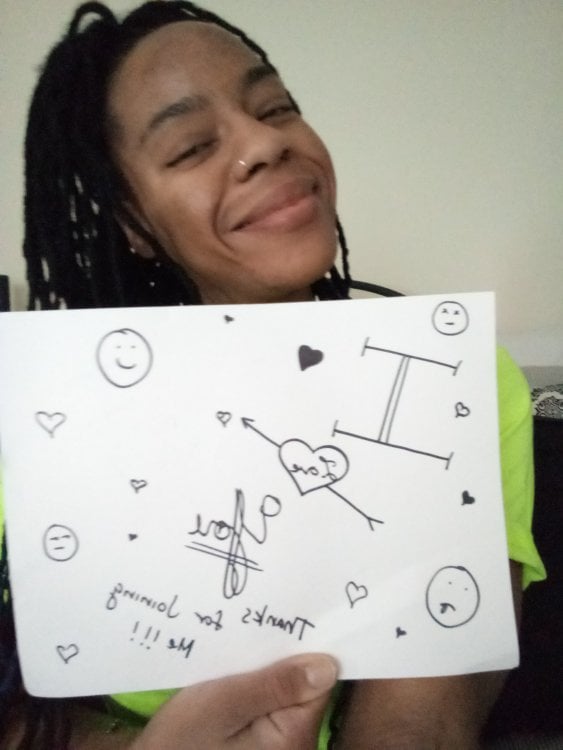
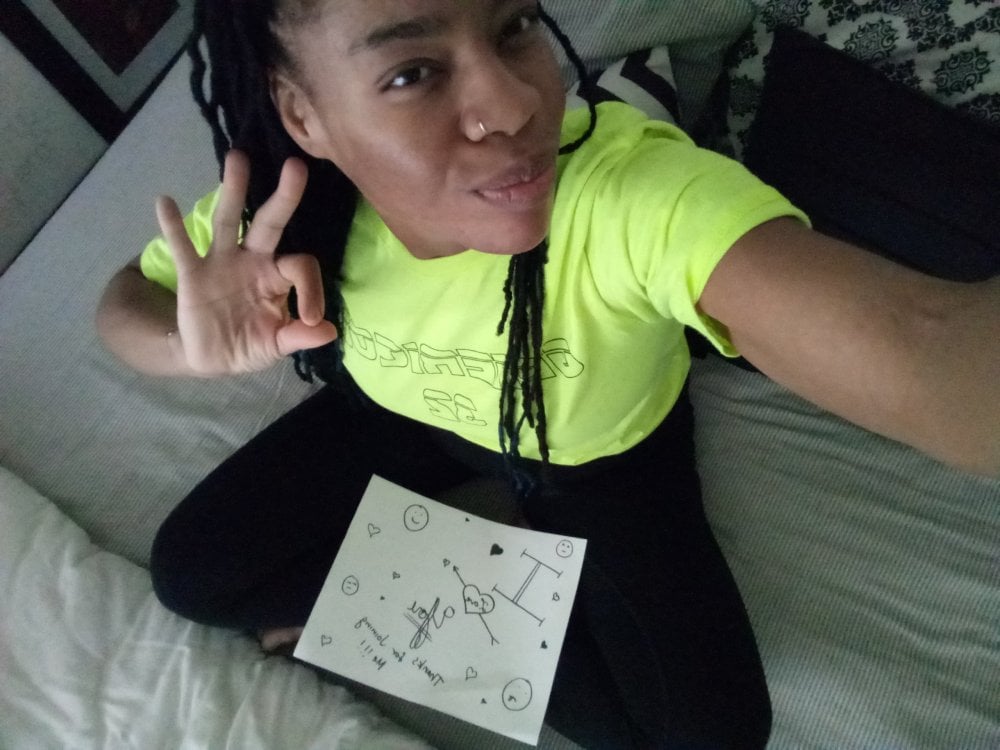
Self-Love-Challenge-12.jpg

Self-Love-Challenge1.jpg

Screenshot_2019-01-27-16-49-15~2.png

Edited by GreenTealael

  • Replies 284
  • Views 14.5k
  • Created
  • Last Reply

Top Posters In This Topic

Most Popular Posts

  • Fave feature...newfound collarbones

  • Ok, catching up. #1 Ha! Pasted @GreenTealael post to inspire brevity and cuz it was so great and concise! Then forgot to remove it! Derp! I'm not hebrew--I'm Irish/Cath. I'm a semi-obsessed

  • Favourite facial feature: my eyes. I have green eyes which although they are on the yellow end of the green spectrum rather than the blue, they're rather unusual to have, statistically speaking, so I


Posted Images

Featured Replies

  • Author

???????????????

❤❤❤❤❤❤❤❤❤❤❤❤❤❤❤❤❤❤❤

!!! STARTING THE FEBRUARY 2019 CHALLENGE TOMORROW !!!!

❤❤❤❤❤❤❤❤❤❤❤❤❤❤❤❤❤❤❤

???????????????

Edited by GreenTealael

I'm in ?!

Surgery 10/19/2017- Losing- 141LBS- Goal to reach 135 by March -6LBs

Thanks!

21 hours ago, ummyasmin said:

Oh phew!!

Same feeling! Cannot live with out my chocolate protein bars!

On 1/29/2019 at 6:52 AM, GreenTealael said:

I was thinking the same thing!!! Or rotating every few days, or just laying on the floor...

Those core workouts are the worst!

I feel nervous but I’d like to try this. Weight loss has slowed for me and I like that the challenge addresses food, exercise and the hardest of all — the head stuff. Count me in.
My surgery status.
HW 270
SW on 9/12 255
CW 205.5

I’m still attempting to lose.

Would like to make it to Onederland by the end of the challenge.
  • Author
8 minutes ago, Rosie T said:

My surgery status.
HW 270
SW on 9/12 255
CW 205.5

I’m still attempting to lose.

Would like to make it to Onederland by the end of the challenge.

I believe you can...

welcome aboard!

  • Author
9 minutes ago, DebbyC64 said:

Count me in.

You got it!

Count me in also!

I’m in too! RNY 12/24/18 HW 223 SW 205 CW 183 ...losing
I am innnnnn! Had some chocolate and cake around my birthday so it’s good to challenge me to not have anything for a month !

Sleeve surgery 9th of October,
HW 205 kilos
SW 185 kilos
CW 156 kilos

Hope I will see 150 at the end of this month !

Bypass 10/29/18, still losing

HW - 324.6

SW - 243.6

I'm going to try to do the plank challenge.....

I'd like to lose 15 pounds this month and do a plank for 1 minute.

Join the conversation

You can post now and register later. If you have an account, sign in now to post with your account.

Guest
Reply to this topic...

Account

Navigation

Search

Search

Configure browser push notifications

Chrome (Android)
  1. Tap the lock icon next to the address bar.
  2. Tap Permissions → Notifications.
  3. Adjust your preference.
Chrome (Desktop)
  1. Click the padlock icon in the address bar.
  2. Select Site settings.
  3. Find Notifications and adjust your preference.