Skip to content
View in the app

A better way to browse. Learn more.

BariatricPal

A full-screen app on your home screen with push notifications, badges and more.

To install this app on iOS and iPadOS
  1. Tap the Share icon in Safari
  2. Scroll the menu and tap Add to Home Screen.
  3. Tap Add in the top-right corner.
To install this app on Android
  1. Tap the 3-dot menu (⋮) in the top-right corner of the browser.
  2. Tap Add to Home screen or Install app.
  3. Confirm by tapping Install.
  • Appearance

Join BariatricPal free

  • Ask your own questions
  • Reply and follow topics
  • Message other members
  • No cost, no spam

OOTD

  • Replies 6.7k
  • Views 634.9k
  • Created
  • Last Reply

Top Posters In This Topic

Most Popular Posts

Posted Images

Featured Replies

  • Popular Post
4 minutes ago, sillykitty said:

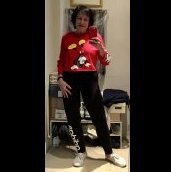
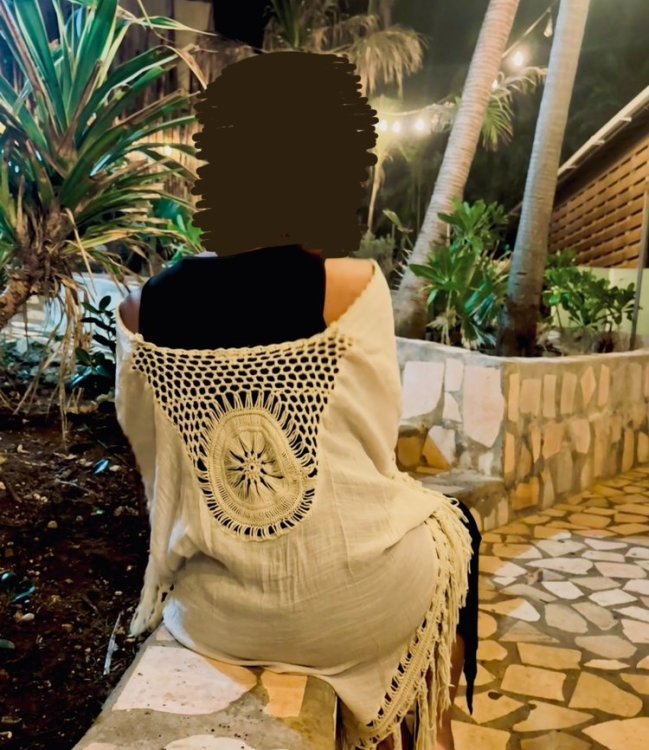
I’ll start!

I’m channeling my inner Elle Woods today ?

image-0.00202655792236328.jpg

Holy crap!!!! I am afraid I'm gonna be fined for excessive use of exclamations!!!!!!!! You look ahhhh-may-zing!!!!! WTG girl and huge congrats on your success.

Smokin' hot mama. BTW, note to yourself: channel Elle EVERYDAY. All. The. Days! IT worx!

And truly inspirational!

(I'll post mine today--have a business meeting out of my guest bedroom office that actually demands I dress professionally which does not include my 4x flannel pjs. :D )

  • Popular Post
20 minutes ago, sillykitty said:

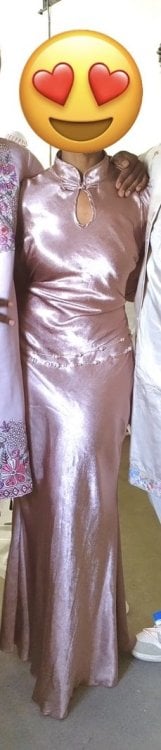
Outfit Of The Day

Feed your inner narcissist! Post a pic of when your outfit makes you feel cute, sexy, sassy, sporty and so on!

You look AMAZING!

  • Popular Post
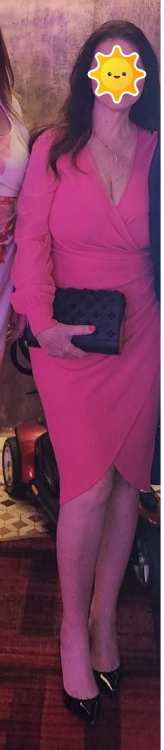
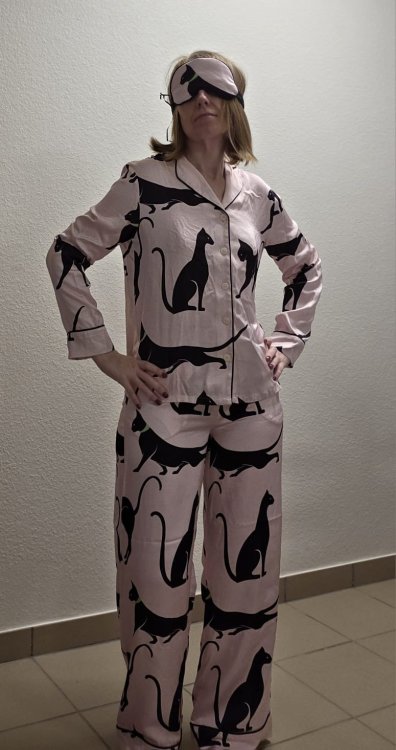
1 minute ago, GradyCat said:

20190506_094626.jpg

Good lord! Grady, why do you have a pic of your mom as your avitar when you look so young and adorbs here? LOVE the outfit and the lady!

Join the conversation

You can post now and register later. If you have an account, sign in now to post with your account.

Guest
Reply to this topic...

Account

Navigation

Search

Search

Configure browser push notifications

Chrome (Android)
  1. Tap the lock icon next to the address bar.
  2. Tap Permissions → Notifications.
  3. Adjust your preference.
Chrome (Desktop)
  1. Click the padlock icon in the address bar.
  2. Select Site settings.
  3. Find Notifications and adjust your preference.