




Start here
Where are you in your journey?
Choose the path that fits today. We’ll take you to the most useful discussions.
- GLP-1 medication Zepbound, Wegovy, access, side effects, progress, and support.
- Before surgery Compare procedures, plan ahead, and get honest pre-op answers.
- Post-op Recovery, food stages, symptoms, and support.
- Long-term Regain, labs, habits, and life after the honeymoon.
- Revision Explore revision options, complications, and next steps.
Before and After Pics
- Replies 4.5k
- Views 1.1m
- Created
- Last Reply
Top Posters In This Topic
-
Evolving 209 posts
-
ebonisekim 64 posts
-
HELLCATT81 43 posts
-
ms.sss 40 posts




Most Popular Posts
-
I remember being pre-op and my favorite thing to do was look at progress photos and dream I am 6 months, 10 days post op and I am down 128 pounds total. This isnt a very great pic since I have been
-
This is me, 7 months post-op..79lbs lost
-
I had surgery almost 10 months ago. Hubby is just eatting better



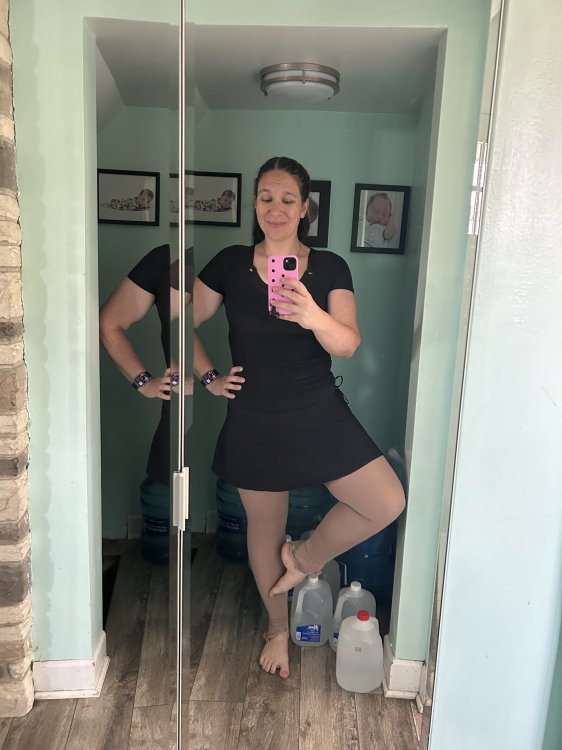
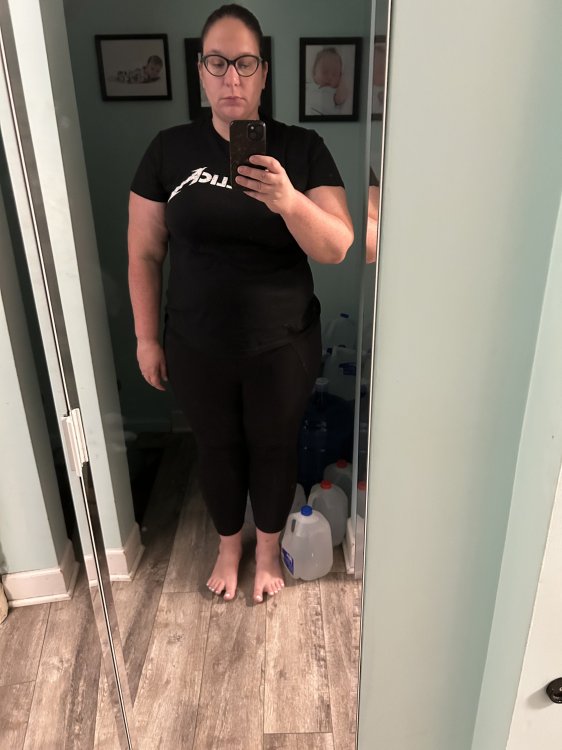

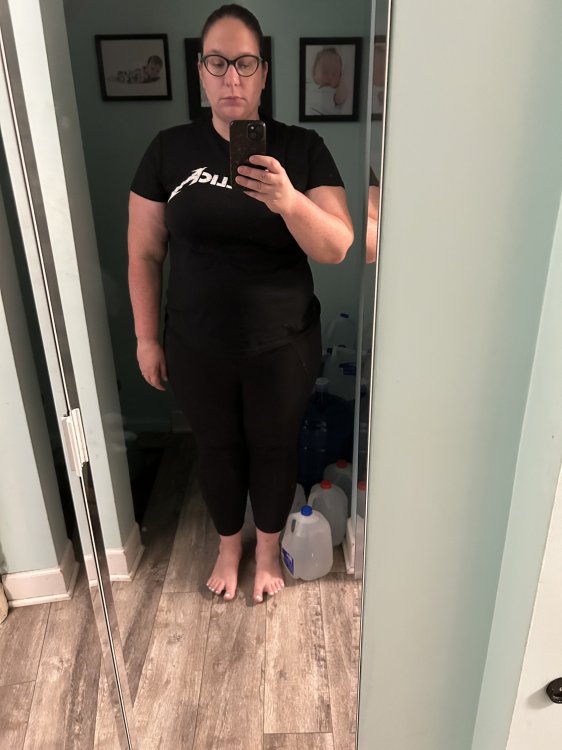
I love seeing the progress people have made after surgery. So for those comfortable enough to share them I'd love to see your before and after (and even progress) pics. I haven't had surgery yet (and wont for at least another 3mths) so I don't have any to post but I still like seeing what I have to look forward to. The pic below is me at my highest of 316lbs 2hrs after my son was born.