




Start here
Where are you in your journey?
Choose the path that fits today. We’ll take you to the most useful discussions.
- GLP-1 medication Zepbound, Wegovy, access, side effects, progress, and support.
- Before surgery Compare procedures, plan ahead, and get honest pre-op answers.
- Post-op Recovery, food stages, symptoms, and support.
- Long-term Regain, labs, habits, and life after the honeymoon.
- Revision Explore revision options, complications, and next steps.
My 6 month post-op surgeon visit results
- Replies 5
- Views 5.2k
- Created
- Last Reply
Top Posters In This Topic
-
GreenTealael 1 post
-
Lynda486 1 post
-
AJ Tylo 1 post
-
lisafrommassachusetts 1 post




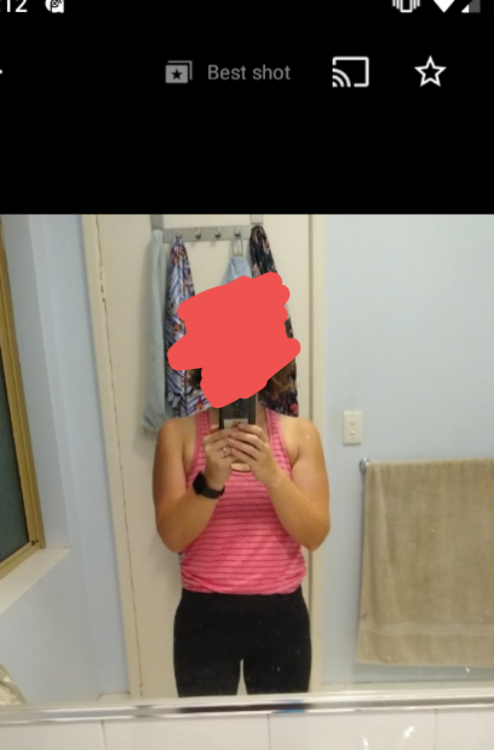

In the last 6 months, I've lost 35kg, dropped my body fat percentage from 40% to 25% and have lost countless cms from my body measurements. My surgeon, dietician and exercise physiologist we're delighted with my results. In fact the surgeon said "gee, you've lost the weight well" when he saw me. I'm assuming he just means I look awesome now lol. I'm now in the healthy BMI range. And my fave result, my thighs no longer rub when I walk!
This surgery has been life changing in every way, I wish it had done it ten years ago, and skipped another 5 cycles of yoyo diets and all the associated self loathing and trauma.
My before photo is not even at my biggest, I got pretty good at dodging the camera.