




- Replies 1
- Views 541
- Created
- Last Reply
Top Posters In This Topic
-
GreenTealael 1 post

Popular Days
Posted Images
Featured Replies
Join the conversation
You can post as a guest; create a free account to track replies, follow topics, and be part of the largest weight loss surgery community.
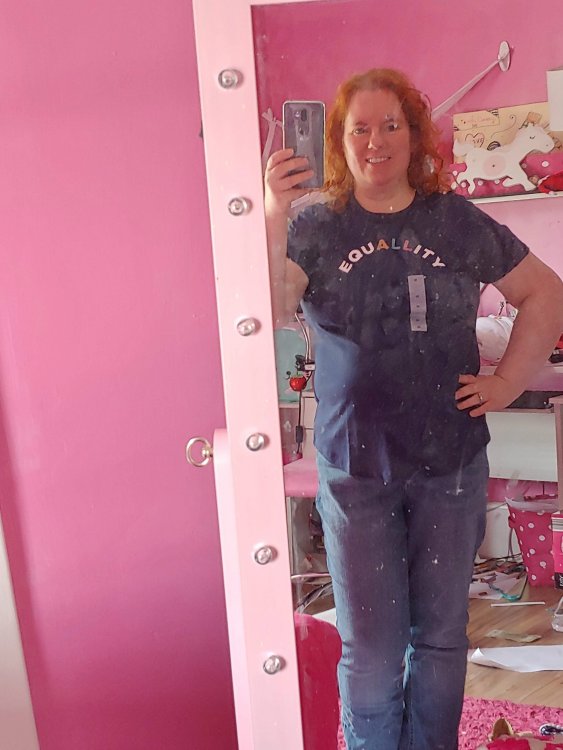
Forgive my daughter's disgusting room and mirror - I don't have a mirror in my own room (you know how that goes). But I guess I'll be wearing a Medium to Pride this summer when I'm home in Ireland!
I bought this in Old Navy on Black Friday last year knowing I would have the surgery in Feb - I wanted to hedge my bets and get a Large, but my daughter made me get a Medium. I hoped more than believed it would ever fit - but here we are! I could even need a Small by the time Pride rolls around in August - but maybe not with how slowly I lose, LOL.
(I'm not LGBTQ myself, but I am an Ally and my daughters and I take part in pride every year when we are home because equal rights mean so much!) ?️?