Skip to content
View in the app

A better way to browse. Learn more.

BariatricPal

A full-screen app on your home screen with push notifications, badges and more.

To install this app on iOS and iPadOS
  1. Tap the Share icon in Safari
  2. Scroll the menu and tap Add to Home Screen.
  3. Tap Add in the top-right corner.
To install this app on Android
  1. Tap the 3-dot menu (⋮) in the top-right corner of the browser.
  2. Tap Add to Home screen or Install app.
  3. Confirm by tapping Install.
  • Appearance

Join BariatricPal free

  • Ask your own questions
  • Reply and follow topics
  • Message other members
  • No cost, no spam

Before and After Pics

  • Popular Post

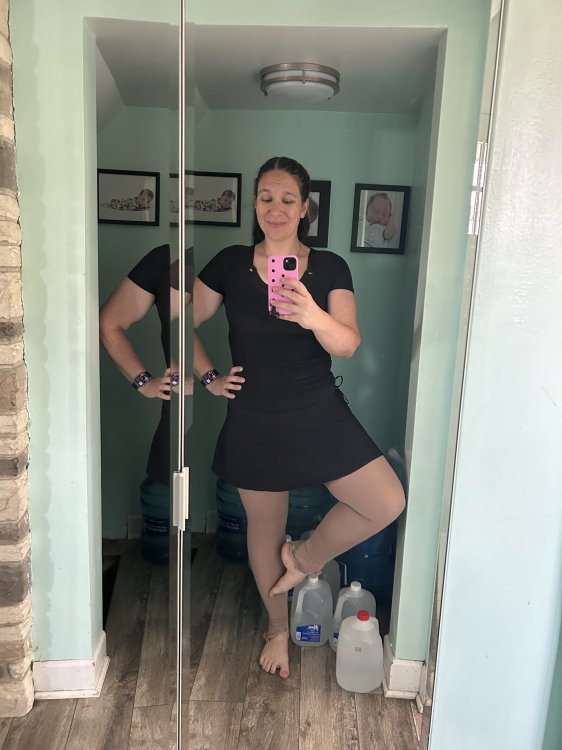
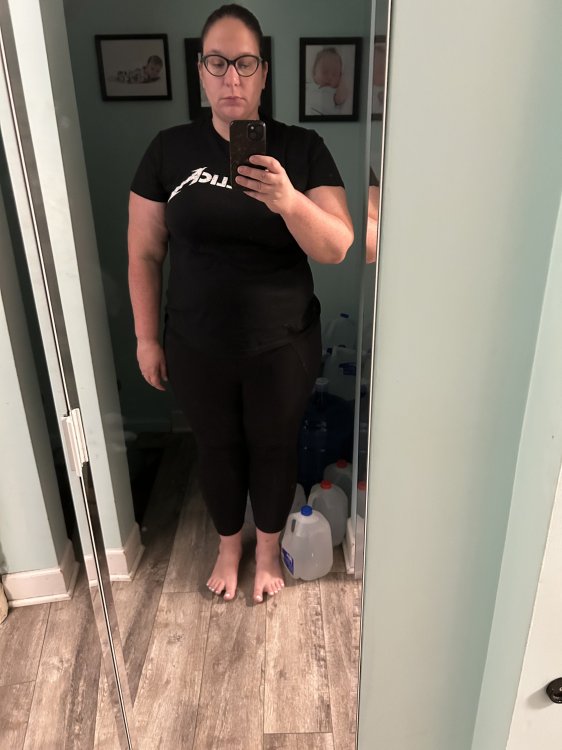
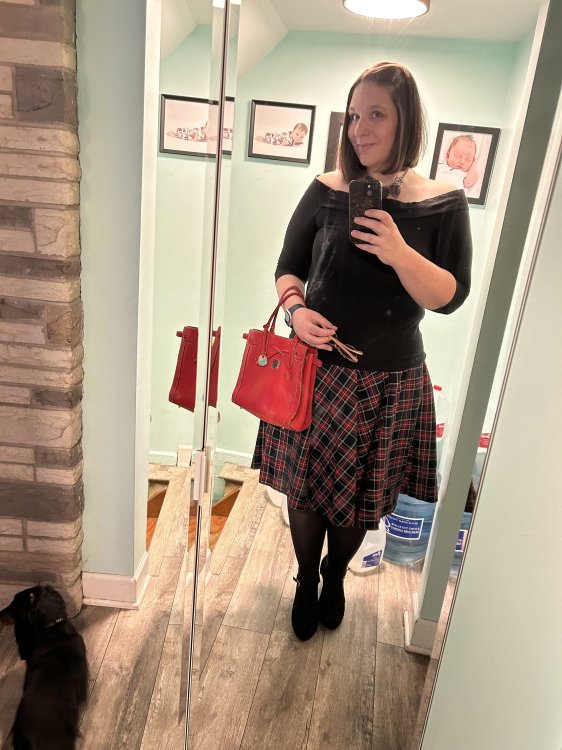
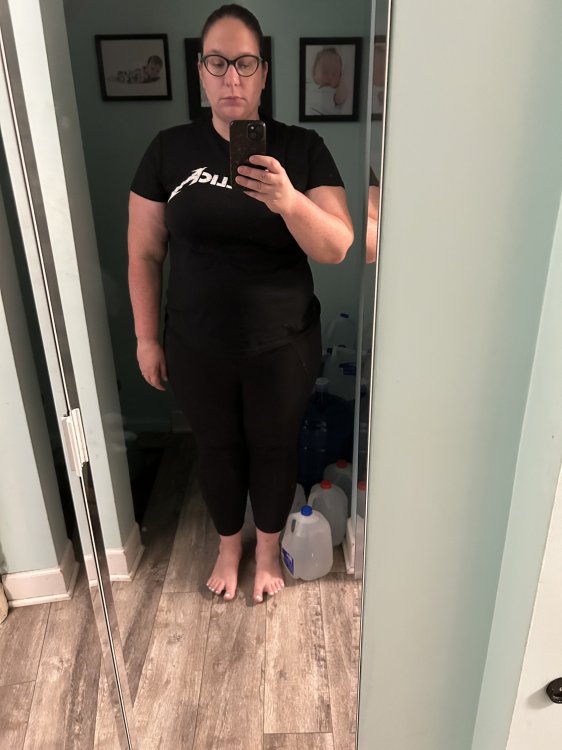
I love seeing the progress people have made after surgery. So for those comfortable enough to share them I'd love to see your before and after (and even progress) pics. I haven't had surgery yet (and wont for at least another 3mths) so I don't have any to post but I still like seeing what I have to look forward to. The pic below is me at my highest of 316lbs 2hrs after my son was born.

post-51102-13813663387747_thumb.jpg

  • Replies 4.5k
  • Views 1.1m
  • Created
  • Last Reply

Top Posters In This Topic

Most Popular Posts

  • I remember being pre-op and my favorite thing to do was look at progress photos and dream I am 6 months, 10 days post op and I am down 128 pounds total. This isnt a very great pic since I have been

  • This is me, 7 months post-op..79lbs lost

  • I had surgery almost 10 months ago. Hubby is just eatting better

Posted Images

Featured Replies

Was Sleeved just about three months ago, a little less. First pic is day of surgery, second one is current. Sleeved: October 7th 2013 Start Weight: 250 Current Weight: 170 Below doctors goal weight, 10 pounds till I reach personal goal weight. Day of surgery..... Current..... Sleeved: October 7th 2013 Start Weight: 250 Current Weight: 170 Below doctors goal weight, 10 pounds till I reach personal goal weight.

Congratulations on a huge success!!!! You deserve it!!!

Shelby

Join the conversation

You can post now and register later. If you have an account, sign in now to post with your account.

Guest
Reply to this topic...

Account

Navigation

Search

Search

Configure browser push notifications

Chrome (Android)
  1. Tap the lock icon next to the address bar.
  2. Tap Permissions → Notifications.
  3. Adjust your preference.
Chrome (Desktop)
  1. Click the padlock icon in the address bar.
  2. Select Site settings.
  3. Find Notifications and adjust your preference.