Chantel
Gastric Sleeve Patients
-
Joined
-
Last visited
Everything posted by Chantel
-
Thank you! :-)
-
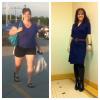
77 pounds lost so far. 8 months post op.
-
Every day first thing in the morning. :-)
-
Thank you, Cupcake. :-)
-
Thank you!
-
I like Syntrax double stuffed cookie (Oreo flavor) made with unsweetened vanilla almond milk. I usually have one of these for breakfast most days. For shakes made with fruit, I like the vanilla Body Fortress brand from Walmart with the same almond milk, frozen strawberries and banana. It's very close to my favorite smoothie from Smoothie King. :-)
-
The hardest thing for me so far has been making time for exercise. I work full time and have 3 small kids, so that is still my biggest challenge. :-)
-
I would love to connect. My fitbit profile is http://www.fitbit.com/user/2BSP5P. :-)
-
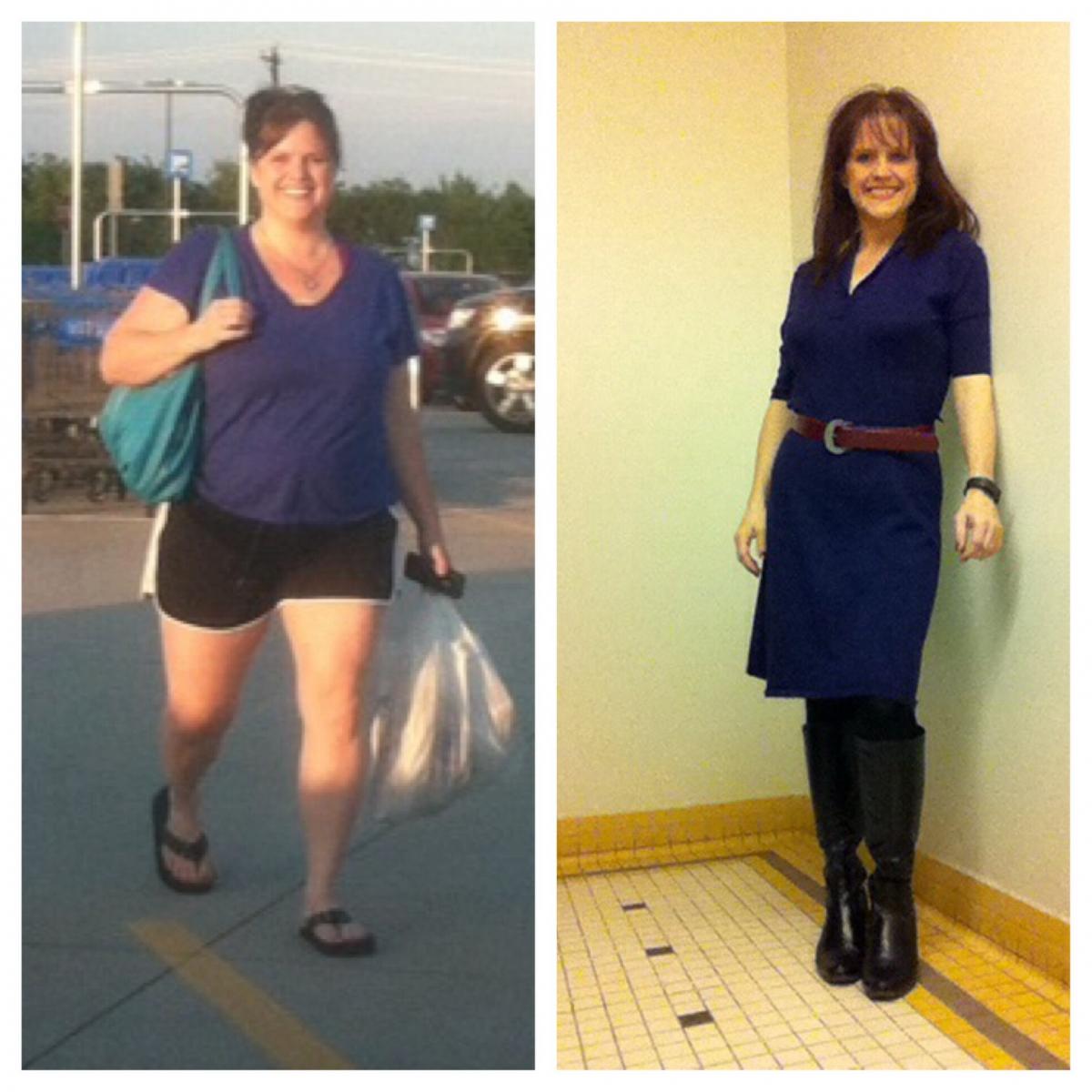
I am about 6 1/2 months out and down 64 pounds. A couple of pics here and I just posted LOTS in my gallery. I am 5'3" and have 18 pounds left to my goal. :-)




-
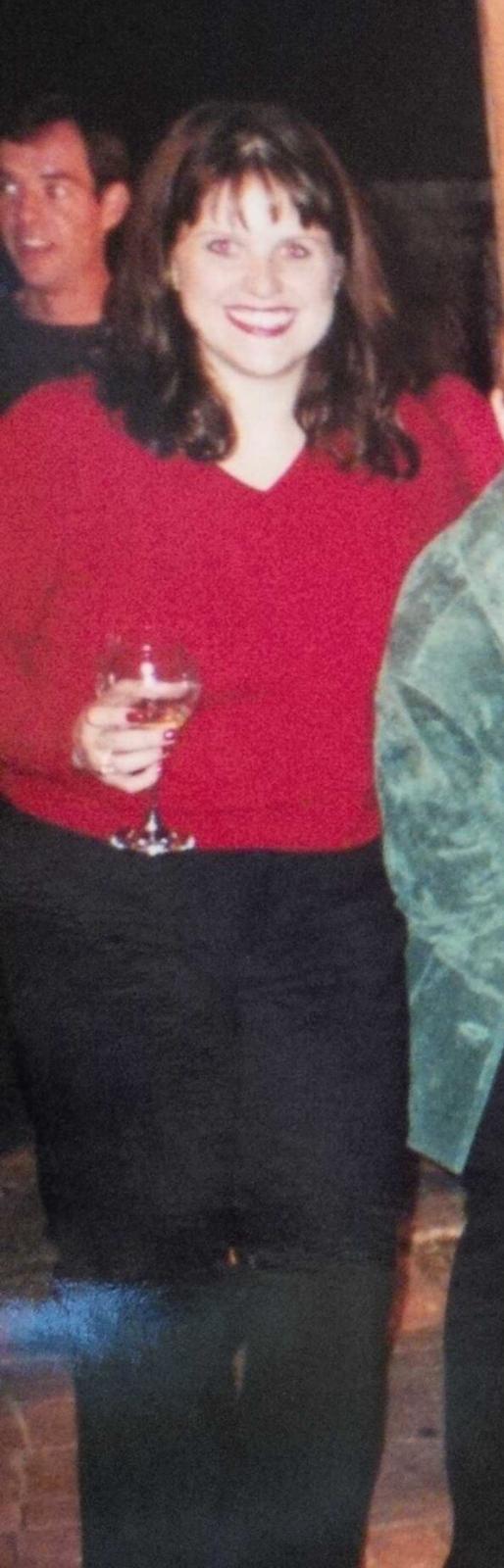
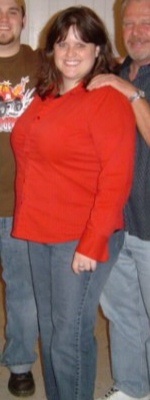
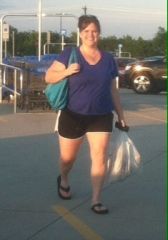
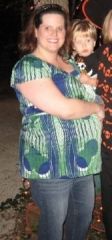
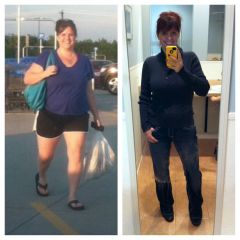
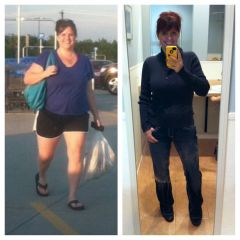
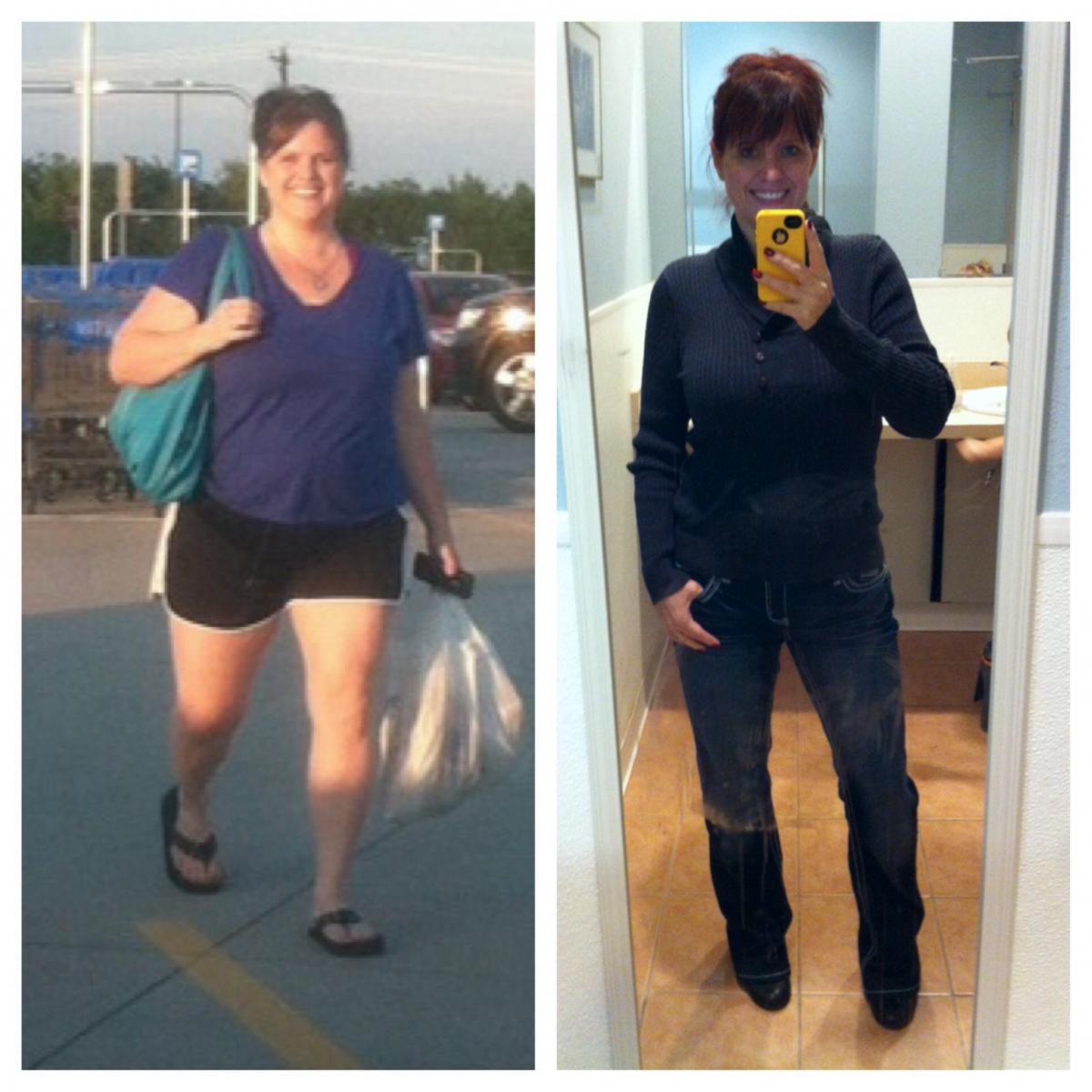
Before pics
-
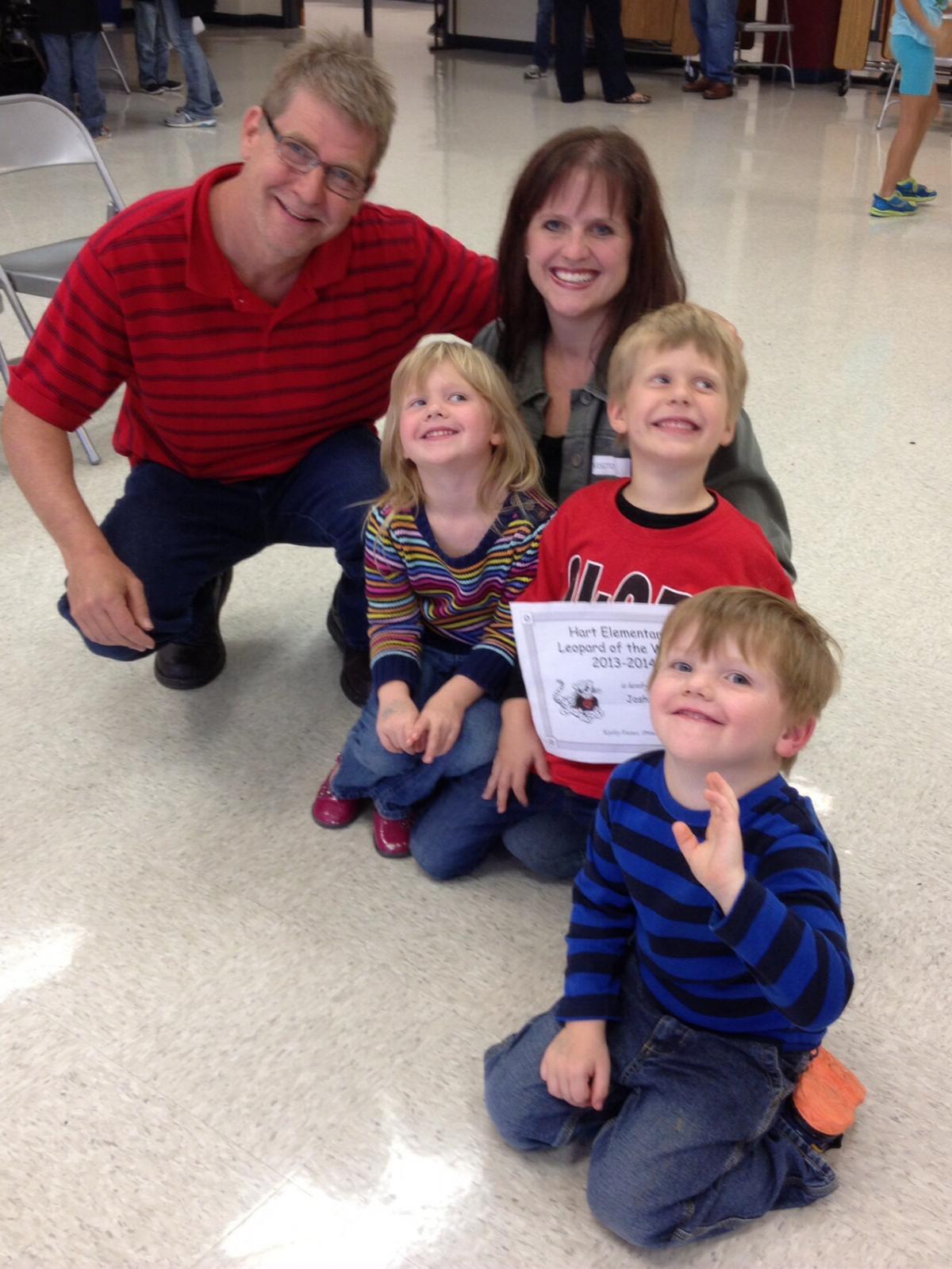
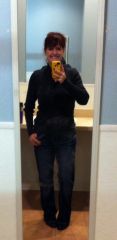
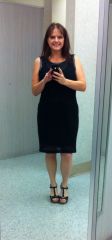
After pics. :-)
-
I also had 3 c-sections before VSG. No issues whatsoever. :-)
-
I had 82 pounds to lose. I am absolutely happy with my decision. I have a before and during pic in my gallery. :-)
-
Thank you. You are so sweet. :-) Wow...just gorgeous.... Wow.... Shelby
-
Thanks, Crissy. :-)
-
My pics, a weight loss surgery photo album by Chantel on BariatricPal. 1 photo in Member Photo Gallery.
-
I'm 5'3" and I've lost 62 pounds in just over 6 months. Only the first 30 pounds were "easy". I'm going to have to work even harder for the last 20. I'm not yet in the "heathy" BMI range and I don't think I'm in any danger of losing too much. I started at 212. I do think I look a little bit older (or maybe just closer to my actual age). I have a before and after pic in my gallery, I think. :-)
-
The PA at my surgeon's office said calories should be 800 to 1,200. Protein first, then veggies, then a healthy carb if not already full. I try to get anywhere from 60 to 100 grams of protein per day.
-
I'm from Lucas. It's east of Allen. :-)
-
You were sleeved on my birthday. :-)
-
Thanks, everyone. :-)
-
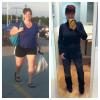
Here is mine. 62 pounds lost. 20 to go. 6 months out. :-)
-
I like Quest and Oh Yeah the best by far and the macros are good for both. For Quest, my fav is coconut cashew and for Oh Yeah, I like the cookie dough flavor. :-)
-
I thought that the pain/discomfort with the sleeve was worse, but I think having a new baby was a really great distraction with my three c-sections. :-)
-
Jean - I am also 5'3". :-)