Start here
Where are you in your journey?
Choose the path that fits today. We’ll take you to the most useful discussions.
- GLP-1 medication Zepbound, Wegovy, access, side effects, progress, and support.
- Before surgery Compare procedures, plan ahead, and get honest pre-op answers.
- Post-op Recovery, food stages, symptoms, and support.
- Long-term Regain, labs, habits, and life after the honeymoon.
- Revision Explore revision options, complications, and next steps.

newlife281013
Gastric Sleeve Patients
-
Joined
-
Last visited
-
-
-
-
-
-
-
-
-
-
-
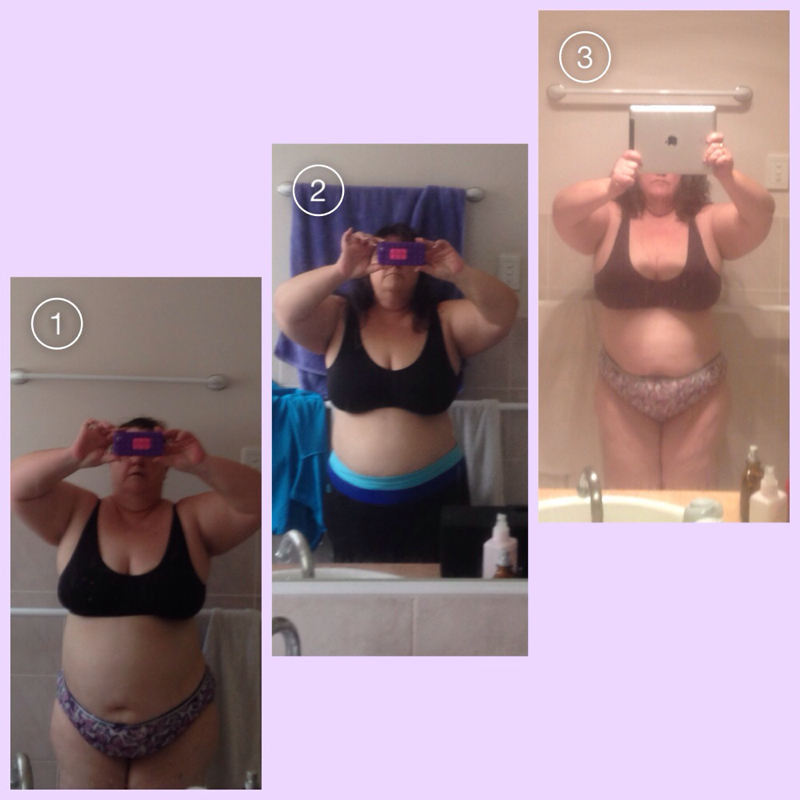
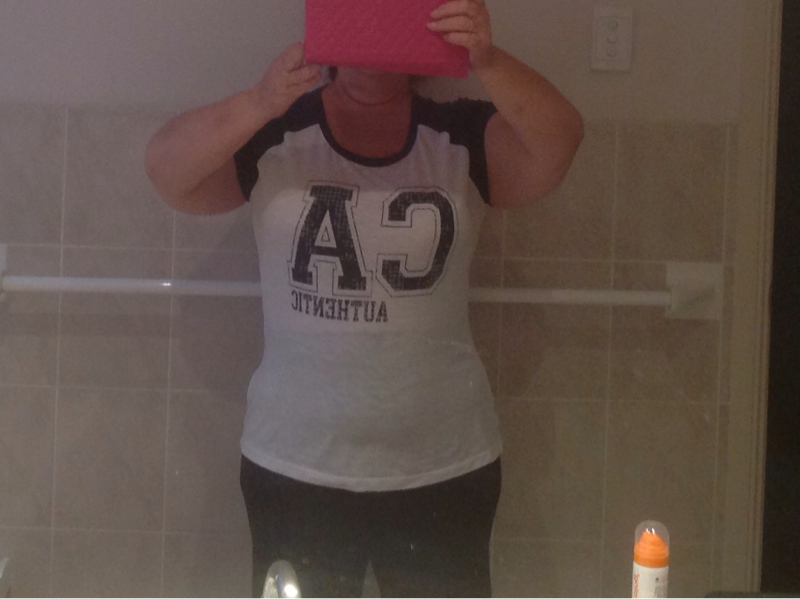
Hi everyone, I have not been on for a while. Wonderful to see all your posts and catch up on everyone's success. I thought it was time I updated with pics. I am 19 weeks out and loving it. I still have reflux but mostly under control with one pill each morning. I started at 121 kgs 266lbs. With 52in bust, 47in waist 56in hips I am now. 90 kgs 198lbs with 41in bust, 39in waist 45in hips Start size 22 (and tight) now wearing 16 I have met a wonderful man and as getting to know each other found he to was a big boy and about 5 months ahead of me had the same surgery My whole life has changed. I actually like to exercise now Some before and after pics, I wish everyone happiness, love and success Two weeks before surgery Today







-
Wow, you look great. Bet you feel awesome, and lovin that cute little butt. Lol
-
-
Well done, you look great. Have to say if you put on a suit you could be mistaken for Joseph Gordon-Levitt