Skip to content
View in the app

A better way to browse. Learn more.

BariatricPal

A full-screen app on your home screen with push notifications, badges and more.

To install this app on iOS and iPadOS
  1. Tap the Share icon in Safari
  2. Scroll the menu and tap Add to Home Screen.
  3. Tap Add in the top-right corner.
To install this app on Android
  1. Tap the 3-dot menu (⋮) in the top-right corner of the browser.
  2. Tap Add to Home screen or Install app.
  3. Confirm by tapping Install.

Join BariatricPal free

  • Ask your own questions
  • Reply and follow topics
  • Message other members
  • No cost, no spam

Lapband to gastric sleeve success stories

Hi! Next week my lapband from 2017 will be removed and I will be sleeved instead. My band have been empty for three years and have therefore not been helping me. Can somebody share with me how the weight loss is going if you had first lapband and have sleeve now? ???
  • Replies 1
  • Views 4.2k
  • Created
  • Last Reply

Most Popular Posts

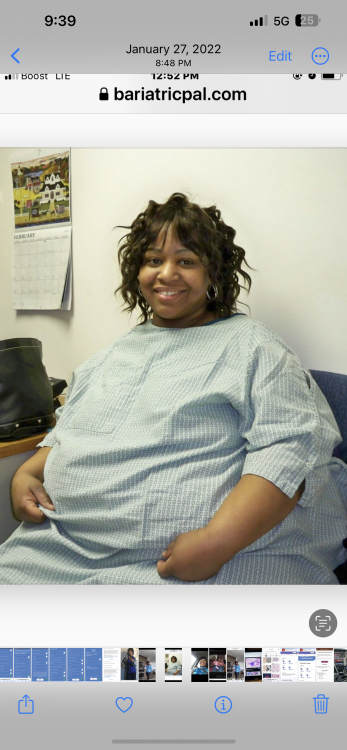
  • I had a lapband in 2011. I lost 225lb and in 2021 I had it removed r/t complications. I was too small for a revision at 123lb so I had no help and I have gained over 100lbs back from yo yo dieting.

Posted Images

Featured Replies

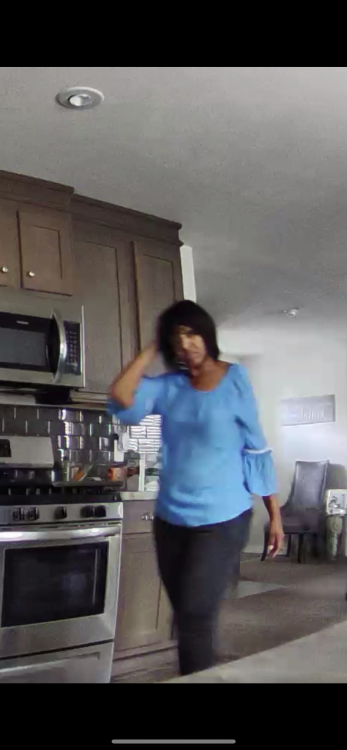
I had a lapband in 2011. I lost 225lb and in 2021 I had it removed r/t complications. I was too small for a revision at 123lb so I had no help and I have gained over 100lbs back from yo yo dieting. I am now approved for the sleeve so hopefully this works. Please let me know your success. Since I am going down a similar path soon.
E9EC7789-C9C9-4C59-BFA9-00B14EBFB0D9.jpeg

CD78DA7E-52DF-411B-9C91-CCAAE20E25F2.png

FAE21479-98D7-49F2-B7E6-A83FDBDBBB60.png

Join the conversation

You can post now and register later. If you have an account, sign in now to post with your account.

Guest
Reply to this topic...

Account

Navigation

Search

Search

Configure browser push notifications

Chrome (Android)
  1. Tap the lock icon next to the address bar.
  2. Tap Permissions → Notifications.
  3. Adjust your preference.
Chrome (Desktop)
  1. Click the padlock icon in the address bar.
  2. Select Site settings.
  3. Find Notifications and adjust your preference.