Skip to content
View in the app

A better way to browse. Learn more.

BariatricPal

A full-screen app on your home screen with push notifications, badges and more.

To install this app on iOS and iPadOS
  1. Tap the Share icon in Safari
  2. Scroll the menu and tap Add to Home Screen.
  3. Tap Add in the top-right corner.
To install this app on Android
  1. Tap the 3-dot menu (⋮) in the top-right corner of the browser.
  2. Tap Add to Home screen or Install app.
  3. Confirm by tapping Install.
  • Appearance

Join BariatricPal free

  • Ask your own questions
  • Reply and follow topics
  • Message other members
  • No cost, no spam

TRANSFORMATION TUESDAYS

  • Replies 112
  • Views 12.5k
  • Created
  • Last Reply

Top Posters In This Topic

Most Popular Posts

Posted Images

Featured Replies

On 04/10/2019 at 13:35, Healthy_life2 said:


I had to get out of my tom boy outfits to keep up with you and @sillykitty amazing taste in clothing *envious of your tailoring skills * your are rocking that body!


Whaaaattt??? I’m just trying to keep up with you!

image-0.00202655792236328.jpg

On 04/10/2019 at 10:04, Avery's Mom said:


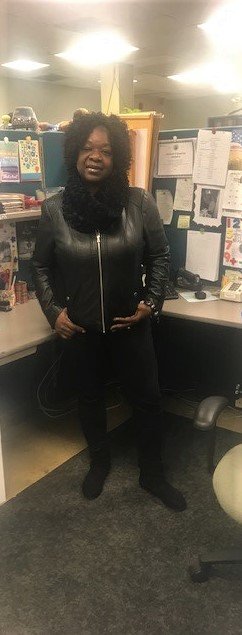
Not big on selfies but here i am lol


20190410_105557.jpg


20190410_105600.jpg

Fantastic job lady !!! You are looking fabulous!!! You should be so proud ??????
On 04/10/2019 at 06:35, Orchids&Dragons said:


Best wishes for a smooth surgery and a speedy recovery!


You look phenomenal ! I can’t wait to get back to that ?
On 04/10/2019 at 10:36, nenes78 said:

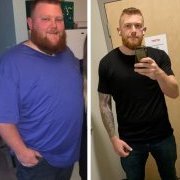
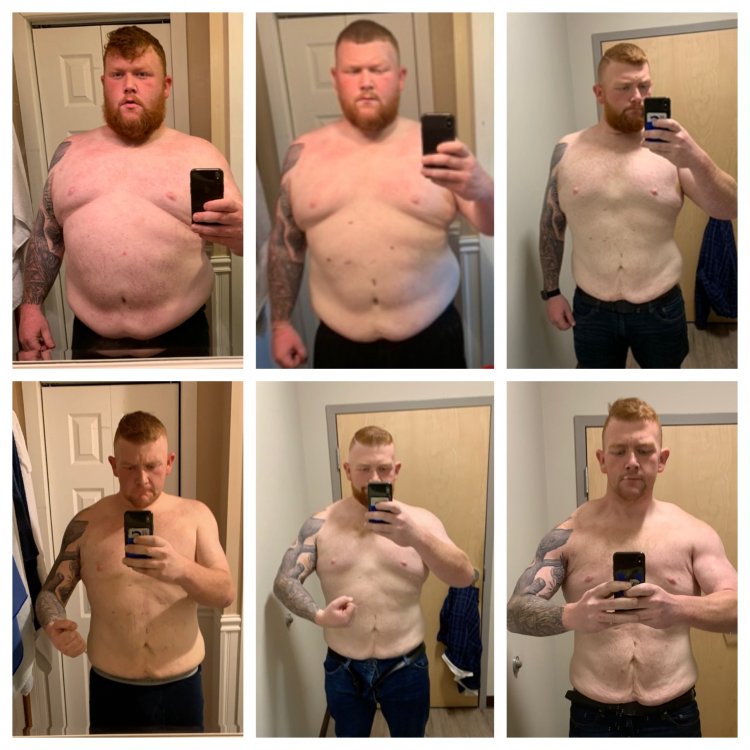
It’s been over 20 years since I had owned a skateboard. Went out yesterday and bought a board and some gear to get back into it.

image-0.00298023223876953.jpg


image-0.00202655792236328.jpg

Turtle power!!! You look amazing and fit! So happy for you ?????
It's still Wowsers from me! Silly Kitty is now a smooth sleek Feline. Thanks for letting us see the transformation from a round Lap Cat to the Feline on Vacation you were!

Join the conversation

You can post now and register later. If you have an account, sign in now to post with your account.

Guest
Reply to this topic...

Account

Navigation

Search

Search

Configure browser push notifications

Chrome (Android)
  1. Tap the lock icon next to the address bar.
  2. Tap Permissions → Notifications.
  3. Adjust your preference.
Chrome (Desktop)
  1. Click the padlock icon in the address bar.
  2. Select Site settings.
  3. Find Notifications and adjust your preference.