




Skip to content
View in the app

A better way to browse. Learn more.

BariatricPal

A full-screen app on your home screen with push notifications, badges and more.

To install this app on iOS and iPadOS
  1. Tap the Share icon in Safari
  2. Scroll the menu and tap Add to Home Screen.
  3. Tap Add in the top-right corner.
To install this app on Android
  1. Tap the 3-dot menu (⋮) in the top-right corner of the browser.
  2. Tap Add to Home screen or Install app.
  3. Confirm by tapping Install.

Join BariatricPal free

  • Ask your own questions
  • Reply and follow topics
  • Message other members
  • No cost, no spam

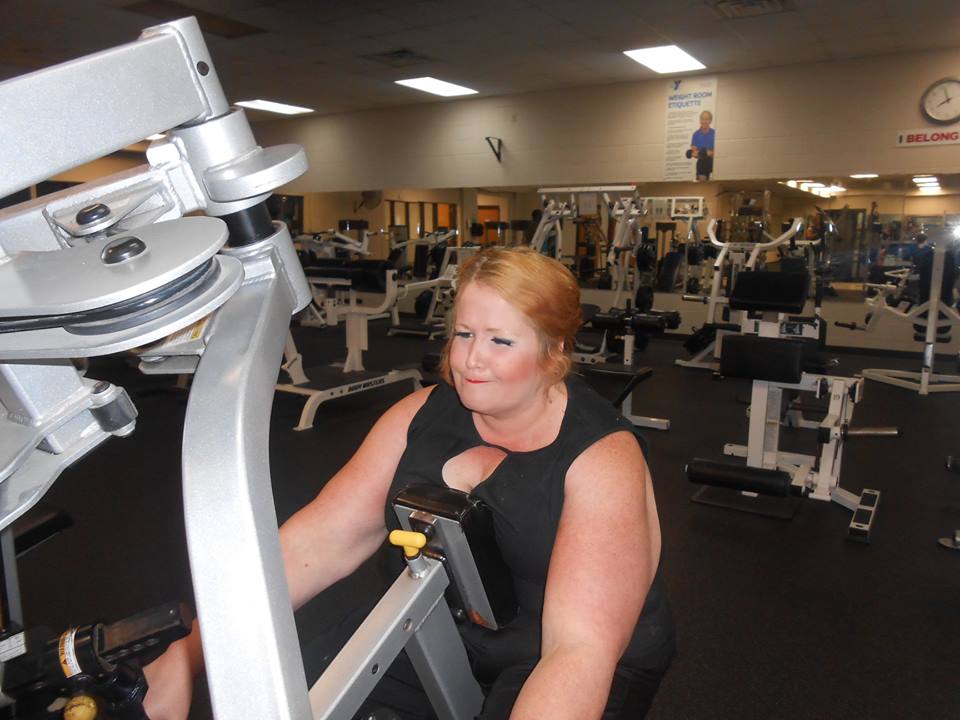
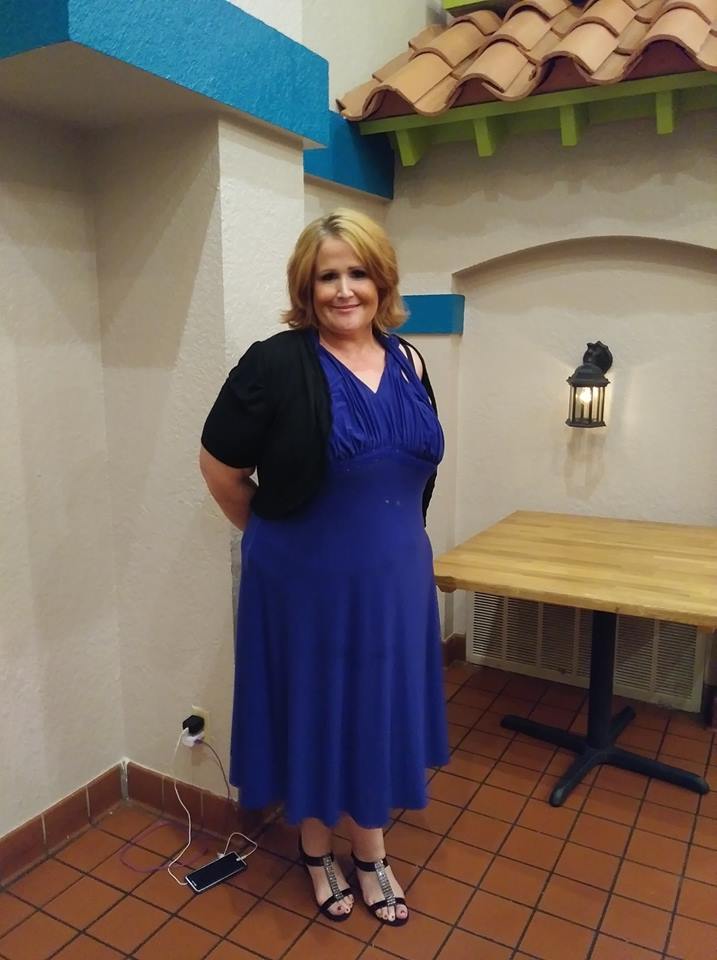
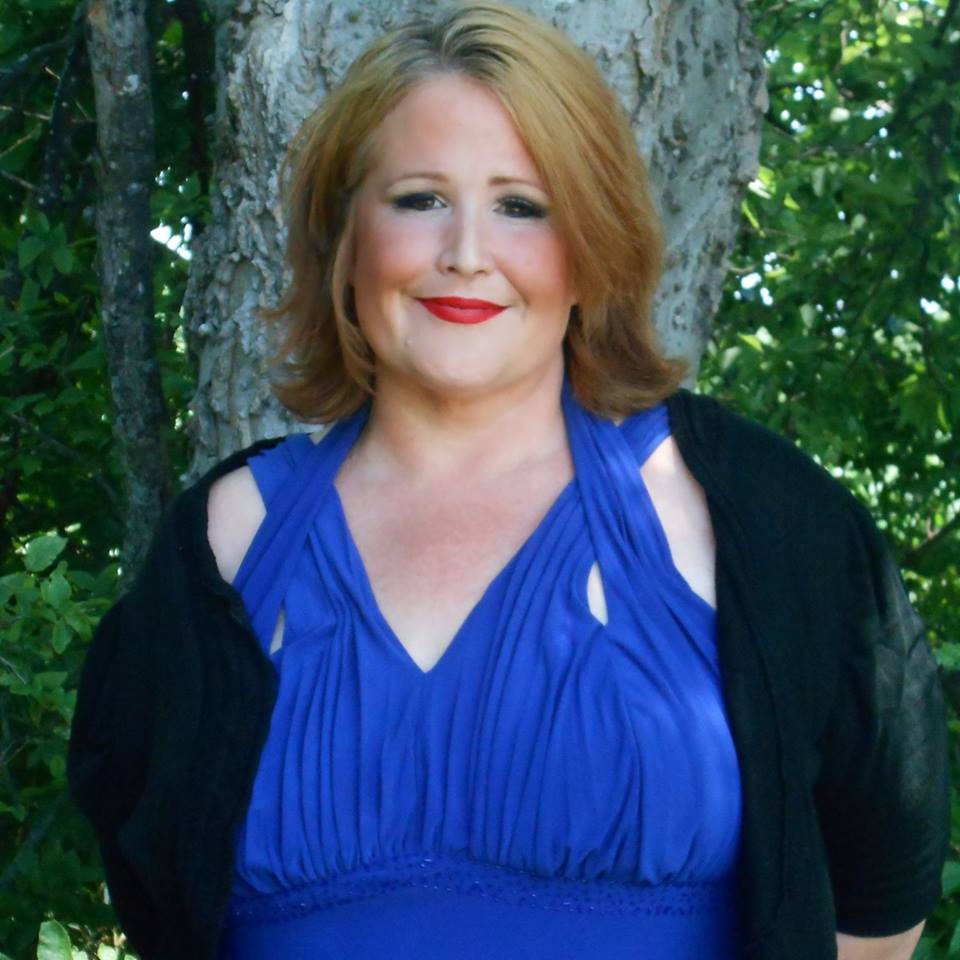
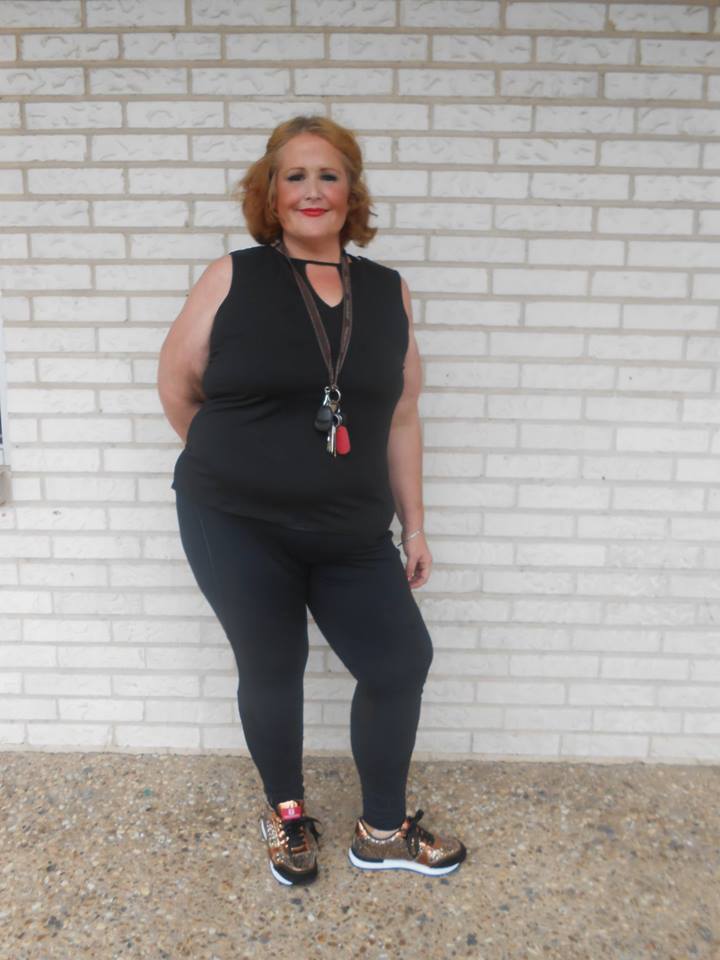
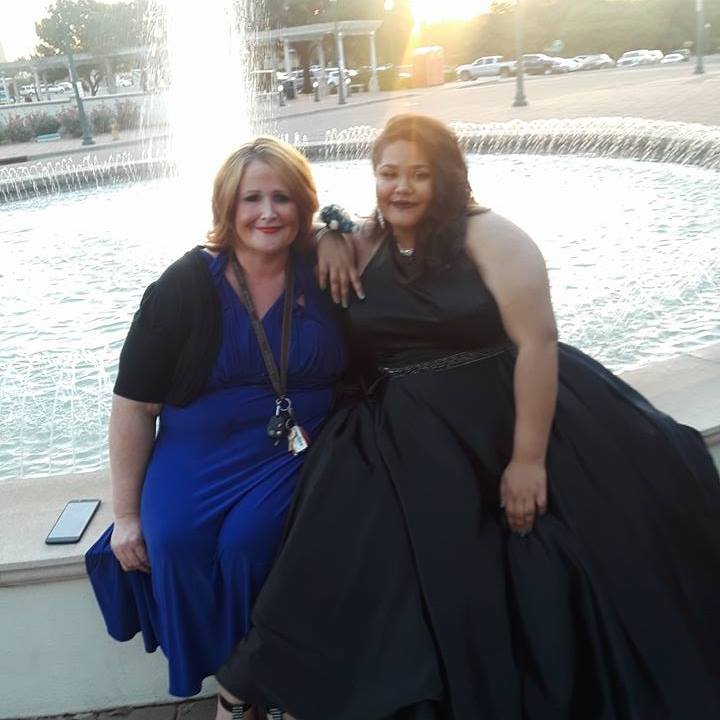
Recent pics April /May 2018- Who's the sexy mama now? See me in a year *wink* lol

b.jpg

c.jpg

d.jpg

e.jpg

a.jpg

  • Replies 7
  • Views 850
  • Created
  • Last Reply

Featured Replies

TooManyTacos....your posts always make me smile. Lookin good, girl...keep up the hard work!

Is that your daughter? Man, she's looking grown up! Where were you two off to so dolled up?

prom night, Girlfriend.. I thank you. I love you, Creek. You are so oo oooo supportive.

It's your gift. Thanks dahling

We may just,change to a Dash of Smokin' Hot Sauce your pen name. Looking good TMT looking good??❤

Blockade the streets woman with all the stopped traffic in that fabulous dress!! Wow!

Wooohooo! Your hard work is paying off girl! You look fantastic! LOVE the hair cut and do! Beautiful and fab pic of you and DD!

[emoji146][emoji146][emoji146]


HW 270
SW 238
CW 188
VSG 11/7
[emoji471][emoji471][emoji471]

Archived

This topic is now archived and is closed to further replies.

Account

Navigation

Search

Search

Configure browser push notifications

Chrome (Android)
  1. Tap the lock icon next to the address bar.
  2. Tap Permissions → Notifications.
  3. Adjust your preference.
Chrome (Desktop)
  1. Click the padlock icon in the address bar.
  2. Select Site settings.
  3. Find Notifications and adjust your preference.