




Skip to content
View in the app

A better way to browse. Learn more.

BariatricPal

A full-screen app on your home screen with push notifications, badges and more.

To install this app on iOS and iPadOS
  1. Tap the Share icon in Safari
  2. Scroll the menu and tap Add to Home Screen.
  3. Tap Add in the top-right corner.
To install this app on Android
  1. Tap the 3-dot menu (⋮) in the top-right corner of the browser.
  2. Tap Add to Home screen or Install app.
  3. Confirm by tapping Install.

Join BariatricPal free

  • Ask your own questions
  • Reply and follow topics
  • Message other members
  • No cost, no spam

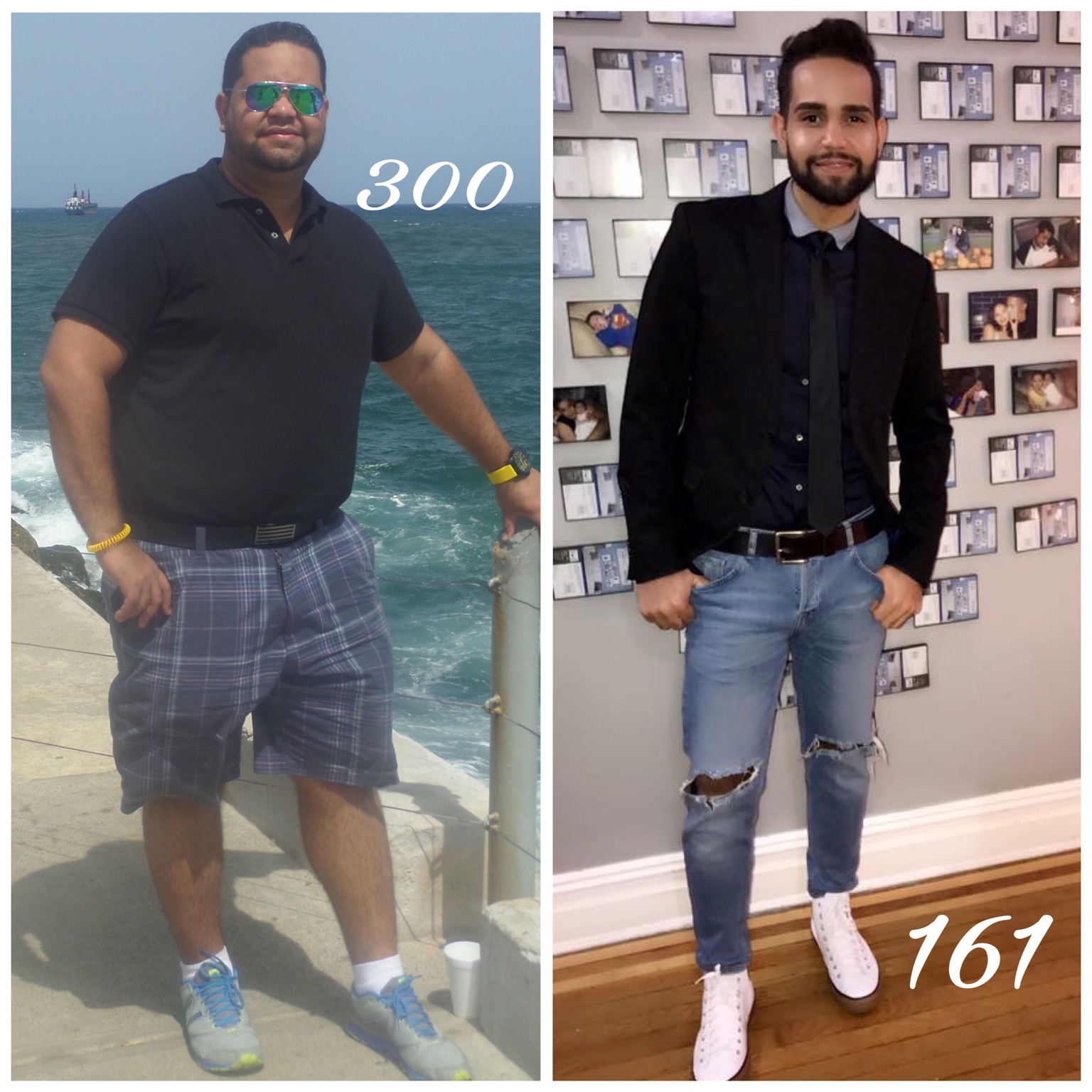
Before and After My Bariatric Surgery

  • Replies 43
  • Views 13.9k
  • Created
  • Last Reply

Featured Replies

Congrats! How tall are you? I started with similar stats. Also, how long post op are you?

SW:305
CW:217

Sleeved 01.30.17

hey dude

what can i say that hasn't already been said!!???

88 lbs down - woo hoo :rolleyes:

party dance, party dance!!

kathy

congrats

Wow!!! Great job!!!


Aka_ET

HW-220
Pre-op 194.3
RNY
SD June 16th 2017
CW-176
GW-140
HT 5' 3"
[emoji120][emoji878][emoji1272]

"You may see me struggle but you will never see me quit"

You look wonderful! Looking happy and healthy! :)


Sent from my iPhone using Tapatalk

Damn, son! Wear them skinny jeans! Seriously though, you dress well. Great style. I bet it's easier to be stylish like that now, huh?

Edited by Half-Tum

Archived

This topic is now archived and is closed to further replies.

Account

Navigation

Search

Search

Configure browser push notifications

Chrome (Android)
  1. Tap the lock icon next to the address bar.
  2. Tap Permissions → Notifications.
  3. Adjust your preference.
Chrome (Desktop)
  1. Click the padlock icon in the address bar.
  2. Select Site settings.
  3. Find Notifications and adjust your preference.