Beautiful Diamonds
Pre Op
-
Joined
-
Last visited
Everything posted by Beautiful Diamonds
-
I'm a year out from bypass surgery and I still cannot drink plain water so what I do is add fruit and a splash of lemon juice.
-
Thank you guys that's really sweet.
-
I meant to say be patient.
-
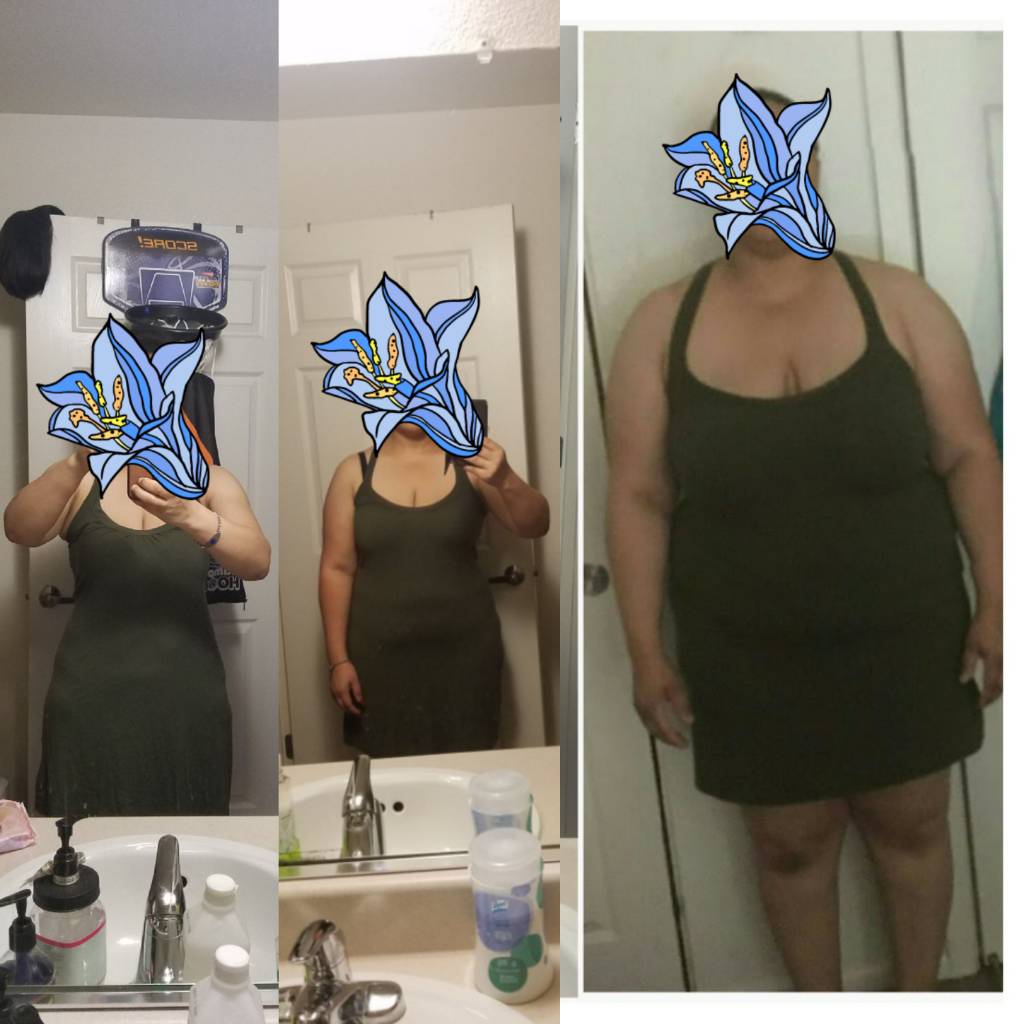
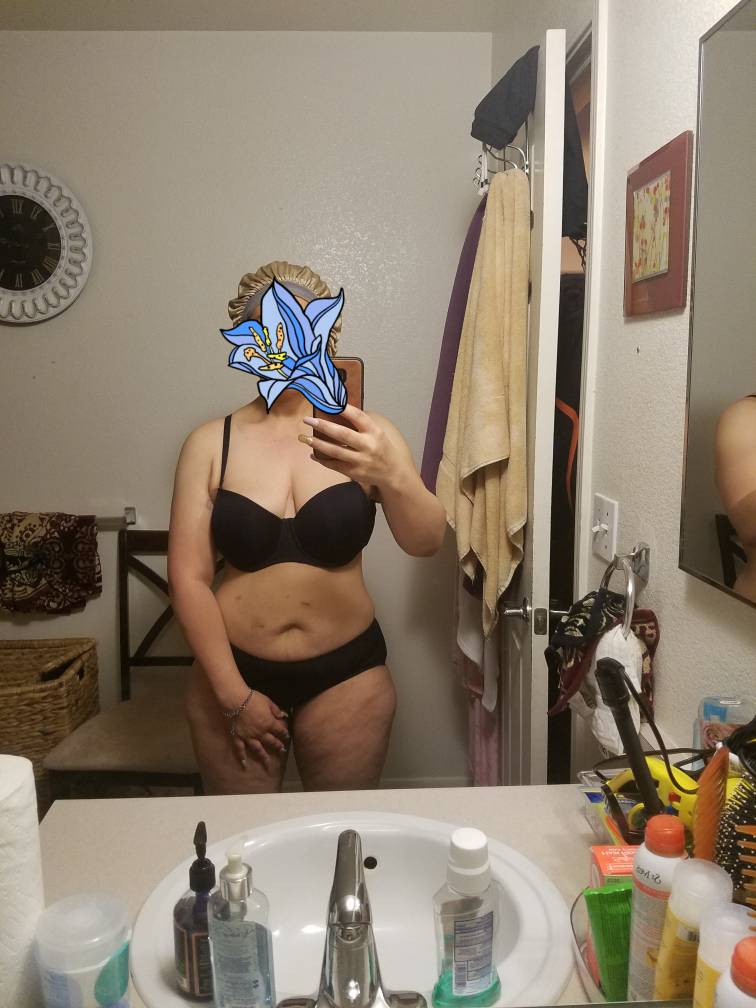
Hello, everyone, I had Gastric Bypass a little over a year ago it's scary for me to do this but I figured it was time to show my progress so far maybe it will let others know that you will get there in time patient. I'm not at my goal yet but I'm healthy.
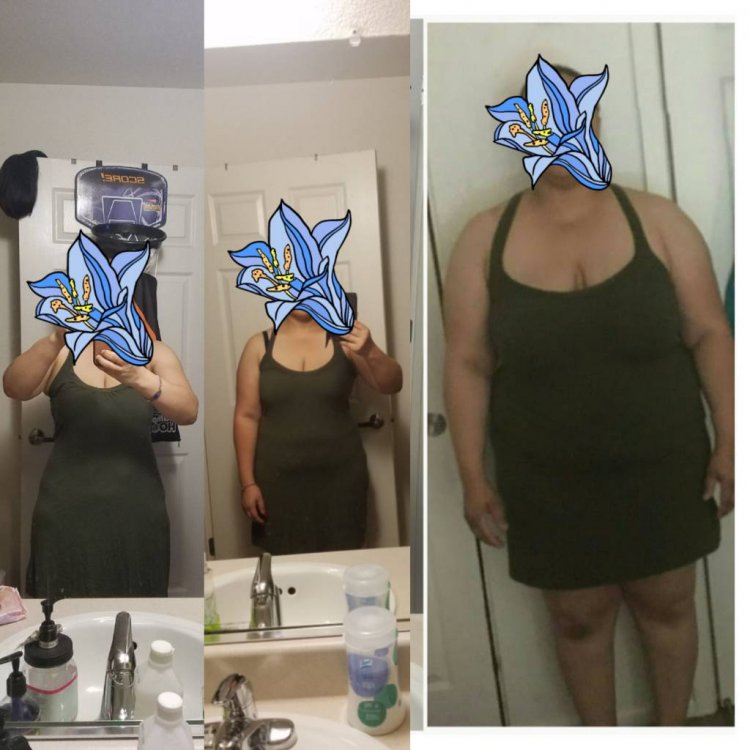
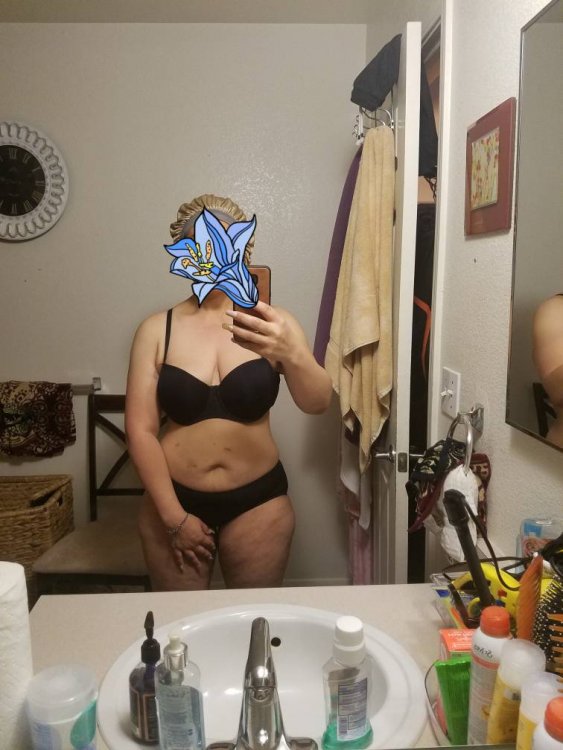
-
Congrats, I know that it must really feel good to see the change I'm excited for you. Keep up the good work![emoji6]
-
Wow! You look really good keep up the good work... Sent from my SM-G935T using BariatricPal mobile app
-
I definitely felt that same feeling I had nightmares an all. I had bypass nine months ago and have lost a total of a 120lbs so far 20 more until goal... Sent from my SM-G935T using BariatricPal mobile app
-
Having gastric bypass surgery was the best decision I made for myself and my acid reflux. I'm nine months post-op also I have lost over a 100 pounds plus the gerd is no longer.. Sent from my SM-G935T using BariatricPal mobile app
-
That is really great I'm happy that you are doing well. My surgery was Aug -14-17 ...My highest weight was 291. HRW-284 SW-262 CURRENT- 184 Sent from my SM-G935T using BariatricPal mobile app
-
Any August Bypass patient's if so how are you guys doing so far? Sent from my SM-G935T using BariatricPal mobile app
-
pl !+ a]
-
hello everyone hope all is well had my surgery was yesterday I'm going to be honest I was in so much pain .I'm still in alot of pain I have such a good team would I do it again yes no one said it would be easy sip,walk cough follow Dr's orders it's going to be hard but you can do it .[emoji106][emoji106] Hw:284 Sw:263 cw:- R4C?
-
Thank you I appreciate that sometimes you just need to be reminded ! I RECEIVED IT[emoji56] R4C?
-
Hello everyone today is the first day of my liquid diet .I didn't think it would be this hard but it is the first day honestly I think it's a mind thing because I knew it was coming I knew I would have to go on a liquid diet b4 my surgery ?So what you crying about well I'm still a mother have to cook for the little ones still right but I tell you what I'm going to give into it because I can I've waited 2yrs to have this surgery I'm not going to give up now food will be here still after my surgery (That's me self motivating myself)[emoji27][emoji27][emoji22] R4C?
-
Congratulations you guys on your new journey R4C?
-
ITS funny but I'm not nervous maybe the night b4 but as of now no but i will say that I'm excited R4C?
-
Omg!I have a surgery buddy that is great congratulations! R4C?
-
Congrats you look great ! R4C?
-
Thank you! R4C?
-
Hi there I'm North Bay I've finished everything surgery Aug 14th R4C?
-
@ QueenTiff Hello there you are not alone we can inbox chit chat if you like my surgery is next month also I live in California .ITS weird but I'm not nervous at least not yet I can't speak for the day of but as of now no ..Goodluck too you on your journey! R4C?
-
Yay I'm Aug 14th R4C?
-
Just wanted to say good luck bay area as well .. R4C?
-
Hello I'm Bay Area as well R4C?
-
Anyone else with me? R4C?