




Start here
Where are you in your journey?
Choose the path that fits today. We’ll take you to the most useful discussions.
- GLP-1 medication Zepbound, Wegovy, access, side effects, progress, and support.
- Before surgery Compare procedures, plan ahead, and get honest pre-op answers.
- Post-op Recovery, food stages, symptoms, and support.
- Long-term Regain, labs, habits, and life after the honeymoon.
- Revision Explore revision options, complications, and next steps.
Love the new skin I'm inn
- Replies 6
- Views 1.3k
- Created
- Last Reply
Top Posters In This Topic
-
GradyCat 1 post
-
ChubRub 1 post
-
BigSue 1 post
-
Mr Alley Gator 1 post




Popular Days
Most Popular Posts
-
That's exciting. Welcome to Onederland.
-
yipee have fun
-
Congrats on your success! It's nice to see those numbers on the scale that you haven't seen in years, isn't it?
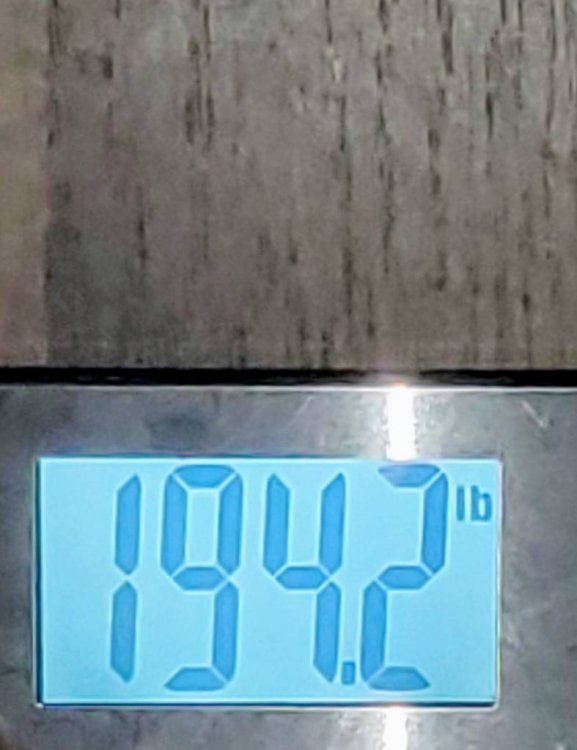
It's just all seems unbelievable to me, I just don't even know how to act. I want to embrace the new thinner me, but then I say stuff like hold on girl don't celebrate too early. f**k it I'm happy and I can't keep it in anymore...... " happy dancing [emoji126] "