




Start here
Where are you in your journey?
Choose the path that fits today. We’ll take you to the most useful discussions.
- GLP-1 medication Zepbound, Wegovy, access, side effects, progress, and support.
- Before surgery Compare procedures, plan ahead, and get honest pre-op answers.
- Post-op Recovery, food stages, symptoms, and support.
- Long-term Regain, labs, habits, and life after the honeymoon.
- Revision Explore revision options, complications, and next steps.
Medical Alert ID
- Replies 34
- Views 2.5k
- Created
- Last Reply
Top Posters In This Topic
-
Frustr8 8 posts
-
Briswife15 5 posts
-
Jessbear345 3 posts
-
ummyasmin 3 posts



Most Popular Posts
-
I’m thinking I may get one and wear it when I go walking and travel.
-
the reason for having it is.. if something happens they medical teams cannot give you NSAIDS nor instert a tube into your stomach blindly so they don't puncture it. They have to see your stomach on a
-
My surgeon requires it. No ng tubes no nsaids gastric bypass with the date in it. Ordered mine last week


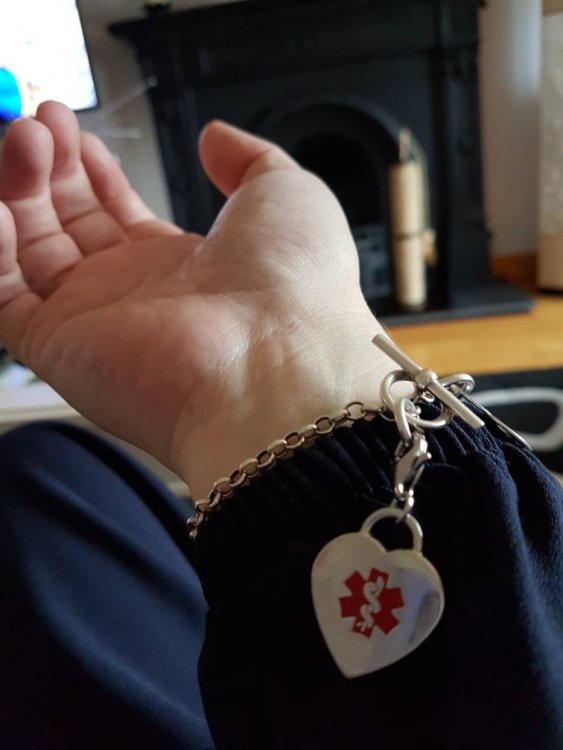
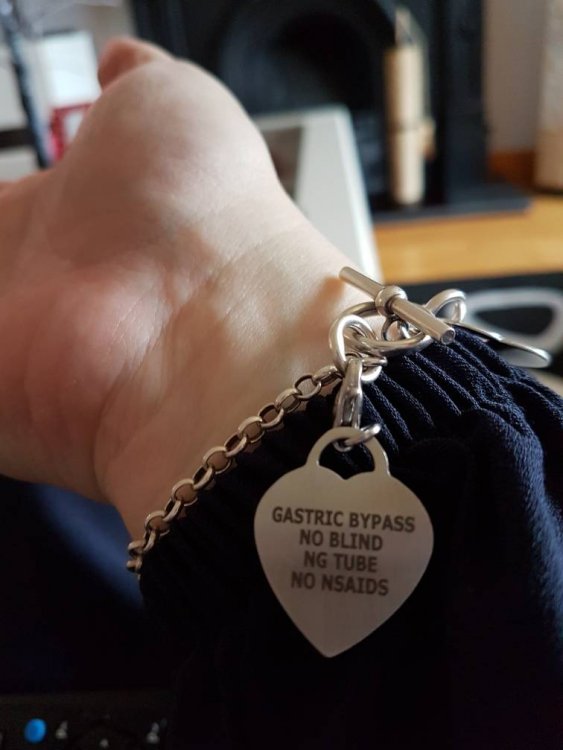
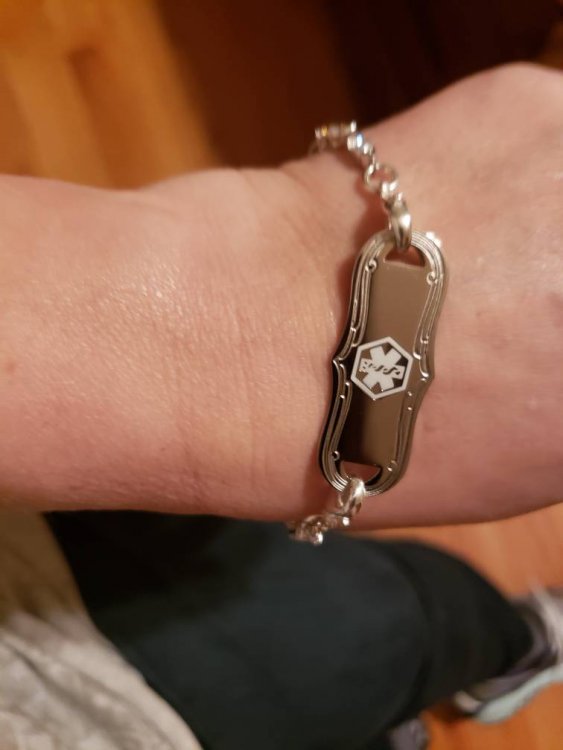
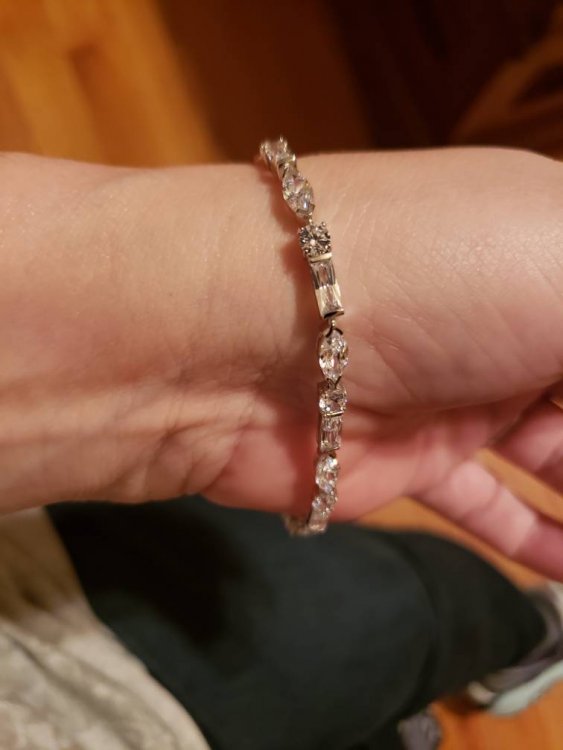
Hello!
Im not sure if anyone has started a topic on this yet, and I’m new here, but I was wondering what everyone’s views on the Medical Alert ID was? Some say we should absolutely have it, others say no.
What do you all think?