




Skip to content
View in the app

A better way to browse. Learn more.

BariatricPal

A full-screen app on your home screen with push notifications, badges and more.

To install this app on iOS and iPadOS
  1. Tap the Share icon in Safari
  2. Scroll the menu and tap Add to Home Screen.
  3. Tap Add in the top-right corner.
To install this app on Android
  1. Tap the 3-dot menu (⋮) in the top-right corner of the browser.
  2. Tap Add to Home screen or Install app.
  3. Confirm by tapping Install.

Join BariatricPal free

  • Ask your own questions
  • Reply and follow topics
  • Message other members
  • No cost, no spam

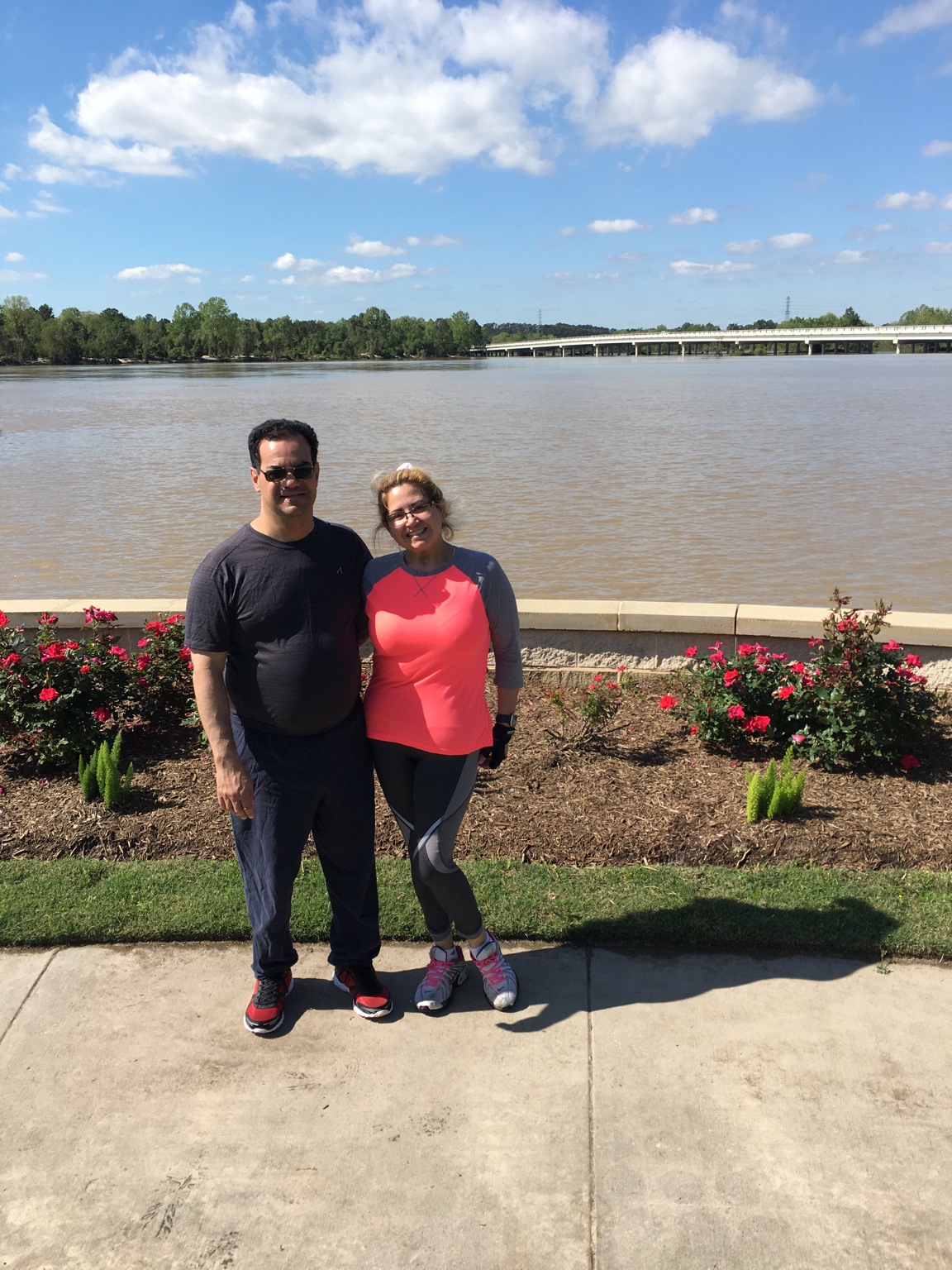
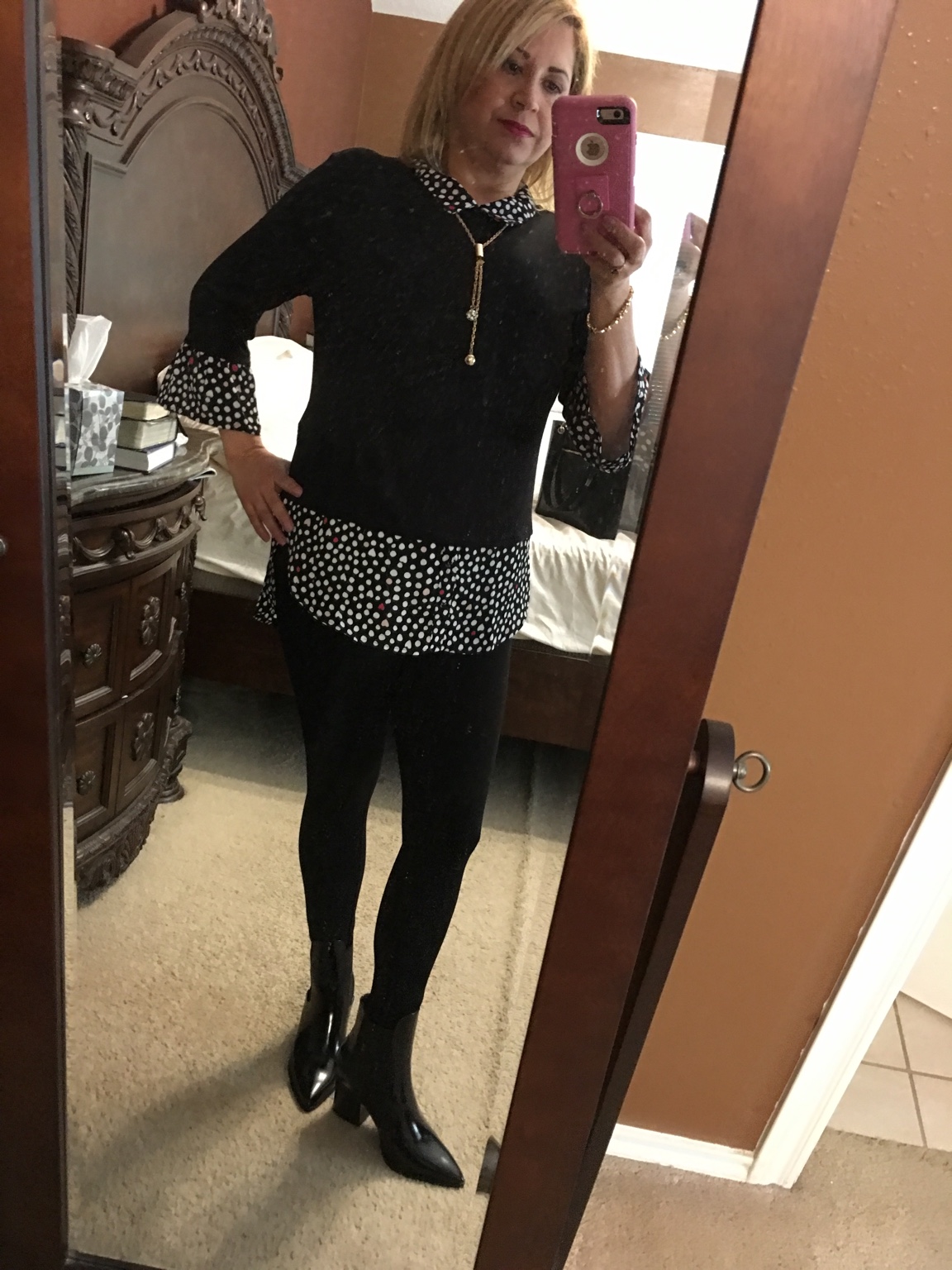
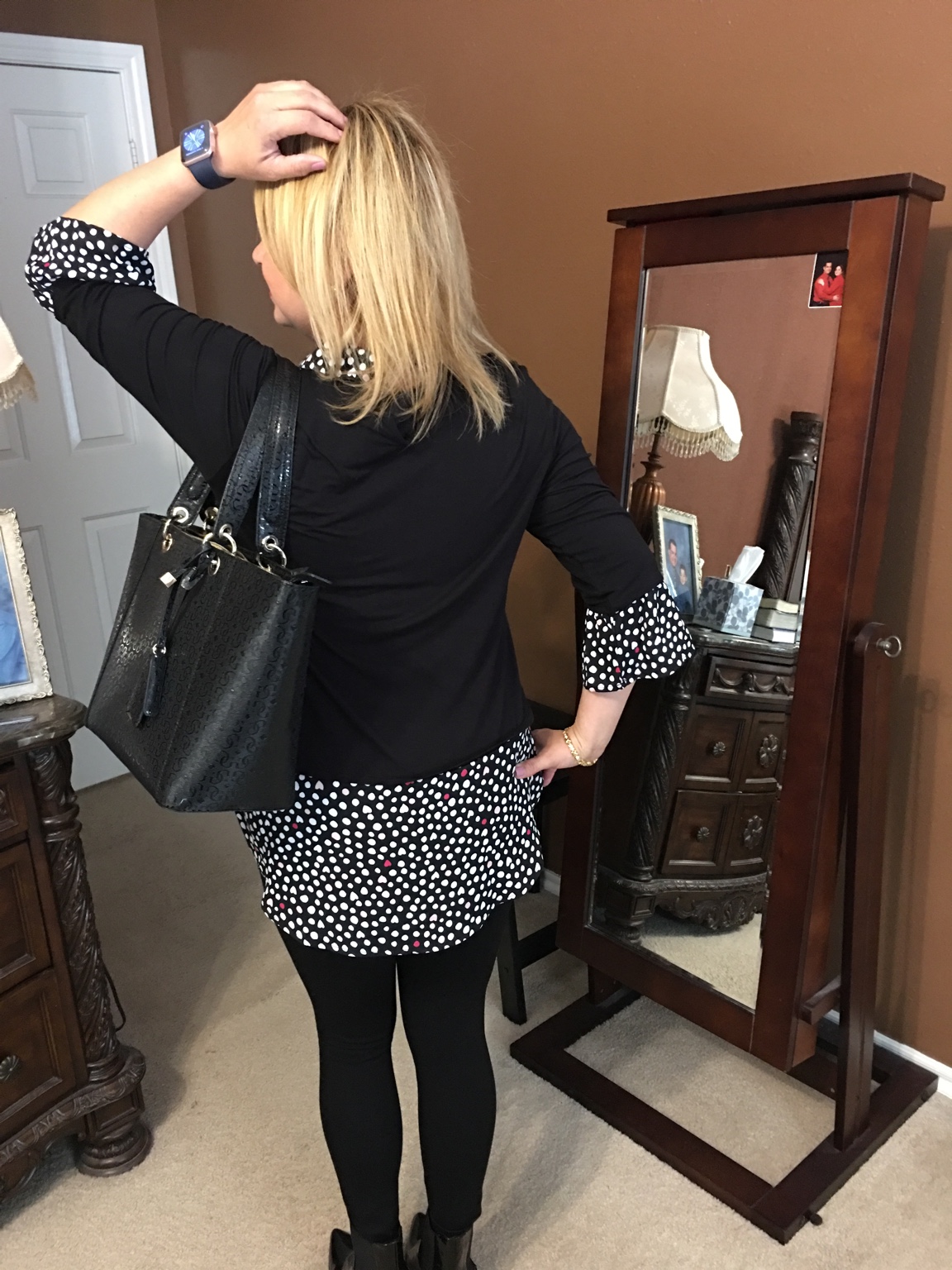
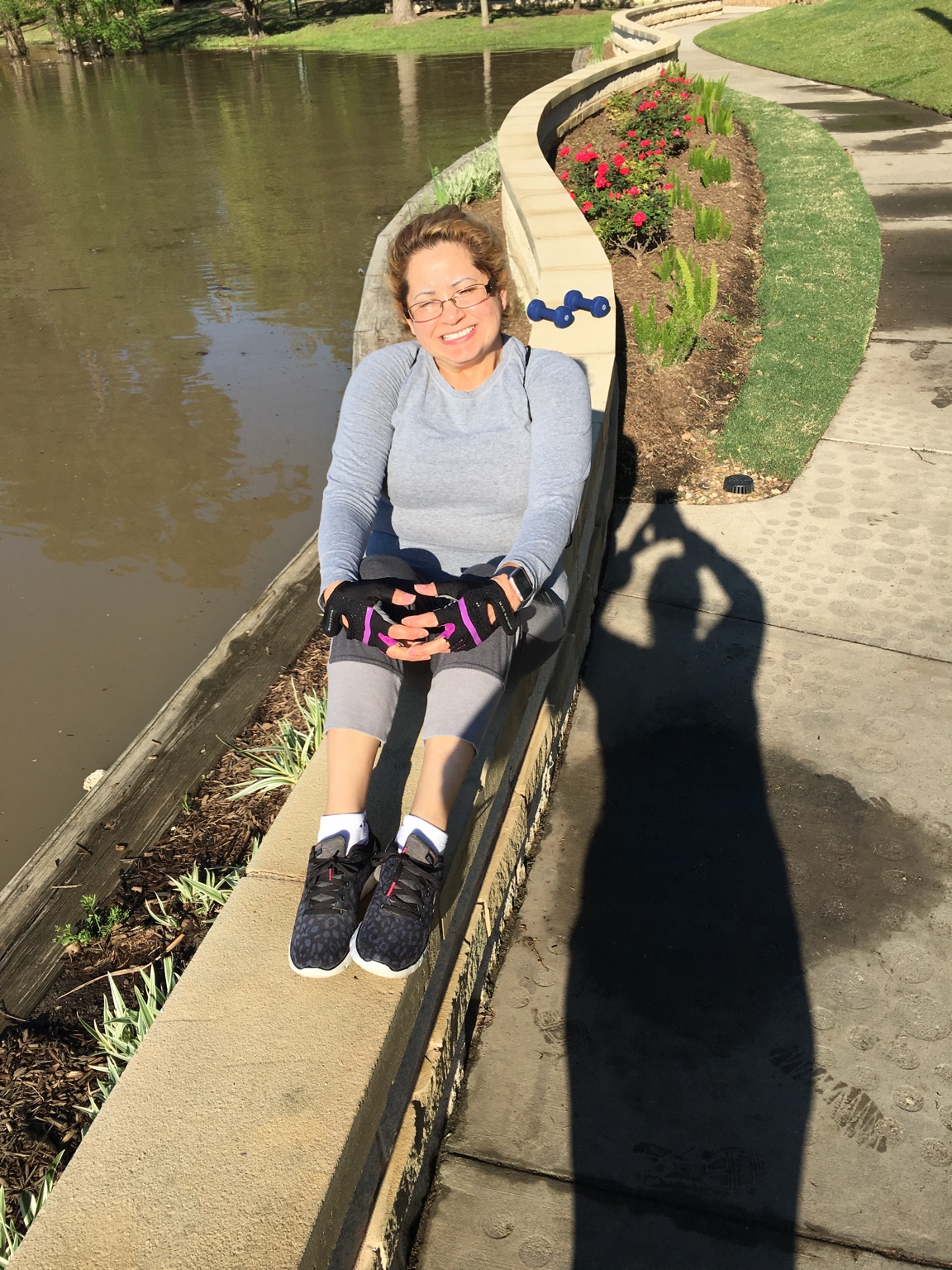
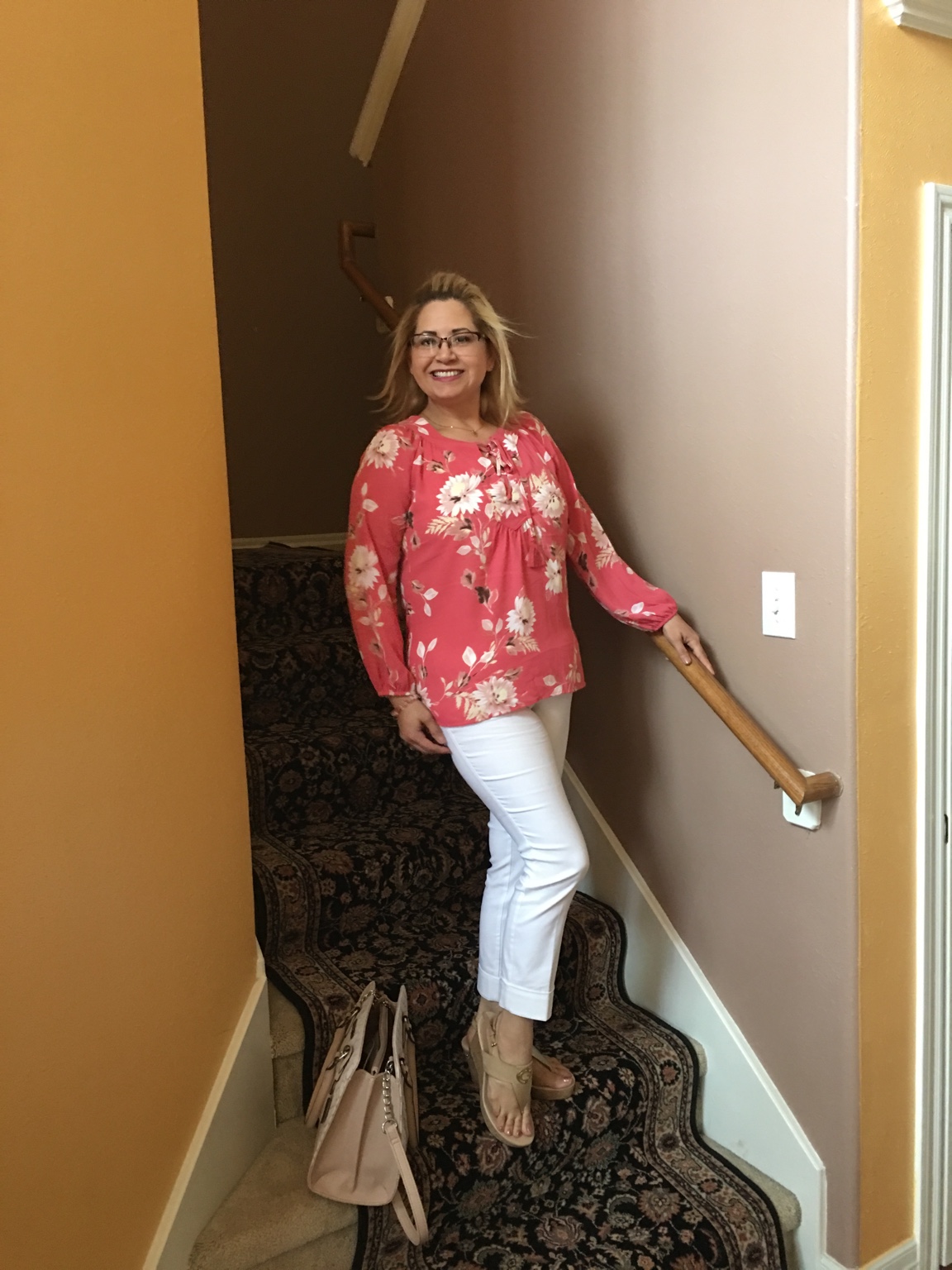
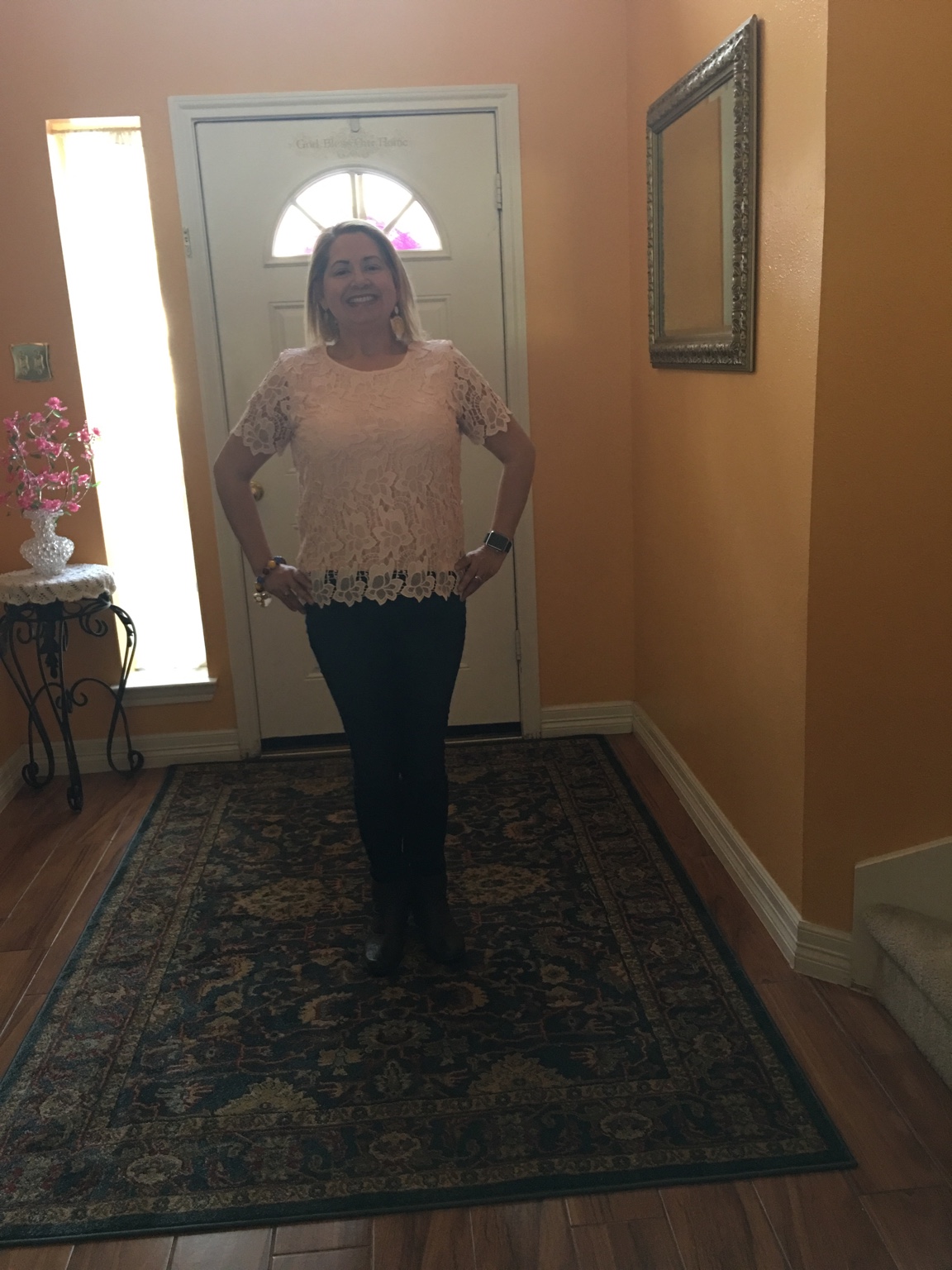
My journey one year and three months

  • Replies 13
  • Views 1k
  • Created
  • Last Reply

Featured Replies

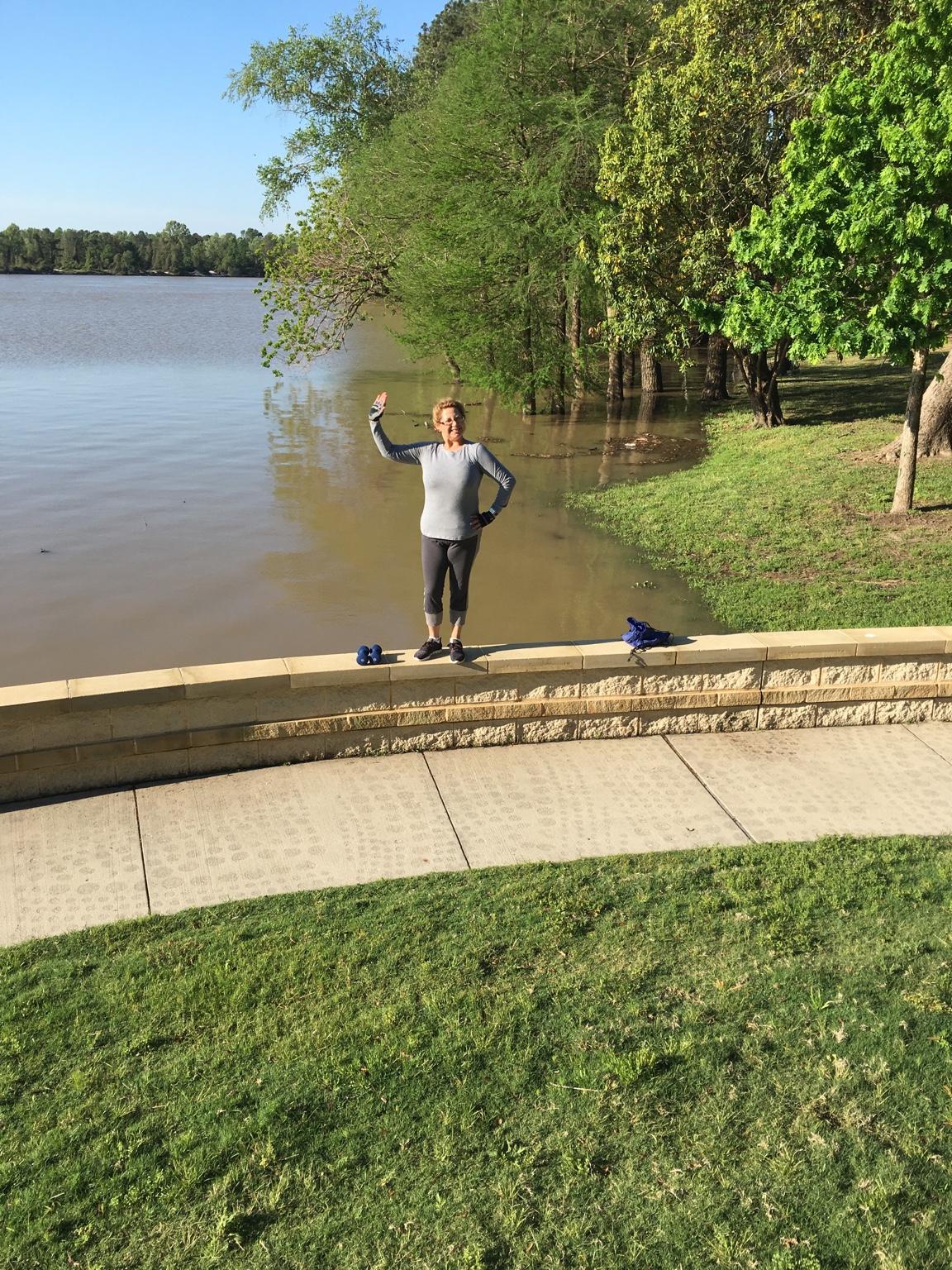
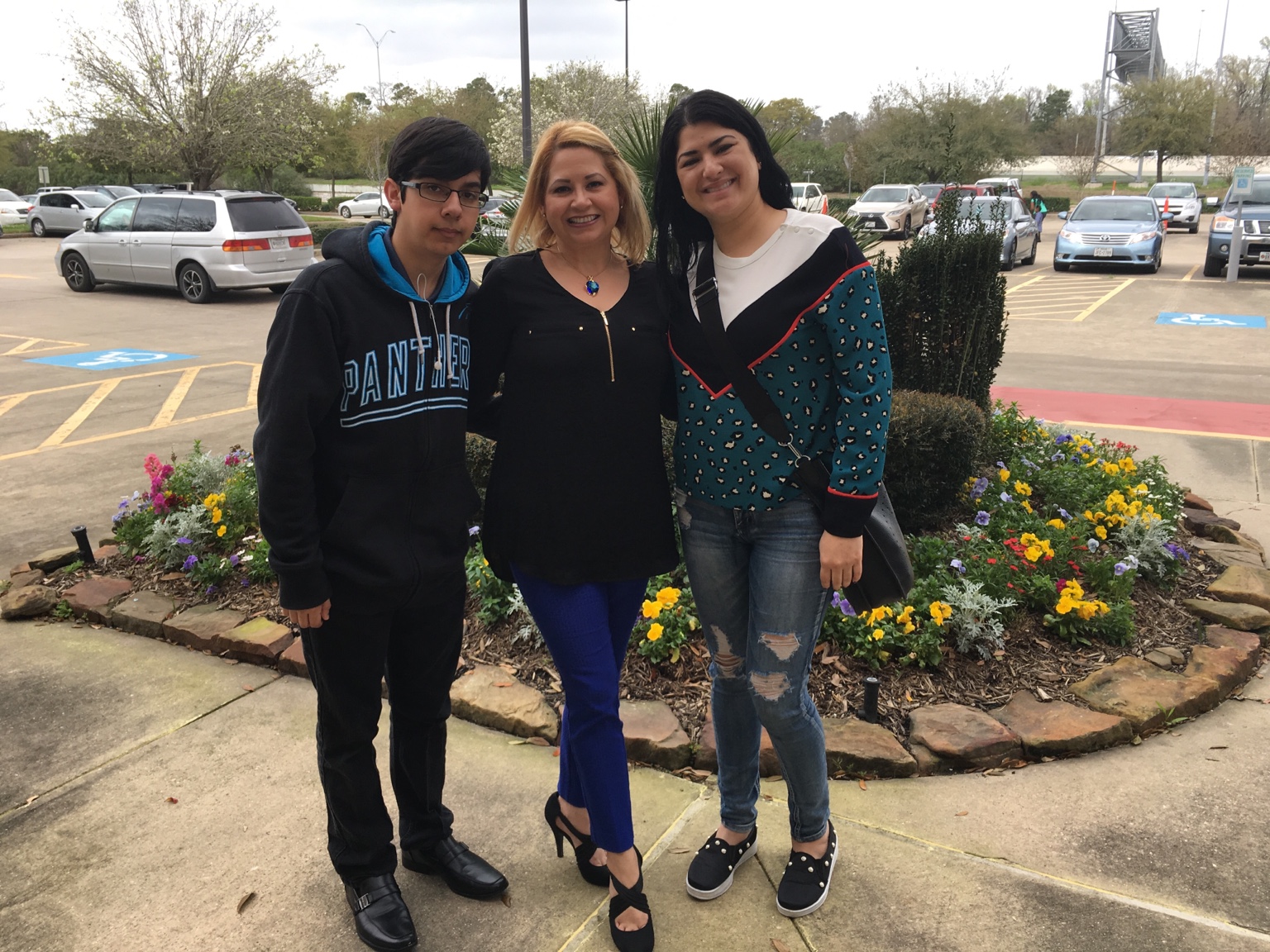
Looking fabulous! Loooove those blue ankle pants! You look healthy, young and vibrant!

Congratulations! amazing work.

Congratulations!!! You look amazing and such an inspiration!!!

Sent from my SM-G930VL using BariatricPal mobile app

You are so pretty before and after


Ty! I still don't have the guts to post my highest weight photo.

  • Author
Looking fabulous! Loooove those blue ankle pants! You look healthy, young and vibrant!

Thank you so much for the compliment [emoji847]I got this pant at Sam’s Club $12 the brand is Rafaela.


  • Author
Ty! I still don't have the guts to post my highest weight photo.

You will as u starter look amazing [emoji6] and you will enjoy [emoji4]!


Congrats!!! You look amazing!

Archived

This topic is now archived and is closed to further replies.

Account

Navigation

Search

Search

Configure browser push notifications

Chrome (Android)
  1. Tap the lock icon next to the address bar.
  2. Tap Permissions → Notifications.
  3. Adjust your preference.
Chrome (Desktop)
  1. Click the padlock icon in the address bar.
  2. Select Site settings.
  3. Find Notifications and adjust your preference.