Skip to content
View in the app

A better way to browse. Learn more.

BariatricPal

A full-screen app on your home screen with push notifications, badges and more.

To install this app on iOS and iPadOS
  1. Tap the Share icon in Safari
  2. Scroll the menu and tap Add to Home Screen.
  3. Tap Add in the top-right corner.
To install this app on Android
  1. Tap the 3-dot menu (⋮) in the top-right corner of the browser.
  2. Tap Add to Home screen or Install app.
  3. Confirm by tapping Install.

Join BariatricPal free

  • Ask your own questions
  • Reply and follow topics
  • Message other members
  • No cost, no spam

A little motivation/inspiration…

  • Popular Post

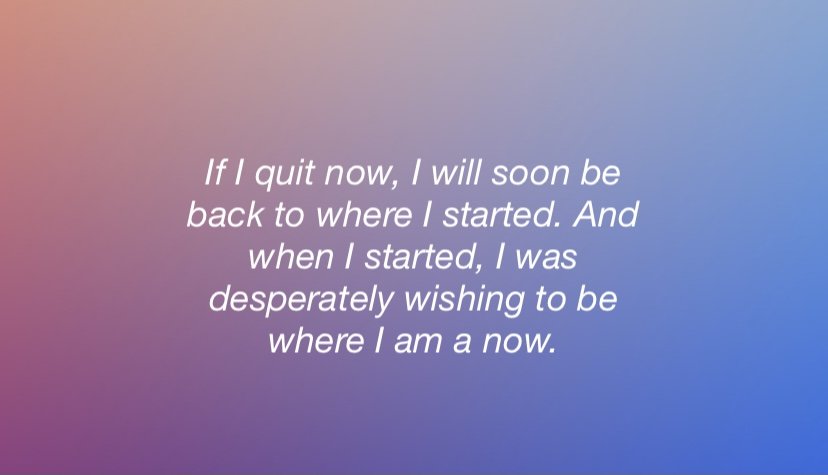
Hi all. I am almost 4 months post op, have been struggling with cravings, and ate some stuff I shouldn’t have over the 4th of July. Yesterday I was logging my food into my Baritastic app and this quote popped up… it really hit me and has been really motivational for me to stay strong and keep making good choices. I just thought I’d share it with you all.

E143F24D-0840-4D4C-8D3B-FEDA213D6003.jpeg

  • Replies 4
  • Views 1.3k
  • Created
  • Last Reply

Top Posters In This Topic

Most Popular Posts

  • DoodlesMom
    DoodlesMom

    Thanks for sharing, It's SO true. Keep going, I'm rooting for you!?

Posted Images

Featured Replies

I also came across this quote recently. I saved it as well to remind myself to make "good decisions and healthy choices"--my daily mantra and prayer. Sometimes I lose sight of the progress I've made and lose motivation. I need to remember that daily sustainable changes have gotten me to this point and I need to continue those changes most when I least feel like it.

love it

Join the conversation

You can post now and register later. If you have an account, sign in now to post with your account.

Guest
Reply to this topic...

Account

Navigation

Search

Search

Configure browser push notifications

Chrome (Android)
  1. Tap the lock icon next to the address bar.
  2. Tap Permissions → Notifications.
  3. Adjust your preference.
Chrome (Desktop)
  1. Click the padlock icon in the address bar.
  2. Select Site settings.
  3. Find Notifications and adjust your preference.