




Start here
Where are you in your journey?
Choose the path that fits today. We’ll take you to the most useful discussions.
- GLP-1 medication Zepbound, Wegovy, access, side effects, progress, and support.
- Before surgery Compare procedures, plan ahead, and get honest pre-op answers.
- Post-op Recovery, food stages, symptoms, and support.
- Long-term Regain, labs, habits, and life after the honeymoon.
- Revision Explore revision options, complications, and next steps.
- Replies 16
- Views 2.2k
- Created
- Last Reply
Top Posters In This Topic
-
Firemedic69 4 posts
-
GreenTealael 1 post
-
FluffyChix 1 post
-
froufrou 1 post




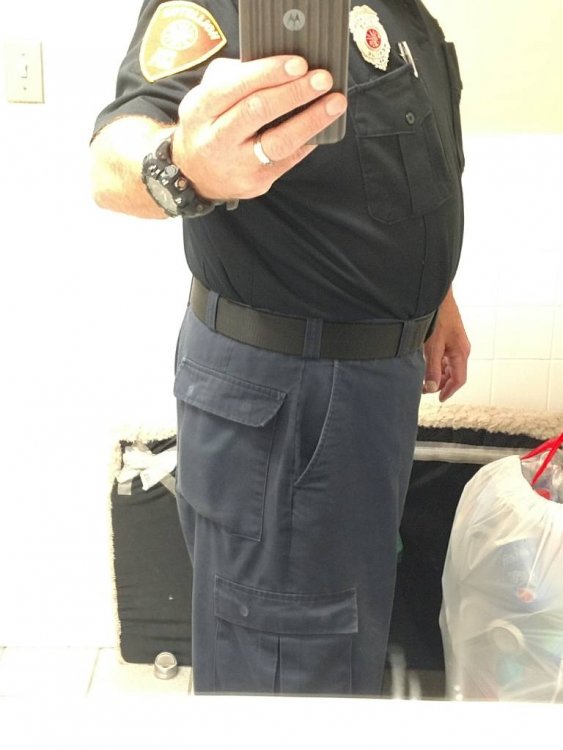
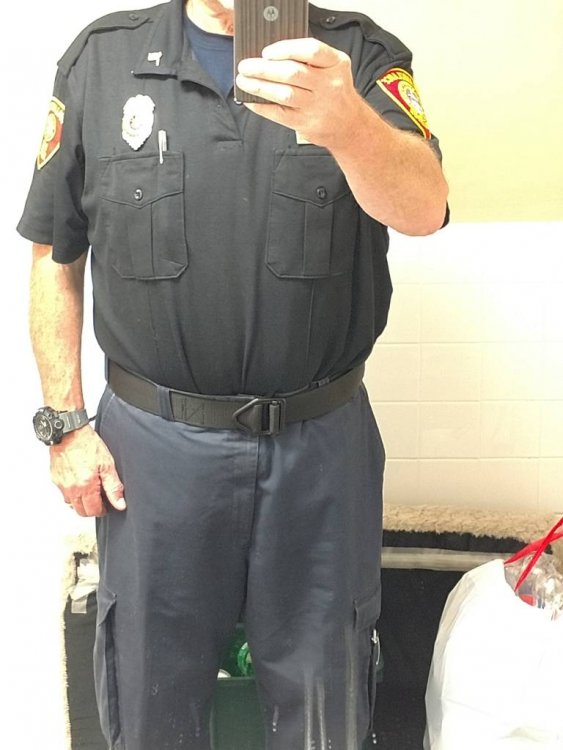

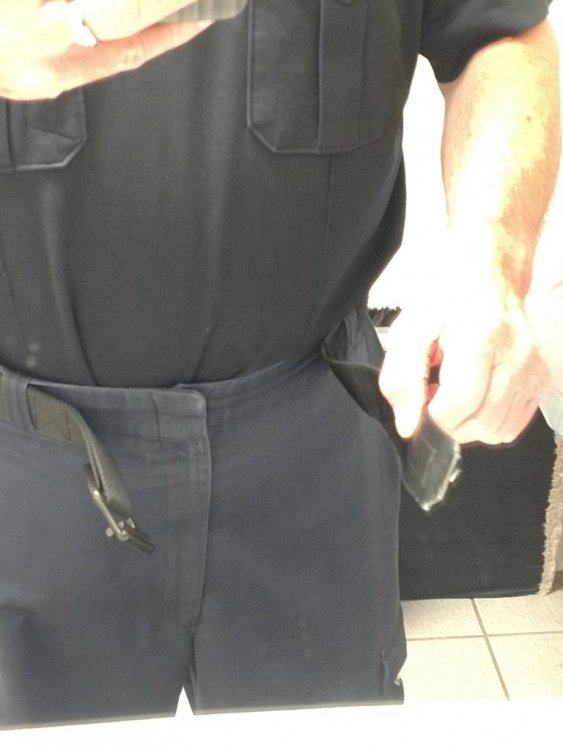
Prior to 20-May I couldn't feed the end of this belt through the buckle. My thumb references where the end of the belt now ends.
Fortunately I had a couple of pairs of uniform pants tucked away from before my huge weight gain. These are now getting to big. I see new uniforms and belt in the near future.
I'm kinda liking the new me.
#journeyofalifetime


