Skip to content
View in the app

A better way to browse. Learn more.

BariatricPal

A full-screen app on your home screen with push notifications, badges and more.

To install this app on iOS and iPadOS
  1. Tap the Share icon in Safari
  2. Scroll the menu and tap Add to Home Screen.
  3. Tap Add in the top-right corner.
To install this app on Android
  1. Tap the 3-dot menu (⋮) in the top-right corner of the browser.
  2. Tap Add to Home screen or Install app.
  3. Confirm by tapping Install.

Firemedic69

Pre Op
  • Joined

  • Last visited

Everything posted by Firemedic69

  1. I can't seem to tolerate any type of protein supplement. Shakes, drinks, powders, bars. They all make me nauseous and then vomit. Anyone else experience this. What do you do. Sent from my XT1650 using BariatricPal mobile app
  2. Thank you. This is just the beginning. More to go. Sent from my XT1650 using BariatricPal mobile app
  3. Thank you [emoji846] Sent from my XT1650 using BariatricPal mobile app
  4. Thank you. Sent from my XT1650 using BariatricPal mobile app
  5. Thank you. Sent from my XT1650 using BariatricPal mobile app
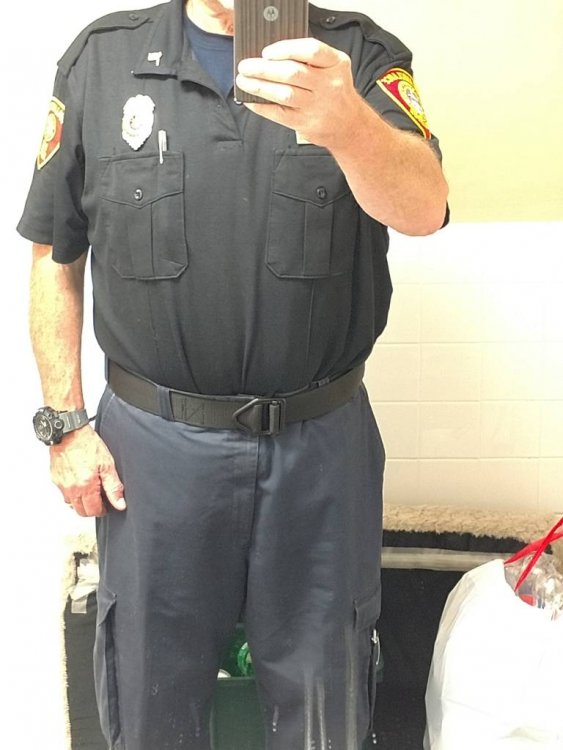
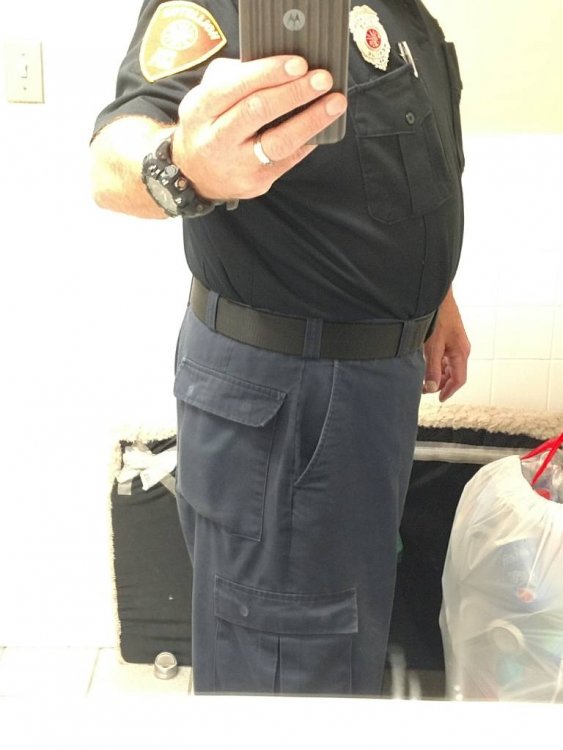
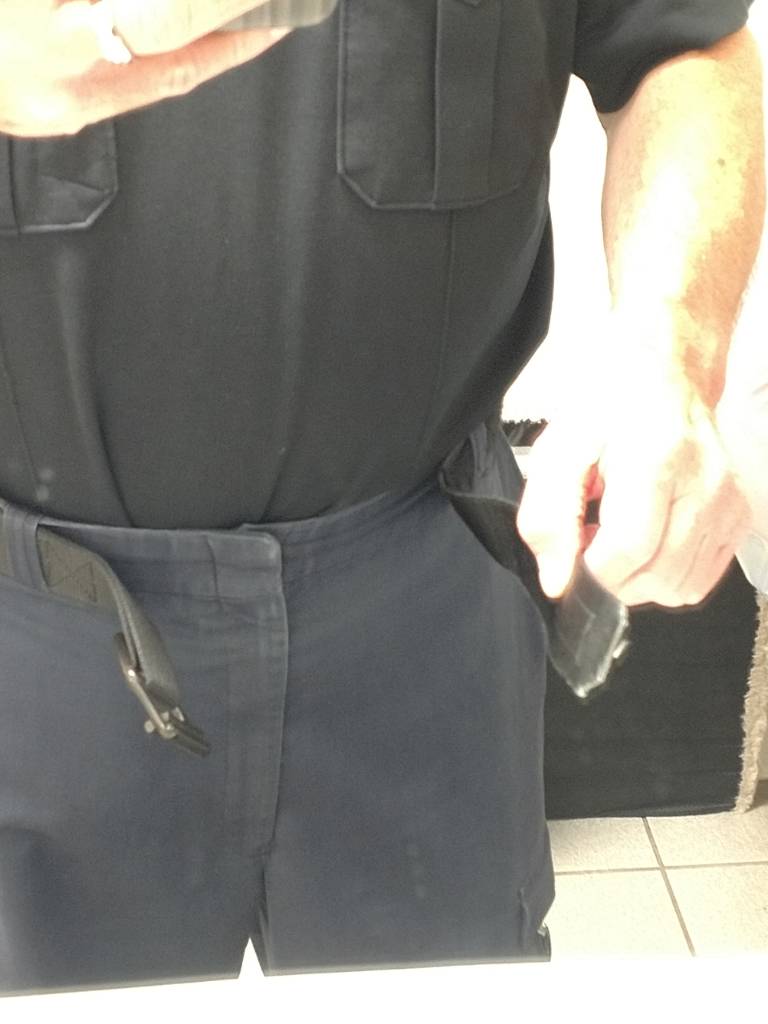
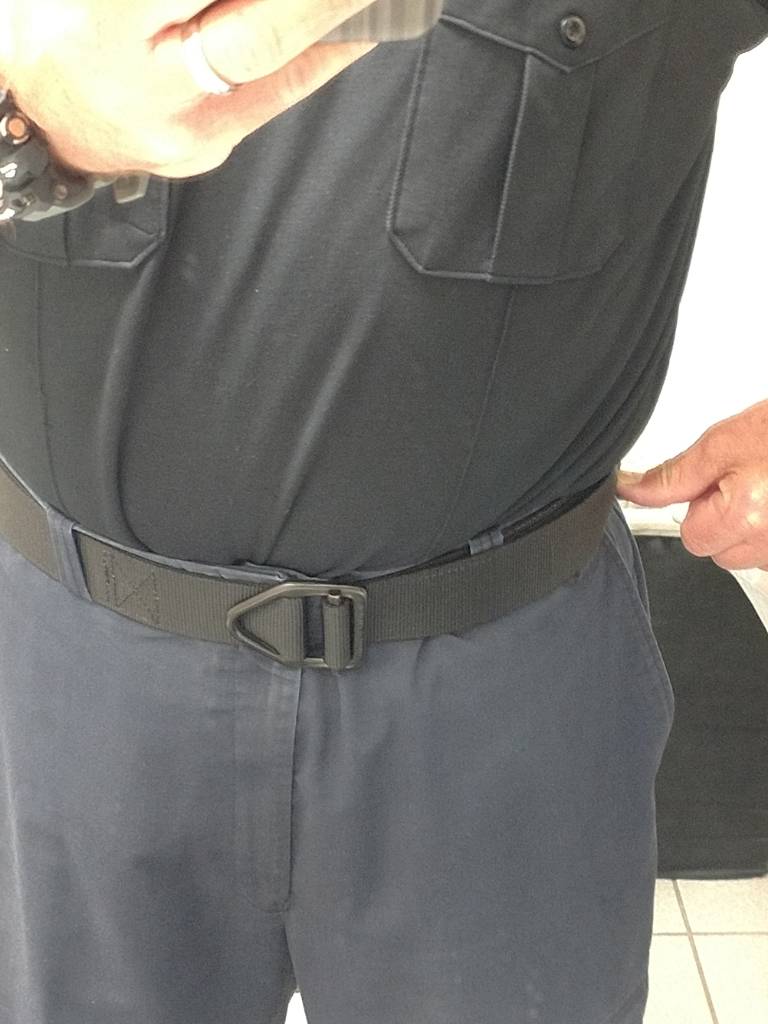
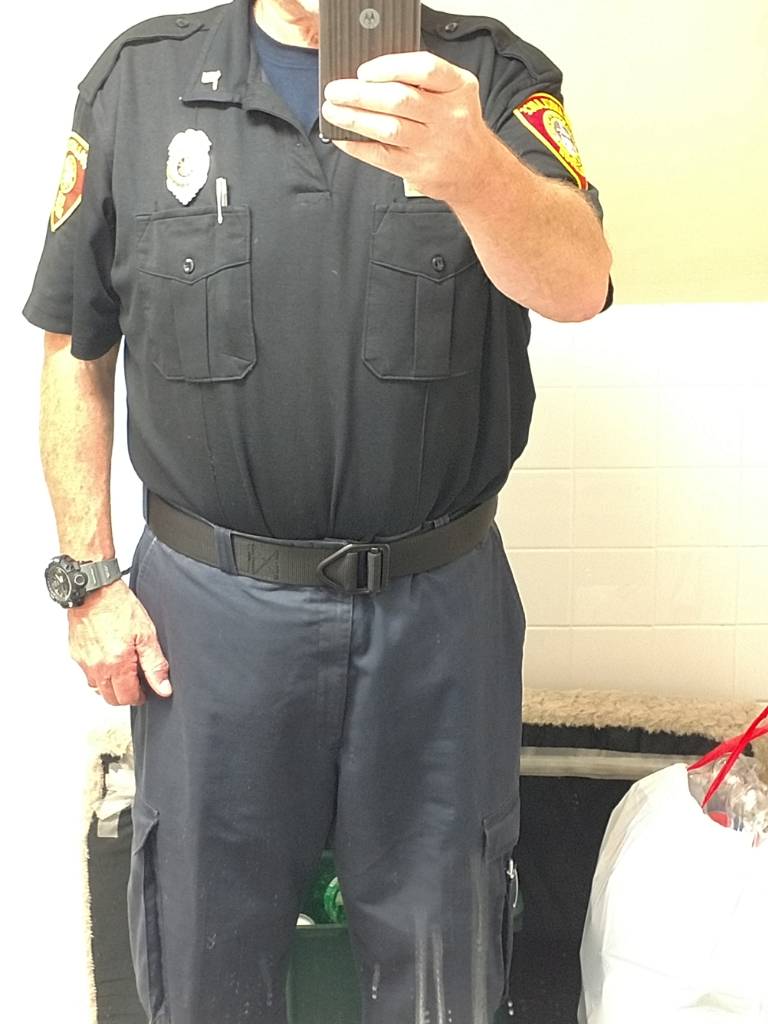
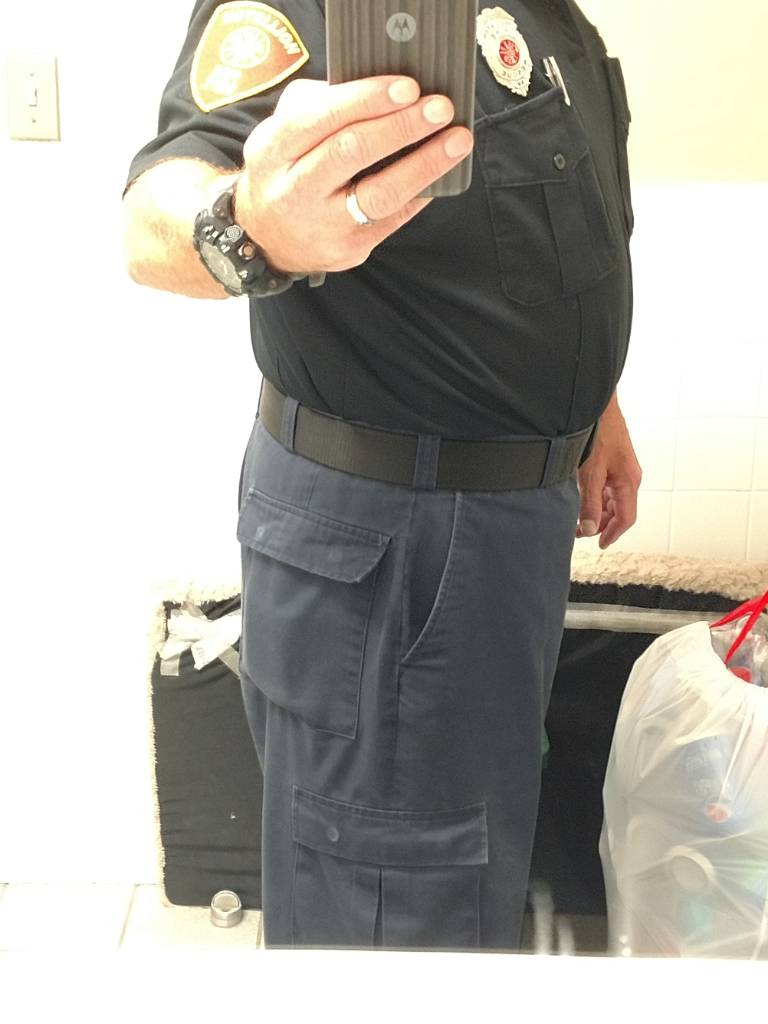
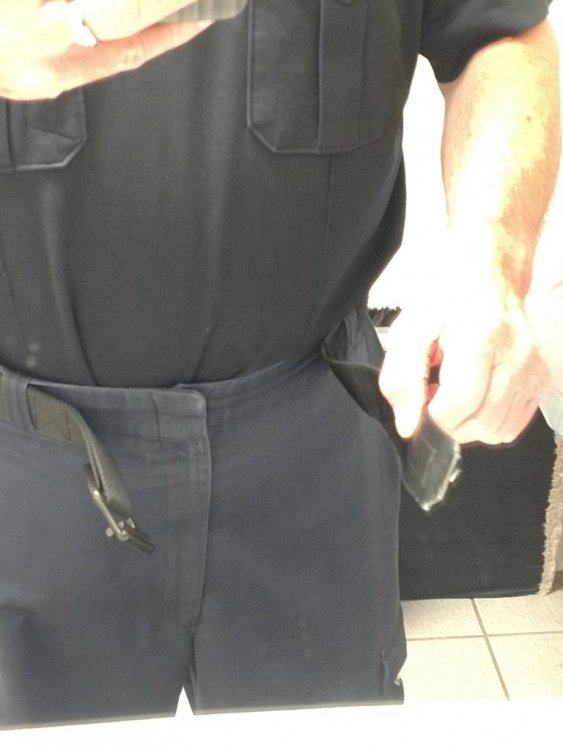
  6. Prior to 20-May I couldn't feed the end of this belt through the buckle. My thumb references where the end of the belt now ends. Fortunately I had a couple of pairs of uniform pants tucked away from before my huge weight gain. These are now getting to big. I see new uniforms and belt in the near future. I'm kinda liking the new me. #journeyofalifetime Sent from my XT1650 using BariatricPal mobile app
Trending Products

PatchAid Vitamin Patches

Account

Navigation

Search

Search

Configure browser push notifications

Chrome (Android)
  1. Tap the lock icon next to the address bar.
  2. Tap Permissions → Notifications.
  3. Adjust your preference.
Chrome (Desktop)
  1. Click the padlock icon in the address bar.
  2. Select Site settings.
  3. Find Notifications and adjust your preference.