




Start here
Where are you in your journey?
Choose the path that fits today. We’ll take you to the most useful discussions.
- GLP-1 medication Zepbound, Wegovy, access, side effects, progress, and support.
- Before surgery Compare procedures, plan ahead, and get honest pre-op answers.
- Post-op Recovery, food stages, symptoms, and support.
- Long-term Regain, labs, habits, and life after the honeymoon.
- Revision Explore revision options, complications, and next steps.
Need to meet some bariatric friends :p
- Replies 7
- Views 1.6k
- Created
- Last Reply
Top Posters In This Topic
-
dbbonoso 3 posts
-
voyagerslug 2 posts
-
VIKING 0424 1 post
-
SargentSkittles 1 post


Popular Days
Most Popular Posts
-
Me too :) also from the LA area
-
From mid city LA area ... id send you a message but traveling in Paris right now and it isn’t loading right ... i had my sleeve done in 1/18
-
i think we all need friends who understand what we are going through not just the normal friends they try to support best they can just dont understand what we go through in this process and new li

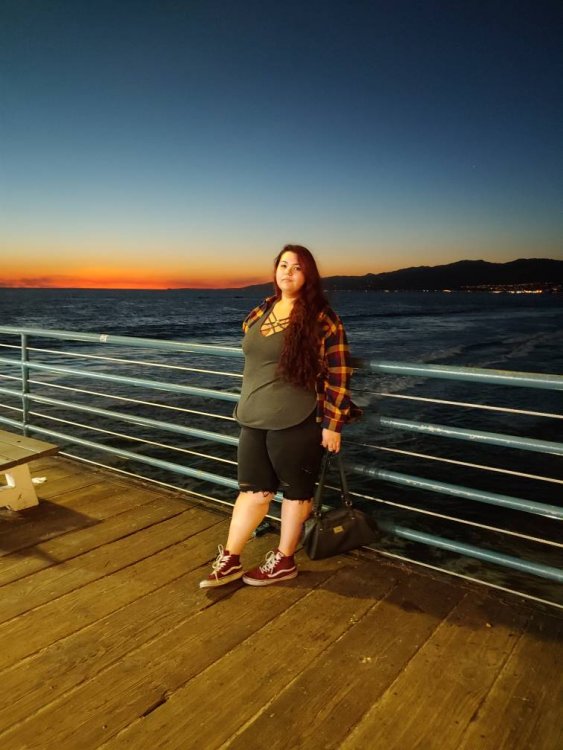
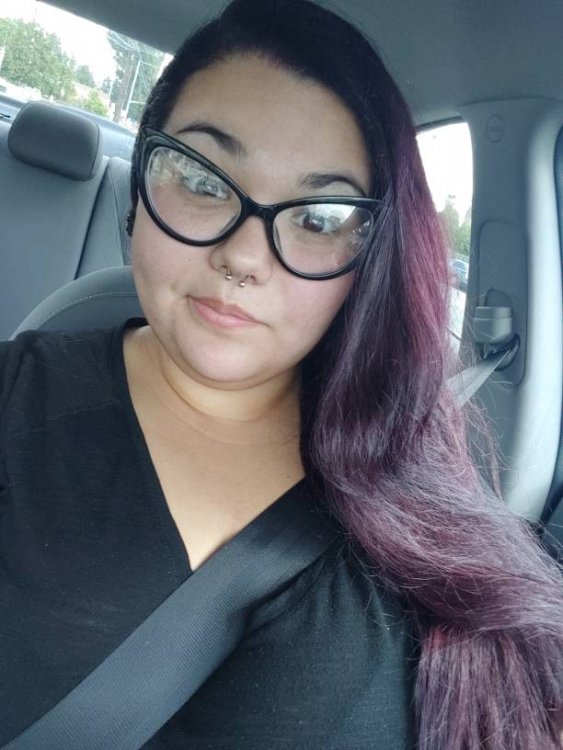
Had surgery 2/14 , trying to find some friends that I can share things in common I guess ?

