




Skip to content
View in the app

A better way to browse. Learn more.

BariatricPal

A full-screen app on your home screen with push notifications, badges and more.

To install this app on iOS and iPadOS
  1. Tap the Share icon in Safari
  2. Scroll the menu and tap Add to Home Screen.
  3. Tap Add in the top-right corner.
To install this app on Android
  1. Tap the 3-dot menu (⋮) in the top-right corner of the browser.
  2. Tap Add to Home screen or Install app.
  3. Confirm by tapping Install.

Join BariatricPal free

  • Ask your own questions
  • Reply and follow topics
  • Message other members
  • No cost, no spam

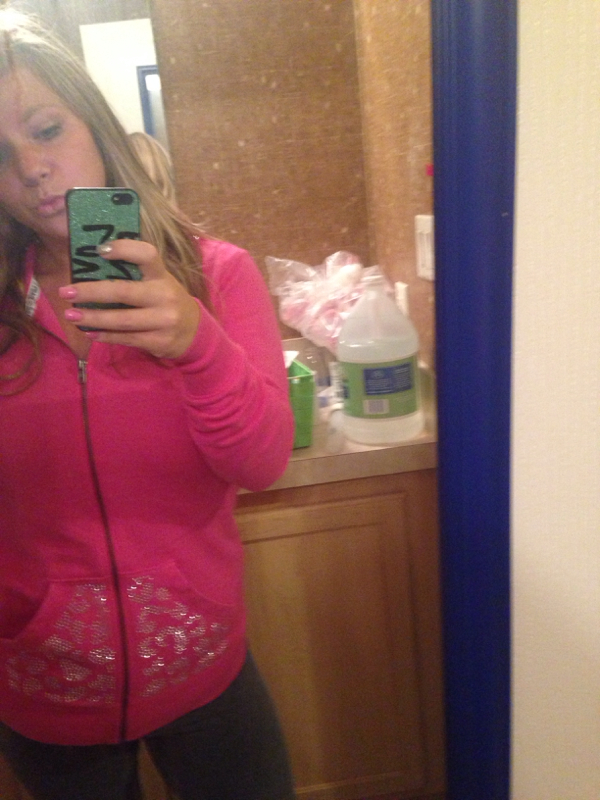
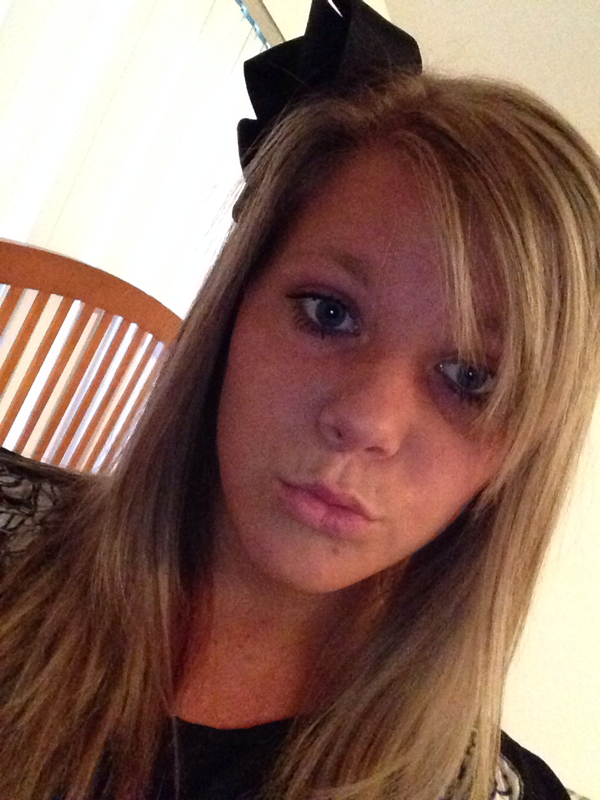
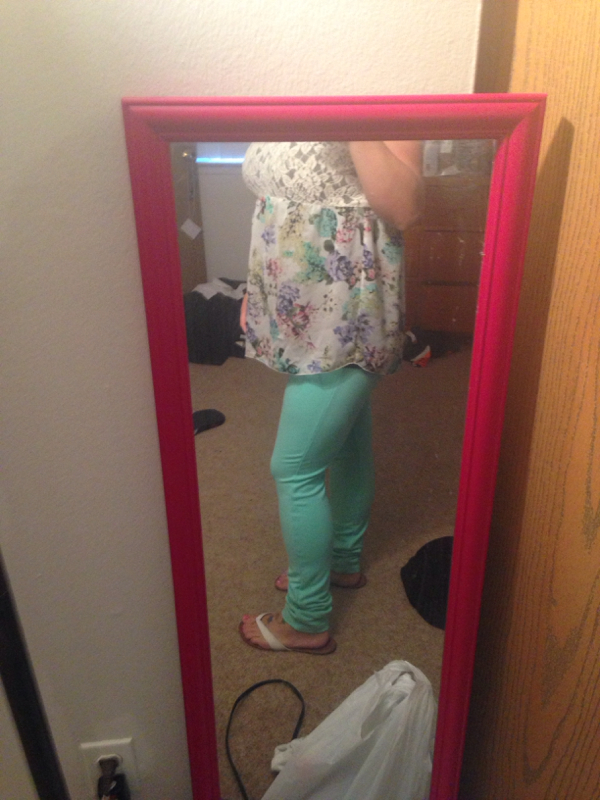
Updated pic...

  • Replies 32
  • Views 4.6k
  • Created
  • Last Reply

Featured Replies

  • Author

Thanks everyone. I'm very happy!

Duck lips unite!!!!

:P

Lololol

Jessica you look great!!! Congrats!

  • Author

Thank you

  • Author

I was standing on tippy toes

post-59430-13838396777132_thumb.jpg

You look great Jessica!

Girl you look amazing when I saw your pics I instantly wanted to cry!! I'm so proud and excited!! I haven't had surgery yet but I'm so hopeful after seeing you!

  • Author

Awe thank you :) and no problems at all.

  • Author

Thank you. I would say 2-3 times a week due to my schedule. Would love to go more.

You look hot!! Feel free to post pictures of you modeling at VS. ;)

Haha.

Congratulations on your weight loss and your new job, Jessica! Thanks for posting - you are an inspiration :)

  • Author

Awe thanks!(;

  • Author

post-59430-13838396979598_thumb.jpg

post-59430-1383839698037_thumb.jpg

post-59430-13838396981073_thumb.jpg

Archived

This topic is now archived and is closed to further replies.

Account

Navigation

Search

Search

Configure browser push notifications

Chrome (Android)
  1. Tap the lock icon next to the address bar.
  2. Tap Permissions → Notifications.
  3. Adjust your preference.
Chrome (Desktop)
  1. Click the padlock icon in the address bar.
  2. Select Site settings.
  3. Find Notifications and adjust your preference.