




Start here
Where are you in your journey?
Choose the path that fits today. We’ll take you to the most useful discussions.
- GLP-1 medication Zepbound, Wegovy, access, side effects, progress, and support.
- Before surgery Compare procedures, plan ahead, and get honest pre-op answers.
- Post-op Recovery, food stages, symptoms, and support.
- Long-term Regain, labs, habits, and life after the honeymoon.
- Revision Explore revision options, complications, and next steps.
Thanksgiving plate pictures
- Replies 17
- Views 2.1k
- Created
- Last Reply
Top Posters In This Topic
-
GreenTealael 3 posts
-
november11 2 posts
-
AJ Tylo 2 posts
-
LadyVS 2 posts




Popular Days
Most Popular Posts
-
The point was to post what you ACTUALLY ate to give others an idea and those exploring the procedure. If i wanted to look at food I would go on instagram. What did you actually eat?
-
should be interesting i'll be just into my puree stage was sleeved two weeks ago..hey @Green Tealael
-
Here is my after plate. I think it's safe to say my sleeve is working.

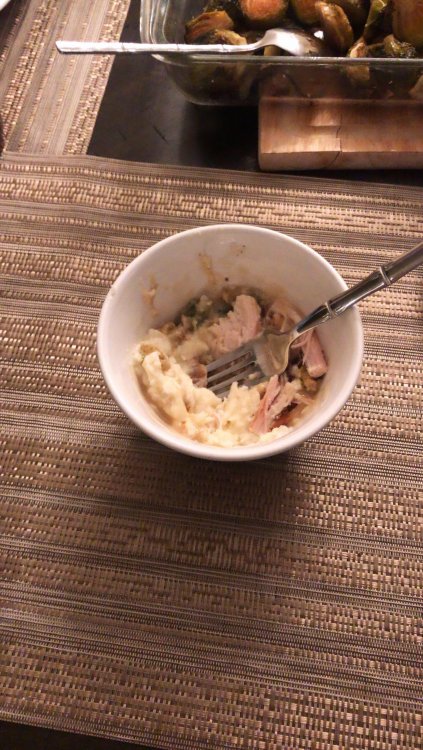
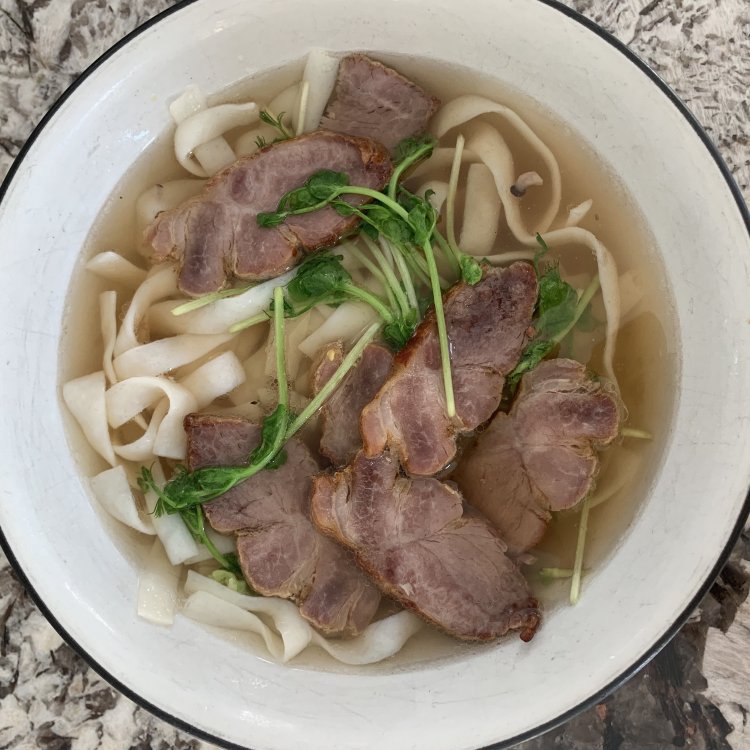
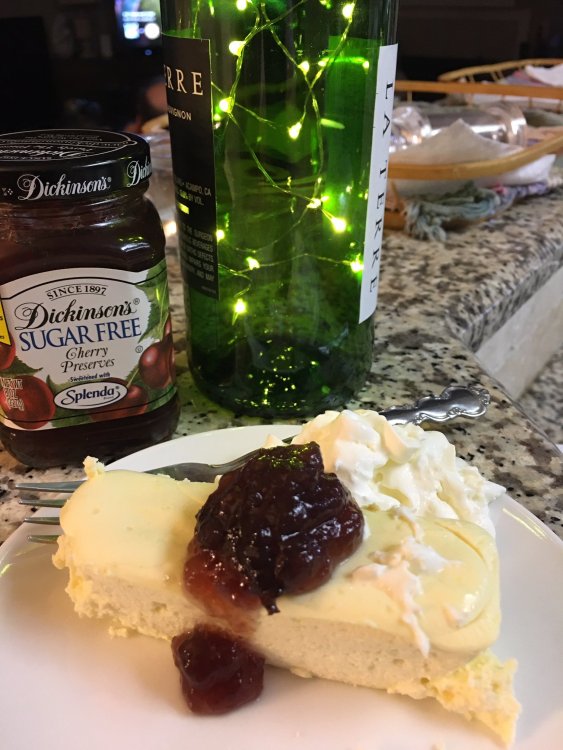
Wanted to get a thread up early. Please post your thanksgiving plate pictures.