




Start here
Where are you in your journey?
Choose the path that fits today. We’ll take you to the most useful discussions.
- GLP-1 medication Zepbound, Wegovy, access, side effects, progress, and support.
- Before surgery Compare procedures, plan ahead, and get honest pre-op answers.
- Post-op Recovery, food stages, symptoms, and support.
- Long-term Regain, labs, habits, and life after the honeymoon.
- Revision Explore revision options, complications, and next steps.
Amanda Johnson from TLC's hit show, "Family By the Ton" on The Lighter Side Podcast!
- Replies 1
- Views 1.2k
- Created
- Last Reply
Top Posters In This Topic
-
GreenTealael 1 post

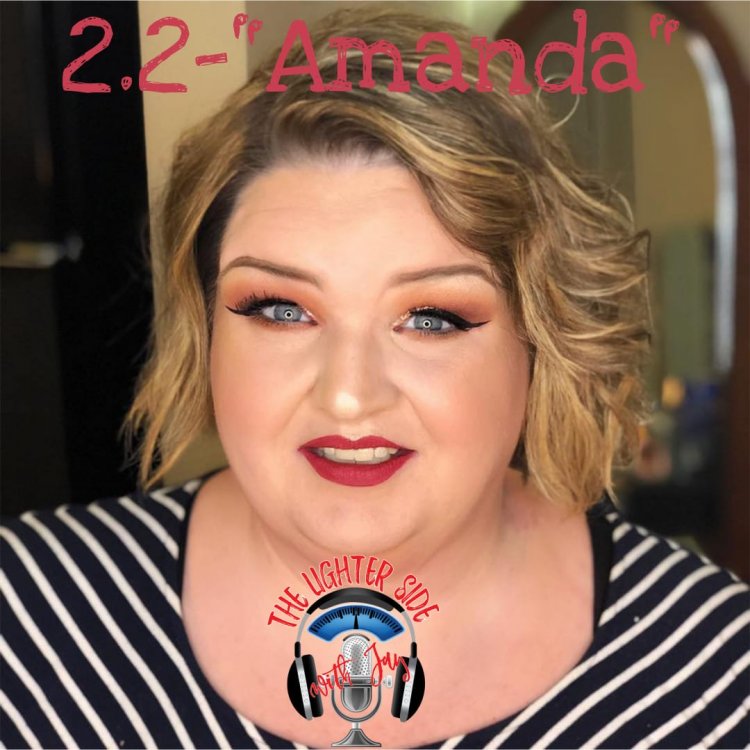
My good friend Jay Casale just dropped his latest podcast episode where he interviews Amanda Johnson from TLC's hit TV show, "Family By the Ton. In Jay's words...
"Amanda Johnson currently stars on TLC's hit show, "Family By the Ton.", in which she bravely shares her journey as both a food addict and a cancer patient.
When I met her two years ago, she was a sassy graphic designer with perfect makeup and a short temper, who had no time for nonsense or ignorance.
She's still all of those things and more. She's also my friend, and I couldn't have been happier to speak with her in her first off-camera interview since Family by the Ton started airing. In true Amanda fashion, she held nothing back."
Available on:
iTunes: https://apple.co/2EQ20bG
Android: bit.ly/2DxAvSQ
Don't wanna use a phone: lightersidepodcast.com