




Start here
Where are you in your journey?
Choose the path that fits today. We’ll take you to the most useful discussions.
- GLP-1 medication Zepbound, Wegovy, access, side effects, progress, and support.
- Before surgery Compare procedures, plan ahead, and get honest pre-op answers.
- Post-op Recovery, food stages, symptoms, and support.
- Long-term Regain, labs, habits, and life after the honeymoon.
- Revision Explore revision options, complications, and next steps.
Hours and Hours of Entertainment!
- Replies 16
- Views 1.8k
- Created
- Last Reply
Top Posters In This Topic
-
FluffyChix 8 posts
-
Biddy zz ?️? 2 posts
-
Letsgetgoing2018 2 posts
-
Orchids&Dragons 1 post




Popular Days
Most Popular Posts
-
Fluffy, I think you need a hobby!
-
@FluffyChix its the little things that matter when i learned to tie my shoes last month, I was ecstatic !!!? kathy congrats
-
I love you. Seriously.


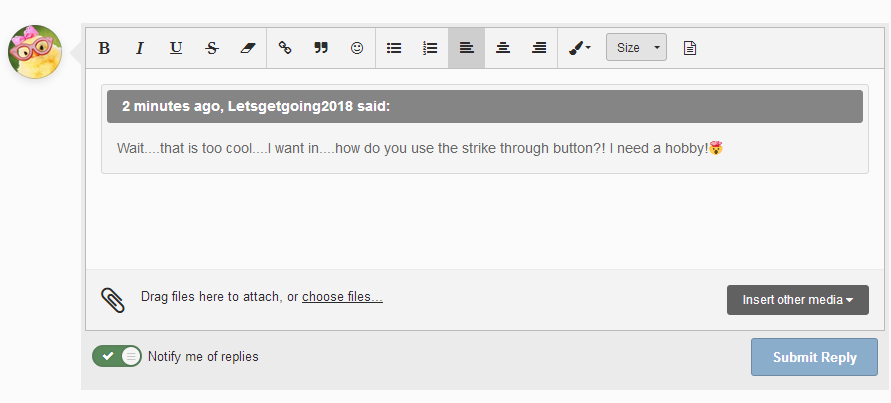
Thank you again @MIZ60 for showing me how to ?
?
implementuse the strike through button! It's given me and will continue to give mehours upon hoursminutes/seconds of joy and amusement. Merry Christmas, dollface!!!! ((hugs))