
Skip to content
View in the app

A better way to browse. Learn more.

BariatricPal

A full-screen app on your home screen with push notifications, badges and more.

To install this app on iOS and iPadOS
  1. Tap the Share icon in Safari
  2. Scroll the menu and tap Add to Home Screen.
  3. Tap Add in the top-right corner.
To install this app on Android
  1. Tap the 3-dot menu (⋮) in the top-right corner of the browser.
  2. Tap Add to Home screen or Install app.
  3. Confirm by tapping Install.

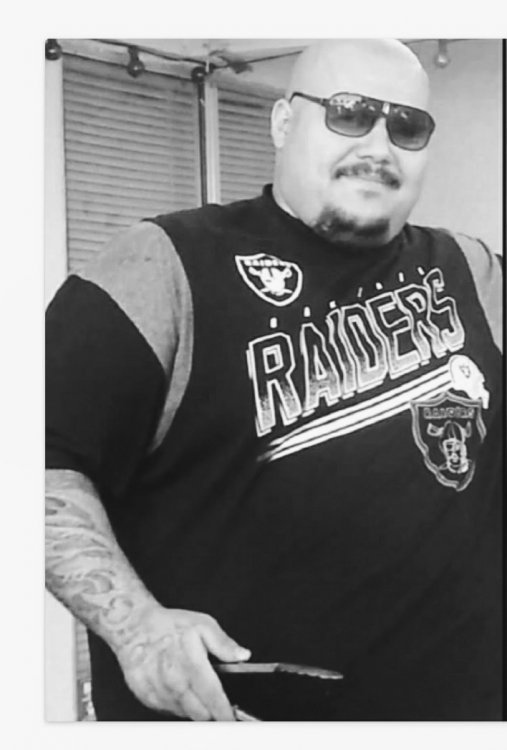
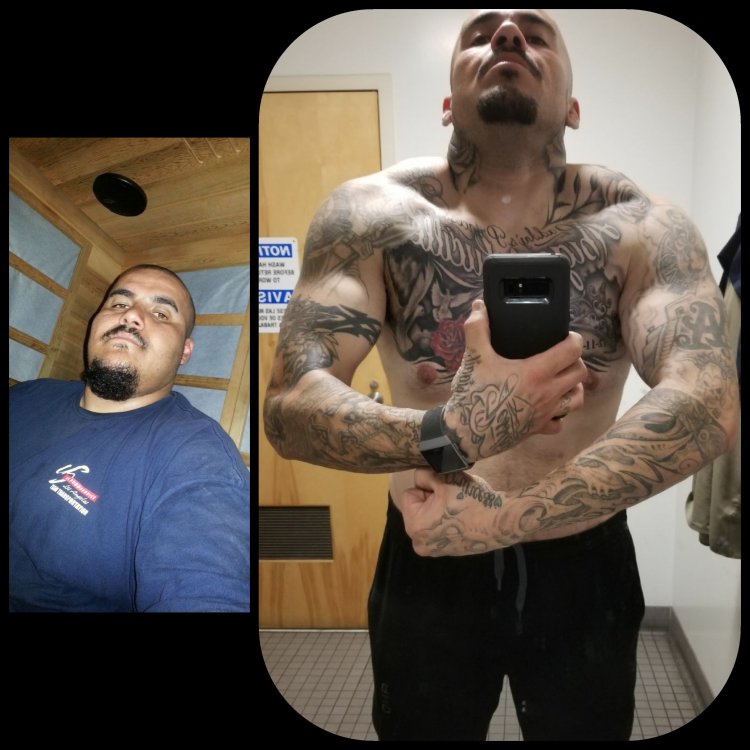
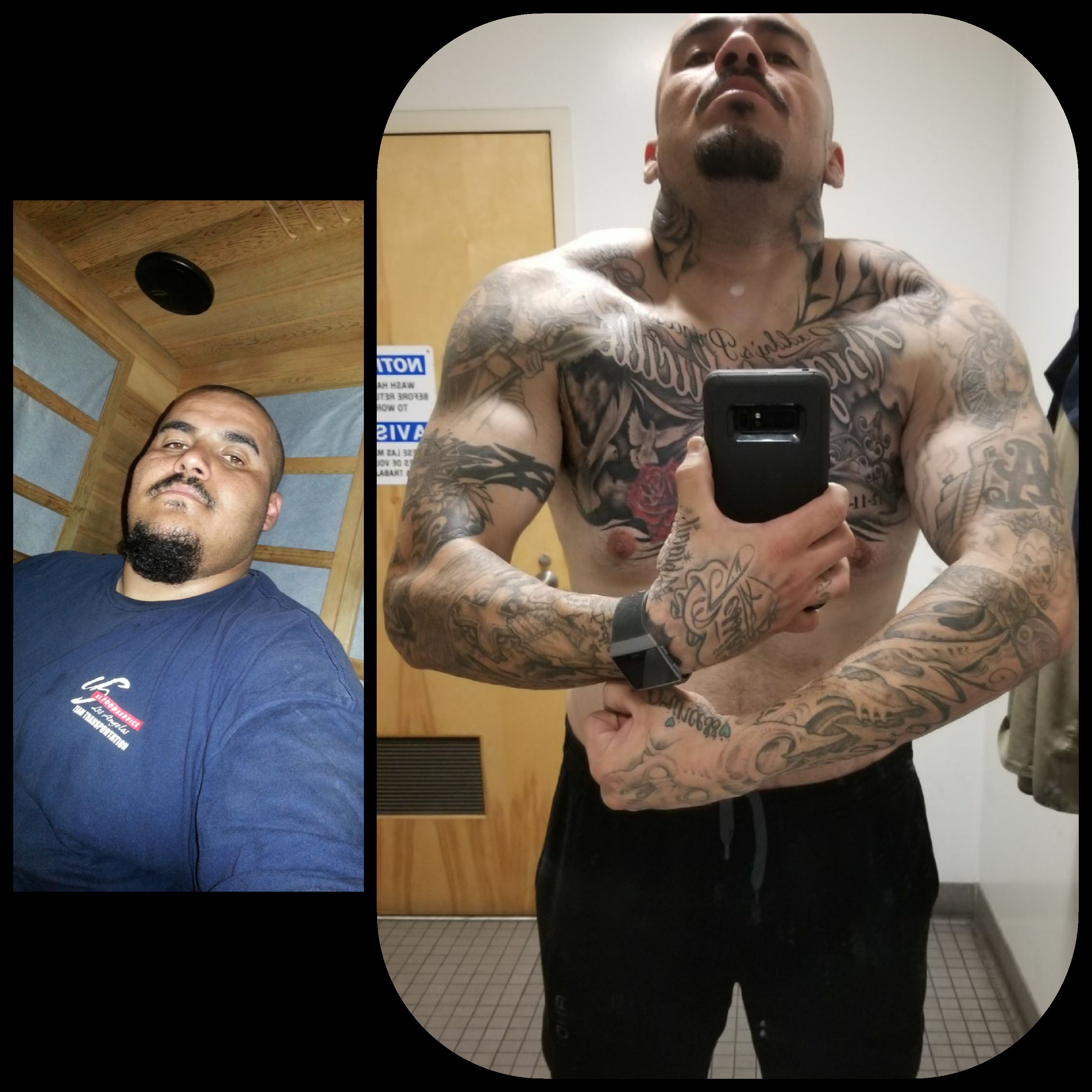
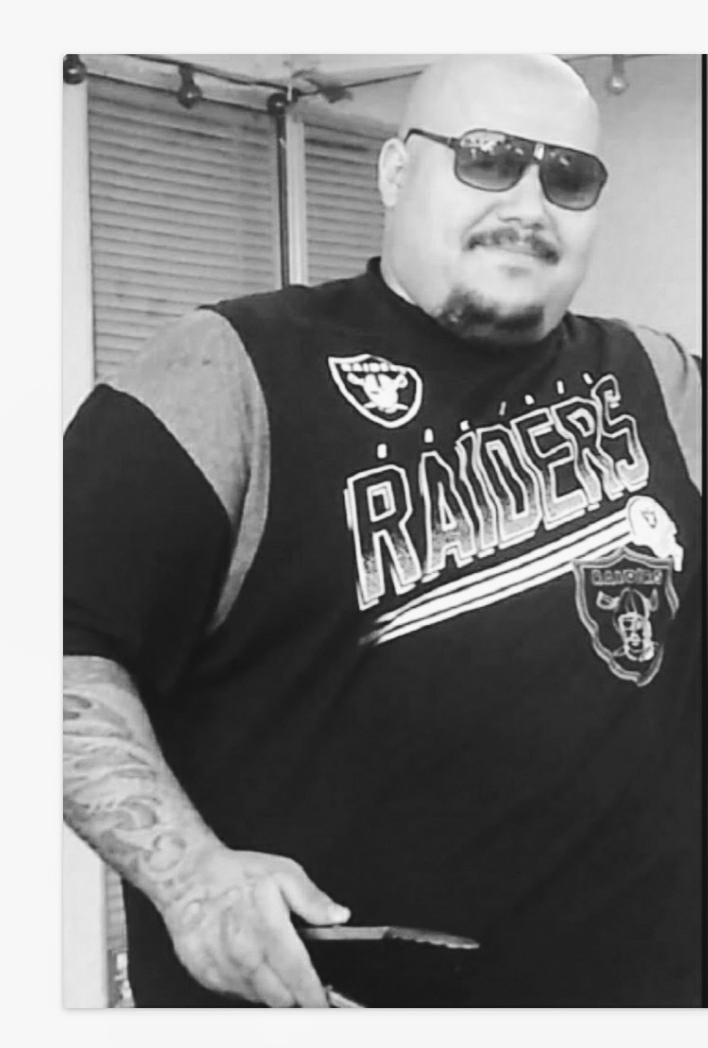
2 years post op 180 down no regrets

20180322_050229.thumb.jpg.eebb8e9f7aa051e7fc56d1945fe70dc5.jpg

20180216_231651.jpg

  • Replies 14
  • Views 1.9k
  • Created
  • Last Reply

Featured Replies

  • Author

Thank you still have a lot of work to do

You look amazing...

You look fantastic!!! Congratulations on your success!!!

Sent from my SM-G930VL using BariatricPal mobile app

Holy sh*t Batman! You look awesome! Congrats on the hard work!

  • Author

Thank you still have alot of work to do but cant quit.

Same to u keep up the good work and remember why we did the surgery to better our lives and of course to be healthy!!!

Absolutely! LOL, I don't know if I have 1 muscle in my body even 1/4 as big as yours. ROFL! But today I'm going to my PT for 1 1/2hours and will work til I sweat using the smallest bands! *snort* But slow and steady wins the race! I would eventually be able to build some muscle though (a little girlie girl muscle). :D

5 hours ago, RayM1 said:

Thank you still have a lot of work to do

I say the same thing when someone compliments me on my appearance. Not sure why we focus on what we still need to do, but I'm trying to say thank you and enjoy the compliment next time someone says good job.

Edited by Strivingforbetter

Congrats on all your hard work! U look great!

My goodness! You look soooo good! Very handsome!


HW: 311
CW: 262
SW: We’ll see on May 10!

That is awesome! You really look great. :o

Archived

This topic is now archived and is closed to further replies.

Trending Products

PatchAid Vitamin Patches

Account

Navigation

Search

Search

Configure browser push notifications

Chrome (Android)
  1. Tap the lock icon next to the address bar.
  2. Tap Permissions → Notifications.
  3. Adjust your preference.
Chrome (Desktop)
  1. Click the padlock icon in the address bar.
  2. Select Site settings.
  3. Find Notifications and adjust your preference.