




Skip to content
View in the app

A better way to browse. Learn more.

BariatricPal

A full-screen app on your home screen with push notifications, badges and more.

To install this app on iOS and iPadOS
  1. Tap the Share icon in Safari
  2. Scroll the menu and tap Add to Home Screen.
  3. Tap Add in the top-right corner.
To install this app on Android
  1. Tap the 3-dot menu (⋮) in the top-right corner of the browser.
  2. Tap Add to Home screen or Install app.
  3. Confirm by tapping Install.

Join BariatricPal free

  • Ask your own questions
  • Reply and follow topics
  • Message other members
  • No cost, no spam

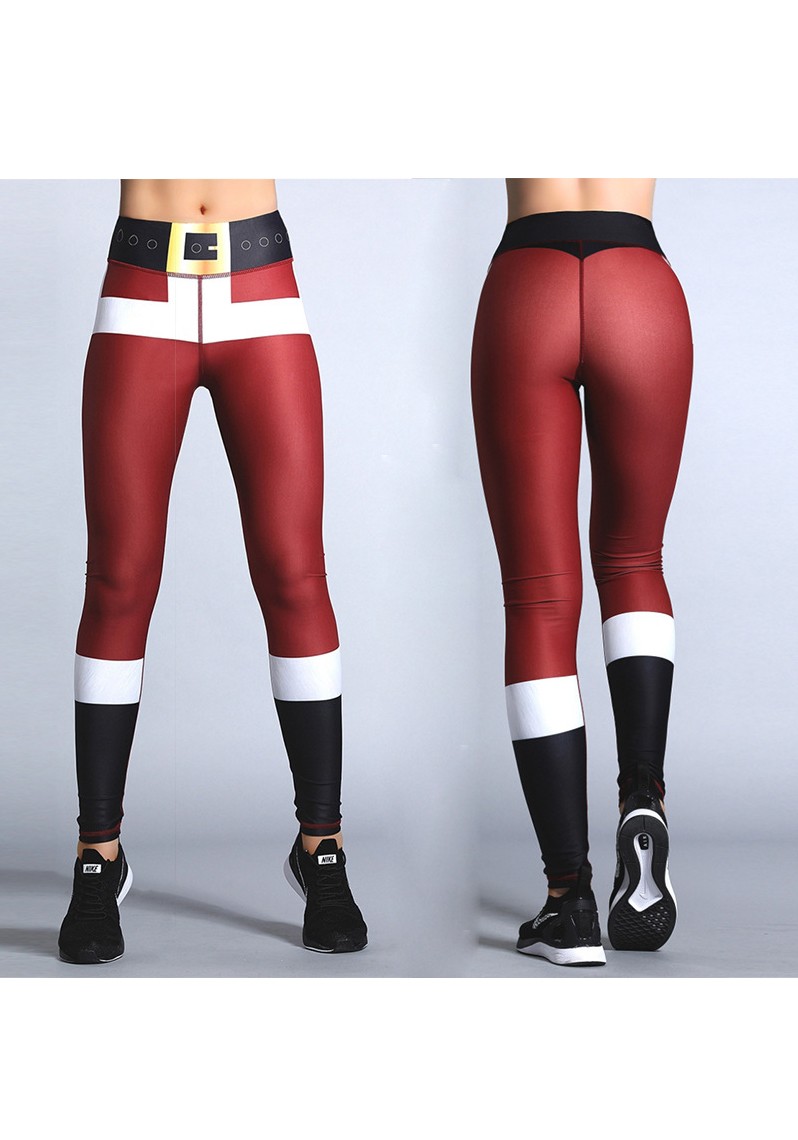
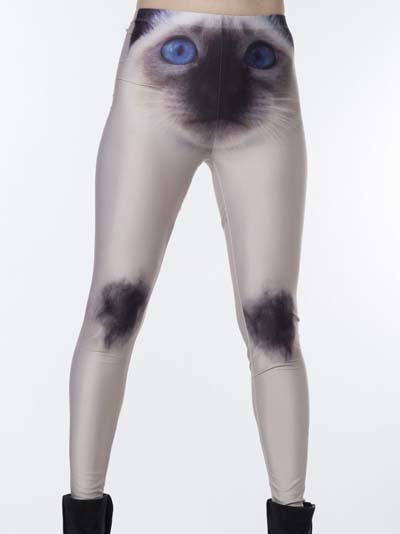
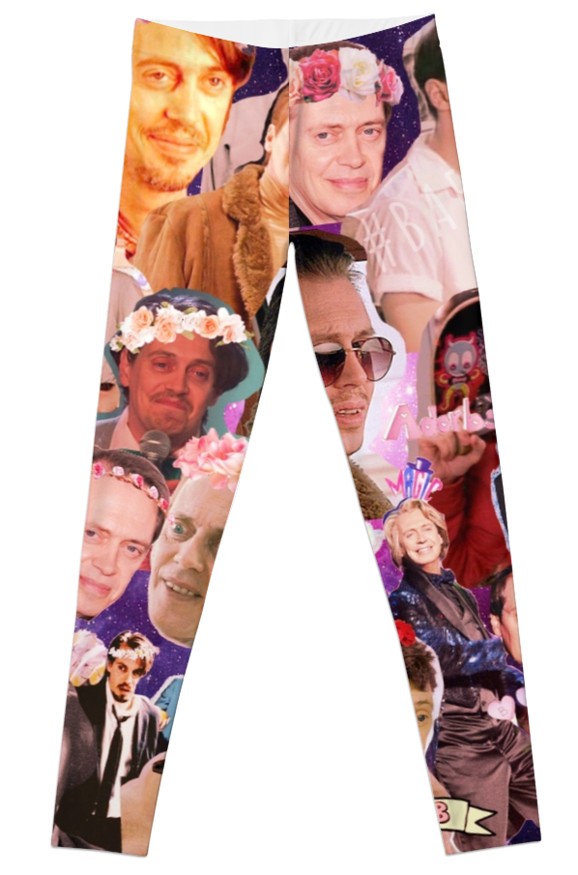
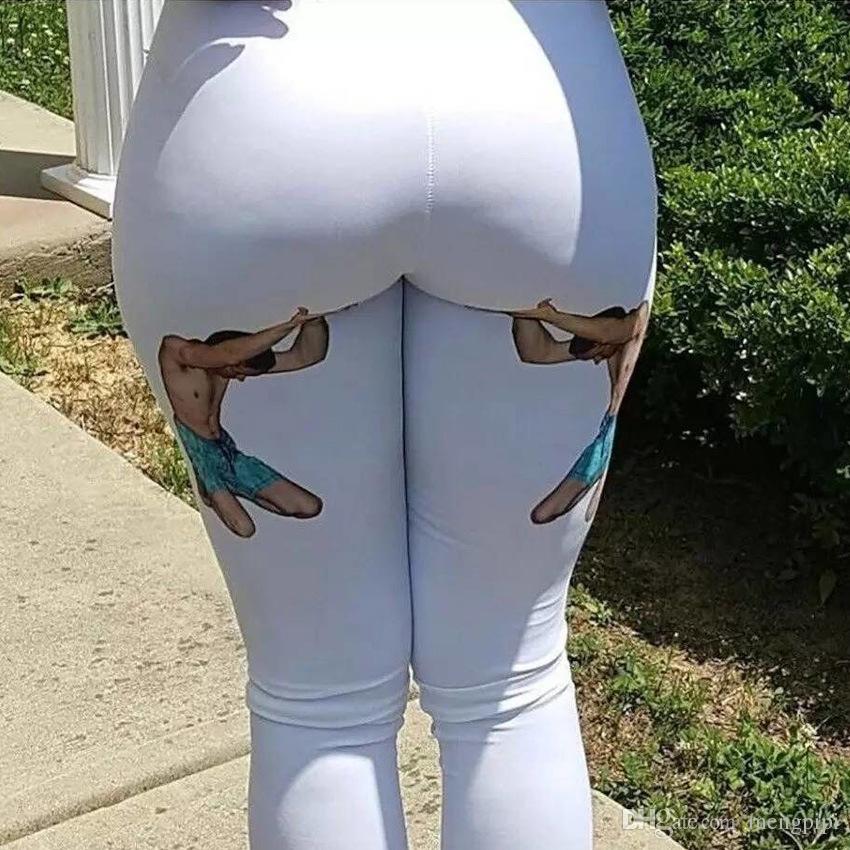
leggings that make you laugh.

  • Replies 12
  • Views 3.5k
  • Created
  • Last Reply

Featured Replies

Those are great, especially the Steve Buschemi leggings!

haha -- love esp the last one!

Edited by Apple203

bahahahaha! Hilarious! Have already shared!

15 hours ago, jenn1 said:

leggings that make you laugh.

@jenn1

i love them!!!! toooo cute - i'm gonna run/walk out and buy all!!

ho ho ho:rolleyes:

kathy

  • Author
32 minutes ago, proudgrammy said:

@jenn1

i love them!!!! toooo cute - i'm gonna run/walk out and buy all!!

ho ho ho:rolleyes:

kathy

Because you are cute as a button. i found these for you

896fd777aa801cf7fa8bea15dfb7f67c--vintage-pants-white-leggings.jpg

  • Author
1 hour ago, FluffyChix said:

bahahahaha! Hilarious! Have already shared!

Socks, but I can see you in these

ea99f1b8567e281f2c855cc08a61c3c9--chicken-quotes-funny-chicken.jpg

hahahaha! I seriously want the button ones! Now I'm super jelly of @proudgrammy cuz she'll be wearin her's soon! :D

OK, where to buy? Peeps want to know!

  • Author
23 minutes ago, Seb said:

Wish they could do Garments like that especially the ones for Christmas

5 minutes ago, Apple203 said:

OK, where to buy? Peeps want to know!

I just googled them. Many places to buy...Many christmas style ones.

images.jpg

gotcha, thanks for the idea. File this trend under: who knew? :-)

Archived

This topic is now archived and is closed to further replies.

Account

Navigation

Search

Search

Configure browser push notifications

Chrome (Android)
  1. Tap the lock icon next to the address bar.
  2. Tap Permissions → Notifications.
  3. Adjust your preference.
Chrome (Desktop)
  1. Click the padlock icon in the address bar.
  2. Select Site settings.
  3. Find Notifications and adjust your preference.