Skip to content
View in the app

A better way to browse. Learn more.

BariatricPal

A full-screen app on your home screen with push notifications, badges and more.

To install this app on iOS and iPadOS
  1. Tap the Share icon in Safari
  2. Scroll the menu and tap Add to Home Screen.
  3. Tap Add in the top-right corner.
To install this app on Android
  1. Tap the 3-dot menu (⋮) in the top-right corner of the browser.
  2. Tap Add to Home screen or Install app.
  3. Confirm by tapping Install.

Join BariatricPal free

  • Ask your own questions
  • Reply and follow topics
  • Message other members
  • No cost, no spam

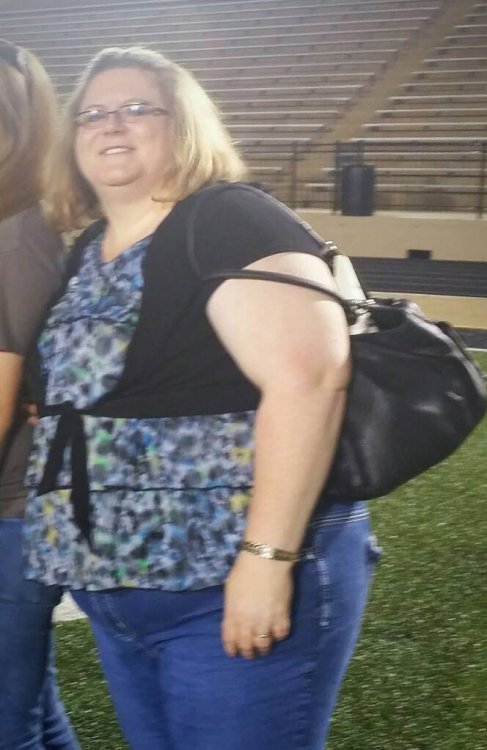
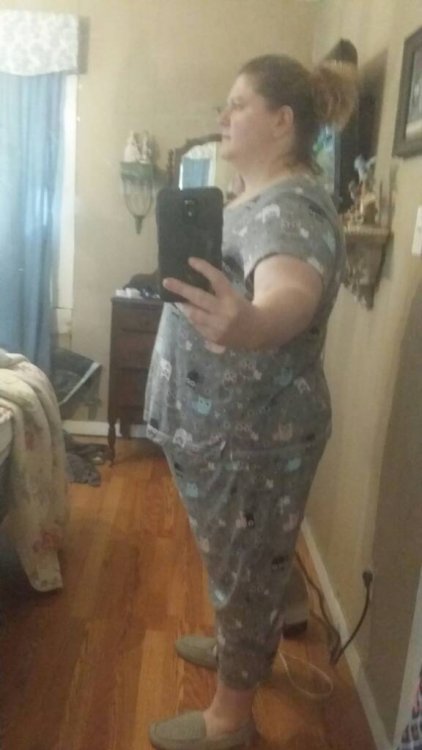
Sleeved 6/22/17 30 lbs down

  • Replies 7
  • Views 688
  • Created
  • Last Reply

Featured Replies

2 hours ago, sylvia2017 said:

Day 9 went from 319 to 289.

never thought it would come off this fast.

@sylvia2017

great weight loss, great start

30 lbs down - party dance

NOT to burst your bubble, but

you most likely will not loose

similar large amounts through

your journey - but you'll do great

slow and steady wins the race

good luck with surgery

speedy recovery:rolleyes:

kathy

  • Author
I'm seeing the surgeon on the 7th first visit, I'm excited and nervous [emoji4]

Sent from my SM-G930T using BariatricPal mobile app


Have you had the surgery yet. is this your follow up post op. I go for mine 7/5 and I'm nervous too. I'm hoping I'm on track. I'm trying hard to stick to the liquid diet today has been the hardest day so far. I'm battling my demons today. Everytime I see a pizza commercial I wanna scream.

Sent from my SAMSUNG-SM-N900A using BariatricPal mobile app

42 minutes ago, sylvia2017 said:


Have you had the surgery yet. is this your follow up post op. I go for mine 7/5 and I'm nervous too. I'm hoping I'm on track. I'm trying hard to stick to the liquid diet today has been the hardest day so far. I'm battling my demons today. Everytime I see a pizza commercial I wanna scream.

Sent from my SAMSUNG-SM-N900A using BariatricPal mobile app

According to the title of the post, she was sleeved on 06/22/17. She's doing great!

Archived

This topic is now archived and is closed to further replies.

Account

Navigation

Search

Search

Configure browser push notifications

Chrome (Android)
  1. Tap the lock icon next to the address bar.
  2. Tap Permissions → Notifications.
  3. Adjust your preference.
Chrome (Desktop)
  1. Click the padlock icon in the address bar.
  2. Select Site settings.
  3. Find Notifications and adjust your preference.