Skip to content
View in the app

A better way to browse. Learn more.

BariatricPal

A full-screen app on your home screen with push notifications, badges and more.

To install this app on iOS and iPadOS
  1. Tap the Share icon in Safari
  2. Scroll the menu and tap Add to Home Screen.
  3. Tap Add in the top-right corner.
To install this app on Android
  1. Tap the 3-dot menu (⋮) in the top-right corner of the browser.
  2. Tap Add to Home screen or Install app.
  3. Confirm by tapping Install.

Join BariatricPal free

  • Ask your own questions
  • Reply and follow topics
  • Message other members
  • No cost, no spam

NEW GOAL HIT - 130 LBS GONE IN 5 MONTHS!!

  • Popular Post

Wow feeling amazing woke up today another 2lbs gone finally hit my next major milestone.

130lbs gone officially.

HW 322

SW 257

CW 192

GW 180/185

130lbs total gone in just under 5 months since I started this journey.

With 65lbs since surgery 10/28 ?

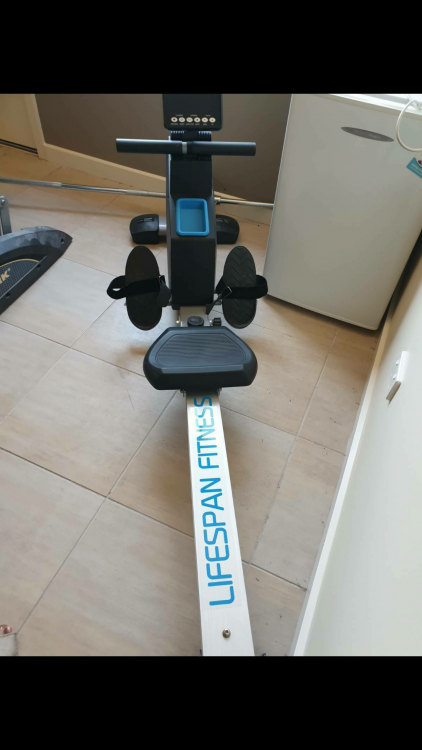
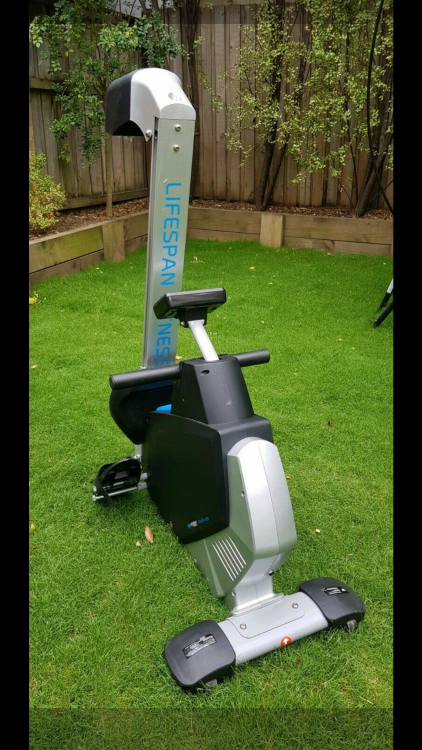
Going out today to pick up my brand new rowing machine ?

Mike.

Screenshot_2020-01-13-18-19-01.png

Screenshot_2020-01-01-14-35-59.png

  • Replies 6
  • Views 802
  • Created
  • Last Reply

Top Posters In This Topic

Most Popular Posts

Posted Images

Featured Replies

We are gonna change your user name to SuperDuperman84!

Fantastic! Great job!

  • Author

Thanks for your support

I haven't lost even half that much in the same time. I'm an idiot and obviously doing this wrong. Congrats to you!!

  • Author

I count every single calorie; & proteins/carbs that I eat or drink; I log it in my diary everyday.

I've been quite strict on myself have not cheated once.

I'm not finished yet I'm trying to get to 180 if possible :) then get the rower going to tone up&gain some muscle..

Join the conversation

You can post now and register later. If you have an account, sign in now to post with your account.

Guest
Reply to this topic...

Account

Navigation

Search

Search

Configure browser push notifications

Chrome (Android)
  1. Tap the lock icon next to the address bar.
  2. Tap Permissions → Notifications.
  3. Adjust your preference.
Chrome (Desktop)
  1. Click the padlock icon in the address bar.
  2. Select Site settings.
  3. Find Notifications and adjust your preference.