




Start here
Where are you in your journey?
Choose the path that fits today. We’ll take you to the most useful discussions.
- GLP-1 medication Zepbound, Wegovy, access, side effects, progress, and support.
- Before surgery Compare procedures, plan ahead, and get honest pre-op answers.
- Post-op Recovery, food stages, symptoms, and support.
- Long-term Regain, labs, habits, and life after the honeymoon.
- Revision Explore revision options, complications, and next steps.
Anyone here lost over 100lbs in 6-9 months?
- Replies 34
- Views 5.7k
- Created
- Last Reply
Top Posters In This Topic
-
New&Improved 3 posts
-
NYJenn 2 posts
-
VIKING 0424 2 posts
-
Neely 2 posts




Most Popular Posts
-
Hi, it is posible I lost 93 pounds st my 6 month mark got to 100 later that month today is my 1 year anniversary and I’ve lost a total of 140 pounds I’m 5’11 starting weight was 308. i went to th
-
The best way to lose that amount is to start now. Don't wait for your op
-
I did. Started at 288, currently 181. Lost 100 lbs by my 6 month appt


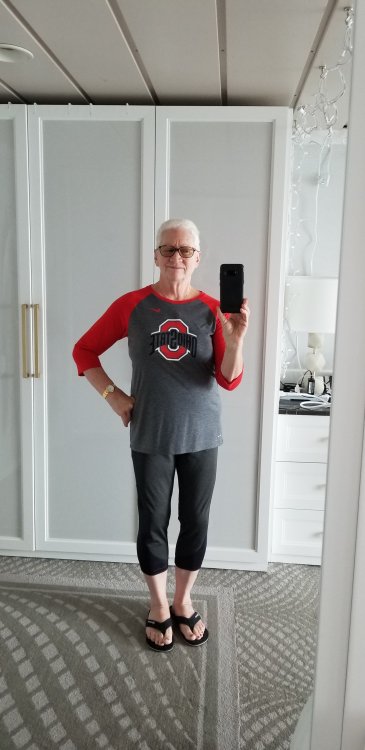

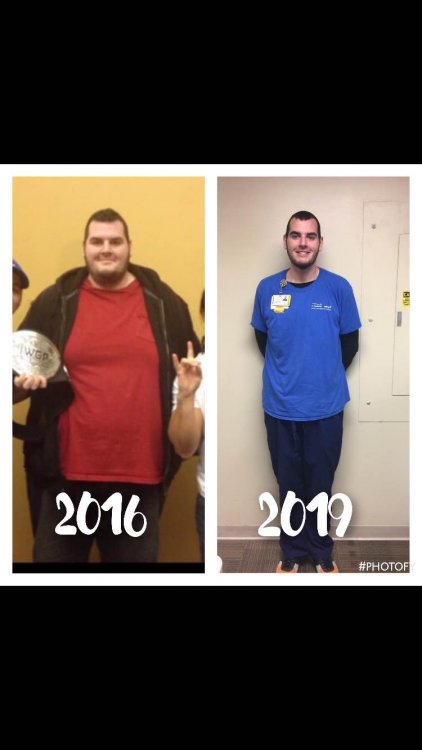
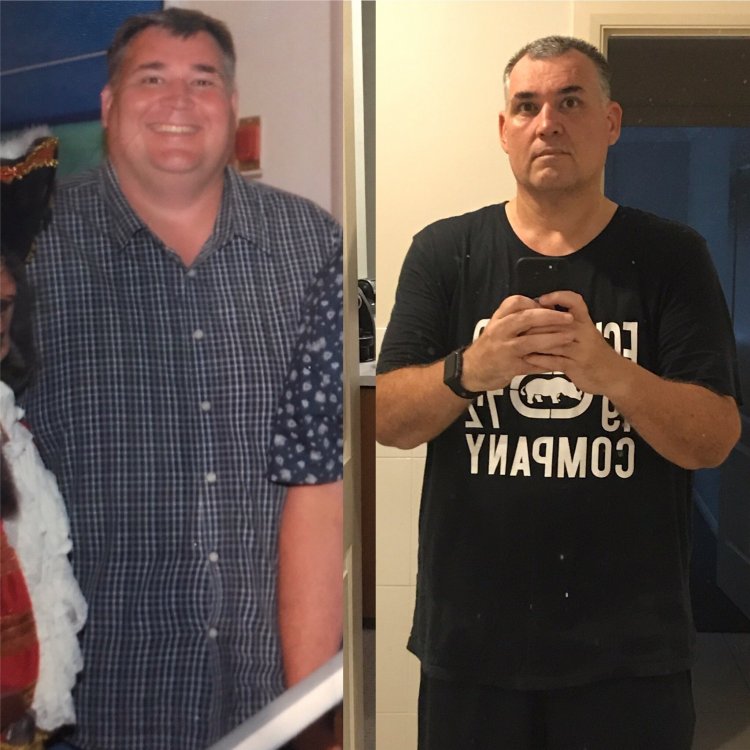
Is it really possible to lose that much? I guess if you're 400+ but for someone who is only 320 and want to lose 130-140 before my next birthday!
If anyone has high stats like that please share!?
Also any tips or secrets to help motivate the Weight loss?
Tnx