Start here
Where are you in your journey?
Choose the path that fits today. We’ll take you to the most useful discussions.
- GLP-1 medication Zepbound, Wegovy, access, side effects, progress, and support.
- Before surgery Compare procedures, plan ahead, and get honest pre-op answers.
- Post-op Recovery, food stages, symptoms, and support.
- Long-term Regain, labs, habits, and life after the honeymoon.
- Revision Explore revision options, complications, and next steps.
Surgery Day! and beyond: Part 2
- Replies 106
- Views 11.1k
- Created
- Last Reply
Top Posters In This Topic
-
mousecat88 40 posts
-
ms.sss 20 posts
-
FluffyChix 9 posts
-
sillykitty 6 posts




Most Popular Posts
-
Everything went great! Took 4 hours. Just feel a bit of burning along the abdominal incision. Minimal muscle repair needed. Minimal lipo needed. I feel fantastic! Headed home now. I have 4 drain tubs
-
Got my arms drains out in a record 4 days! Everything looks great! Here is my tummy today! Before and after.
-
drain zombiiieeee
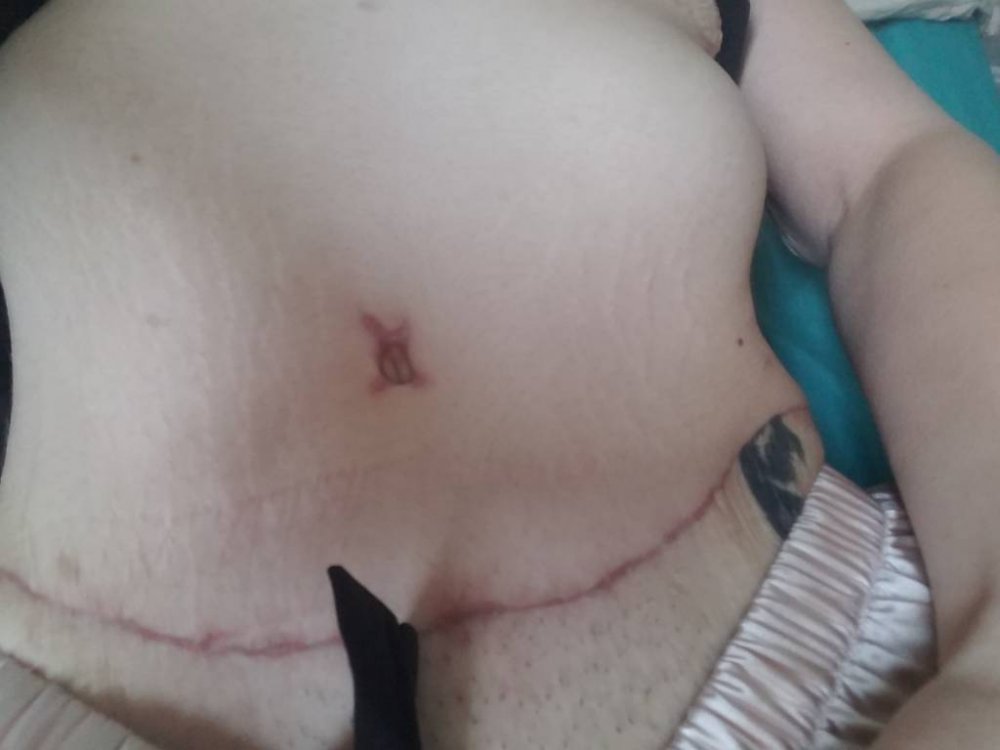
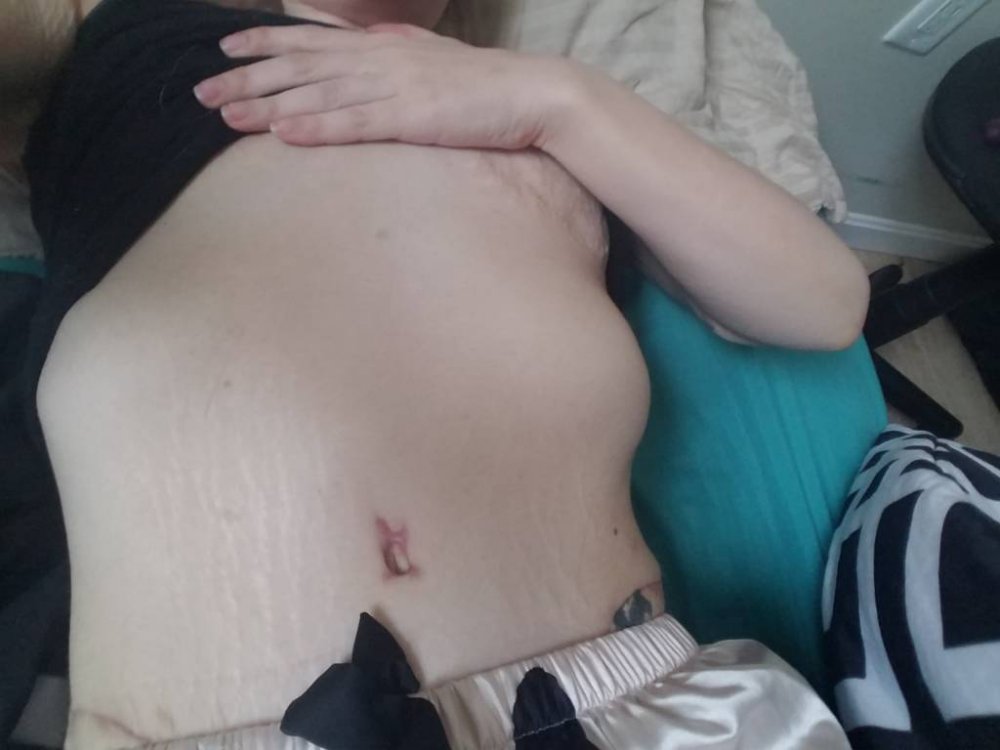
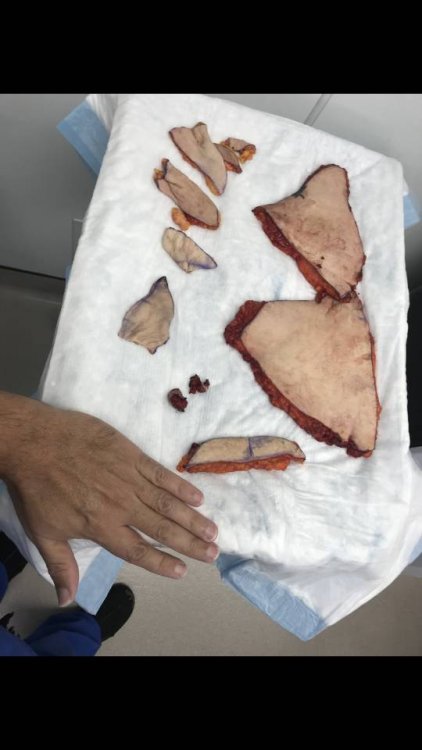
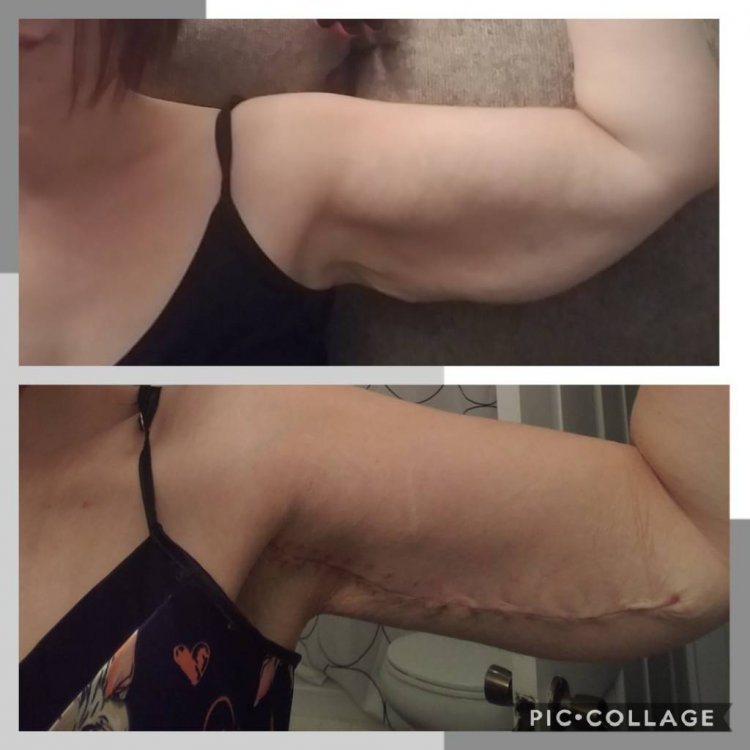
Today is the day! Leaving at 5am for a 6am arrival. Surgery scheduled at 7:30! I am the first and only patient of his of the day. I'll post frequent updates and all post-op everything here! I have my recliner bed all set up, my Percocet, Keflex, and Celebrex near the "bed". I have given the cats a stern warning about jumping on me. I've done all I can. Wish me luck!
#abdominoplasty #brachioplasty