




Start here
Where are you in your journey?
Choose the path that fits today. We’ll take you to the most useful discussions.
- GLP-1 medication Zepbound, Wegovy, access, side effects, progress, and support.
- Before surgery Compare procedures, plan ahead, and get honest pre-op answers.
- Post-op Recovery, food stages, symptoms, and support.
- Long-term Regain, labs, habits, and life after the honeymoon.
- Revision Explore revision options, complications, and next steps.
DIET BET.....LETS GET FIT!
- Replies 48
- Views 3k
- Created
- Last Reply
Top Posters In This Topic
-
jazzyj13 17 posts
-
Losingit2018 15 posts
-
elcee 5 posts
-
GreenTealael 5 posts



Most Popular Posts
-
Not everyone who is involved is even post op or anything! Everyone is welcome and you only have to lose 4% to win and if you calculate it, it’s not much ?
-
And also, everyone that loses 4% wins. So it’s not like there’s anyone that will come out on top
-
Ok. Count me in too. I will sign up later today. Have the other 4 already started on the 28 day diet? Or are you waiting for more people to join? I get that the rules mean that a person ca
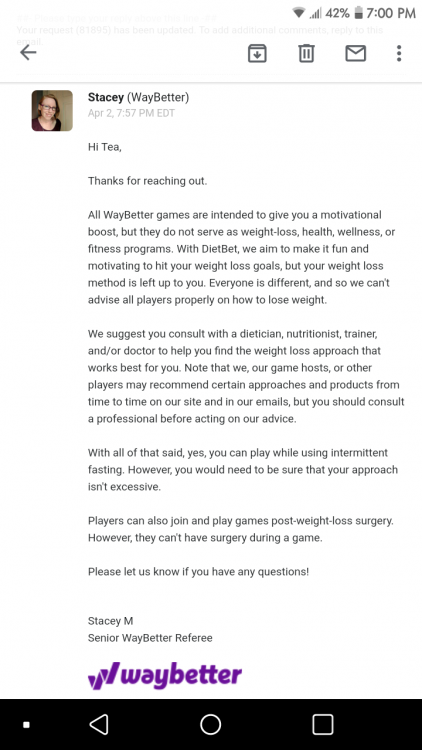
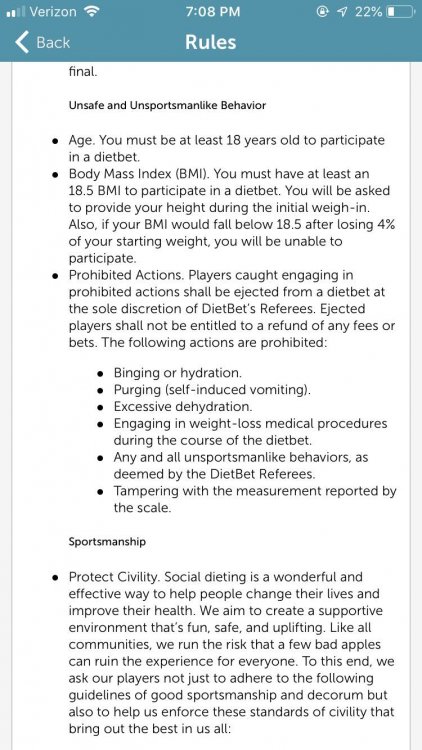
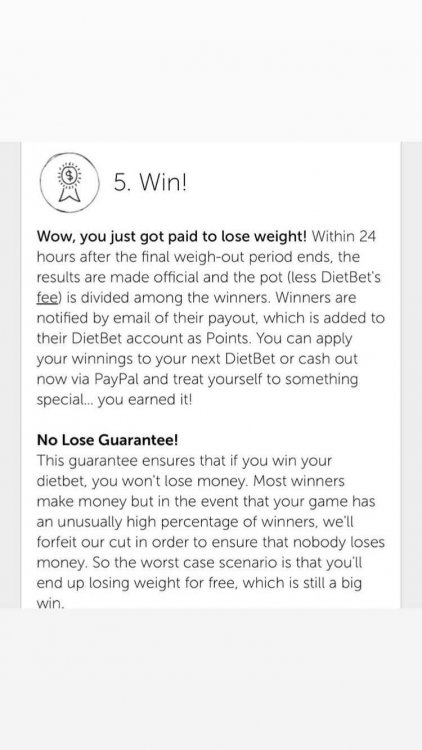
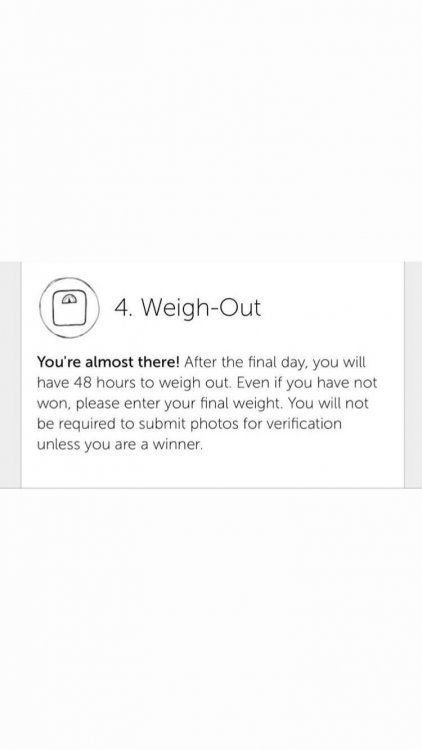
Diet bet is an app where you can make money to lose weight! I’m hoping to get a big group together to join my bet! You pay 35 dollars toward the pot to enter the game, and then you have 28 days to lose 4% of your body weight (totally doable!!!!) At the end, everyone who loses the 4% of their body weight gets to split the pot!!!! This could be fun for everyone, pre op or post op!
I’ve attached some more info! A great way to make friends and hold one another accountable! Please message me if you have questions.
And here is the link to sign up!
Http://dbet.me/10kDv6