




Start here
Where are you in your journey?
Choose the path that fits today. We’ll take you to the most useful discussions.
- GLP-1 medication Zepbound, Wegovy, access, side effects, progress, and support.
- Before surgery Compare procedures, plan ahead, and get honest pre-op answers.
- Post-op Recovery, food stages, symptoms, and support.
- Long-term Regain, labs, habits, and life after the honeymoon.
- Revision Explore revision options, complications, and next steps.
Logging your daily intake of food and etc.?
- Replies 32
- Views 2.9k
- Created
- Last Reply
Top Posters In This Topic
-
Robyn Riley 3 posts
-
AEdoesRnY 2 posts
-
J San 2 posts
-
Screwballski 2 posts




Most Popular Posts
-
I log everything into the MyFitnessPal app. That has a big database of a foods and it tracks calories and nutrients.
-
I guess you don't have to log the type and amount, but I find it helpful for times when I'm going through a stall to look back and see what my diet was like during times I lost well and didn't. Also,
-
This is an interesting question! The only thing I can say is not all cals/macros are the same Fat is not just fat, carb is not just carb etc, different types of each of the macros will do di



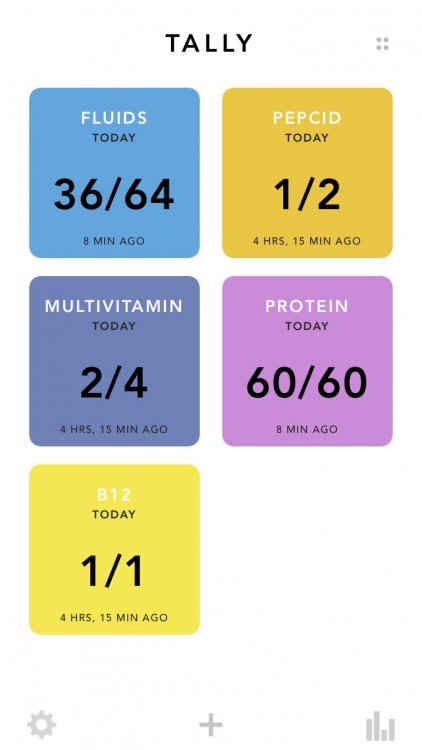
Is it actually necessary to write down the type of food and the amount that you eat for each meal?
Seems to me, all that would be necessary to keep track of would be, calories, carbs, proteins and your liquid intake. After all isn't that all that matters as long as you are eating healthy foods?
I would appreciate your thoughts.