Skip to content
View in the app

A better way to browse. Learn more.

BariatricPal

A full-screen app on your home screen with push notifications, badges and more.

To install this app on iOS and iPadOS
  1. Tap the Share icon in Safari
  2. Scroll the menu and tap Add to Home Screen.
  3. Tap Add in the top-right corner.
To install this app on Android
  1. Tap the 3-dot menu (⋮) in the top-right corner of the browser.
  2. Tap Add to Home screen or Install app.
  3. Confirm by tapping Install.

How to Break a Stall (Step by Step instructions)

  • Popular Post

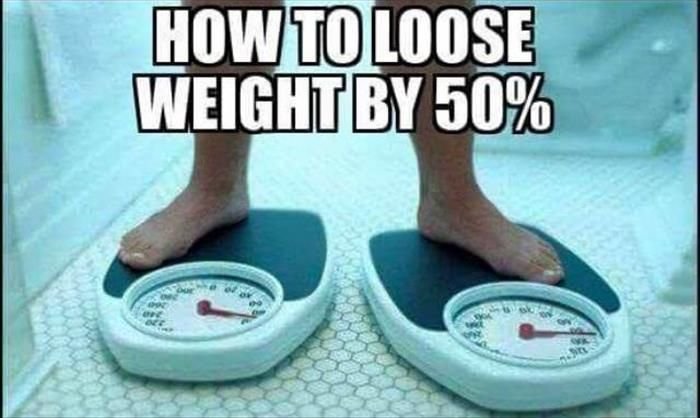
Since apparently no one will give out this secret, and everyone will tell you to just be patient (not likely!) Stay the course, work your plan, just wait, etc. I thought start a thread to help anyone really desperate (with a great sense of humor) ?

Please add your ultimate (yet unlikely to work) Tips on breaking a stall?

  • Replies 32
  • Views 13.6k
  • Created
  • Last Reply

Top Posters In This Topic

Most Popular Posts

Posted Images

Featured Replies

I have been in a stall for 8 weeks now :( I was hoping for some advise in this thread but found my smile instead ?

Join the conversation

You can post now and register later. If you have an account, sign in now to post with your account.

Guest
Reply to this topic...

Account

Navigation

Search

Search

Configure browser push notifications

Chrome (Android)
  1. Tap the lock icon next to the address bar.
  2. Tap Permissions → Notifications.
  3. Adjust your preference.
Chrome (Desktop)
  1. Click the padlock icon in the address bar.
  2. Select Site settings.
  3. Find Notifications and adjust your preference.