




Start here
Where are you in your journey?
Choose the path that fits today. We’ll take you to the most useful discussions.
- GLP-1 medication Zepbound, Wegovy, access, side effects, progress, and support.
- Before surgery Compare procedures, plan ahead, and get honest pre-op answers.
- Post-op Recovery, food stages, symptoms, and support.
- Long-term Regain, labs, habits, and life after the honeymoon.
- Revision Explore revision options, complications, and next steps.
FLASH SALE: New Calcium Chews at 20% Off ⚡
- Views 1.2k
- Created
- Last Reply
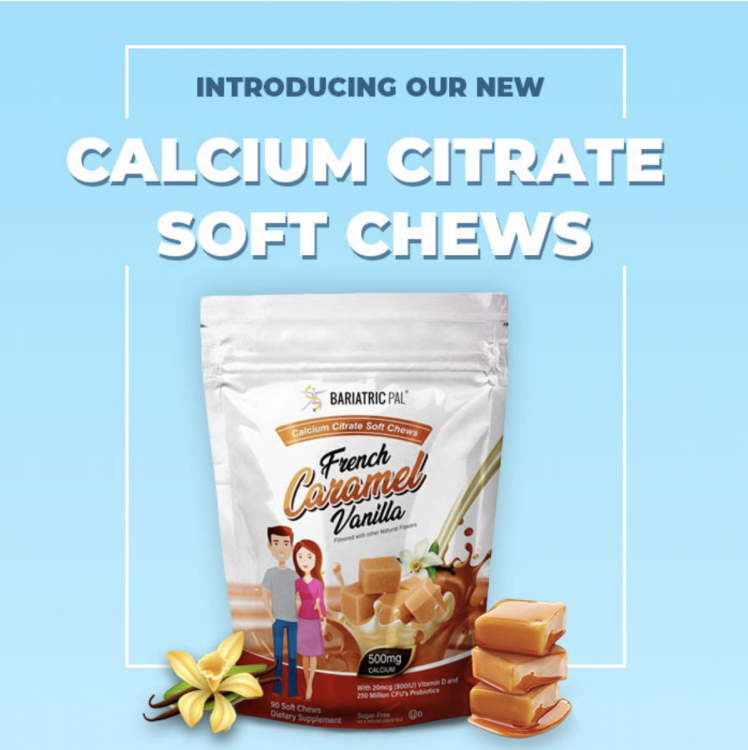
We're excited to share with you our latest product – Calcium Chews, the perfect accompaniment to our Multivitamin ONE.
Our new Calcium Chews come in a delicious French Vanilla flavor and provide 38 percent of the daily recommended calcium intake and 100 percent of the daily recommended vitamin D intake per chew.
Although we've designed these chews to help those with bariatric bypass to meet their nutritional needs, these chews are useful for anyone who wants to ramp up their intake of calcium easily and without adding extra calories. Each of our calcium chews has just 15 calories and no sugar or fat. They also meet ASMBS recommendations.
To learn more about these easy-to-take, nutritious, and affordable Calcium Chews, visit BariatricPal today!
Calcium Citrate Soft Chews
USE CODE: CALCIUM19
Cannot be combined with other offers. Cannot be used on recurring orders. Valid through 10/19/19.