




Start here
Where are you in your journey?
Choose the path that fits today. We’ll take you to the most useful discussions.
- GLP-1 medication Zepbound, Wegovy, access, side effects, progress, and support.
- Before surgery Compare procedures, plan ahead, and get honest pre-op answers.
- Post-op Recovery, food stages, symptoms, and support.
- Long-term Regain, labs, habits, and life after the honeymoon.
- Revision Explore revision options, complications, and next steps.
Joseph's Sugar-Free Maple Syrup available @ The BariatricPal Store!
- Views 898
- Created
- Last Reply
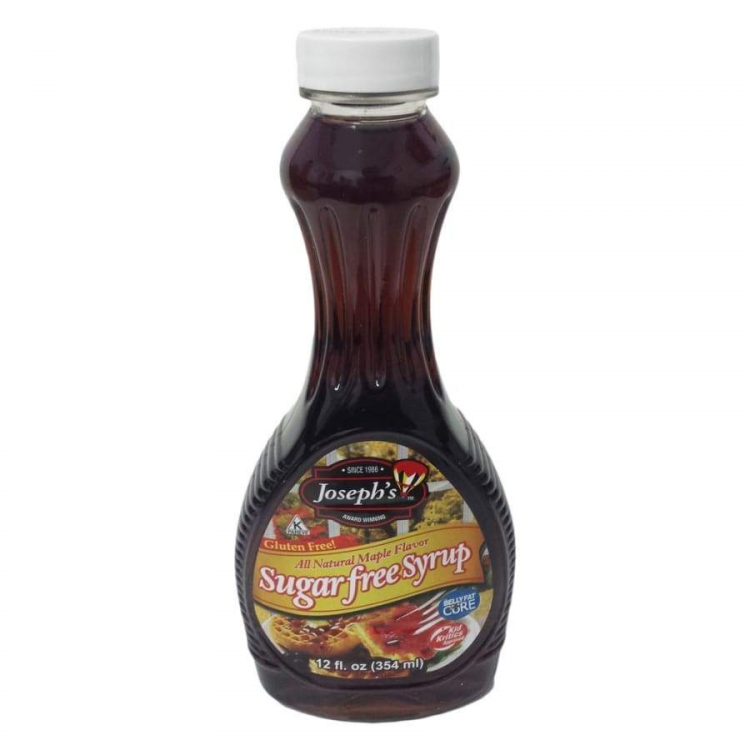
Joseph's Sugar-Free Maple Syrup is low carb and made from all natural maple flavor. Try it on our large selection of protein pancakes or protein waffles, low-calorie ice cream, and for making specialty protein drinks or coffee.
Unlike other watery diet syrups, Joseph's Sugar-Free Maple Syrup has a thick consistency perfect for your low carb pancake breakfast. Joseph's Low Carb Maple Syrup is Kosher and gluten-free.
Most popular Sugar-Free Maple Syrups are very similar to each other. Joseph's Sugar-Free Maple Syrup has a thick consistency, unlike other watery diet syrups. It has a natural maple flavor and no aftertaste.
Now available at the BariatricPal Store.
Joseph's Sugar-Free Maple Syrup Highlights:
Instructions: Use this syrup as a sweetener in baking, tea, and coffee. Refrigerate after opening.
Ingredients: Water, Maltitol, All Natural Maple Flavor.