




Start here
Where are you in your journey?
Choose the path that fits today. We’ll take you to the most useful discussions.
- GLP-1 medication Zepbound, Wegovy, access, side effects, progress, and support.
- Before surgery Compare procedures, plan ahead, and get honest pre-op answers.
- Post-op Recovery, food stages, symptoms, and support.
- Long-term Regain, labs, habits, and life after the honeymoon.
- Revision Explore revision options, complications, and next steps.
LonoLife Bone Broths available at the BariatricPal Store!
- Views 948
- Created
- Last Reply
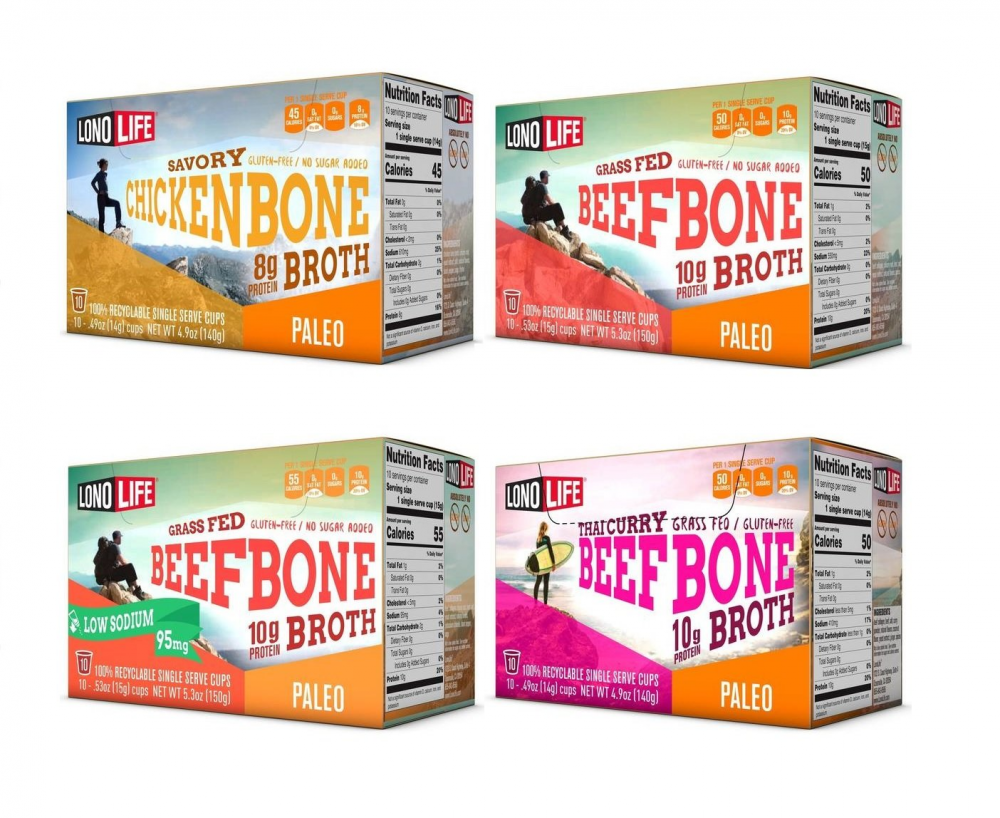
We're happy to announce we now carry the entire line of LonoLife bone broths in the BariatricPal Store!
Featuring all the benefits and great taste of slow-cooked broth, LonoLife's Bariatric and Paleo/Keto-friendly, protein-packed, and nutrient-dense bone broth keeps you fueled when you're crunched for time — at home, at the office, in a college dorm, or on the road.
Ideal for those following Bariatric, low carb, Paleo, and Keto diets, this easy-to-digest broth is packed with collagen-rich protein and fiber that provide a number of different health benefits — from improving joint health to nourishing hair, skin, and nails to improving digestive and immune systems. LonoLife makes its bone broths the old-fashioned way with the highest quality ingredients, including grass-fed, pasture-raised cattle bones and a rich, savory blend of chicory root, black pepper, sea salt, and a variety of herbs and spices that's a carefully guarded family secret.
Check them out at https://store.bariatricpal.com/collections/lonolife/product-type_bone-broth