Skip to content
View in the app

A better way to browse. Learn more.

BariatricPal

A full-screen app on your home screen with push notifications, badges and more.

To install this app on iOS and iPadOS
  1. Tap the Share icon in Safari
  2. Scroll the menu and tap Add to Home Screen.
  3. Tap Add in the top-right corner.
To install this app on Android
  1. Tap the 3-dot menu (⋮) in the top-right corner of the browser.
  2. Tap Add to Home screen or Install app.
  3. Confirm by tapping Install.

Birthday shenanigans

  • Replies 27
  • Views 2k
  • Created
  • Last Reply

Featured Replies

@Tealael Happy Birthday! Ugh, currently on my 2 week pre op diet and that looks SO GOOD! Hope you enjoy :::drooling all over my keyboard::::

Happy Birthday!! That breakfast looks so good----my favorite meal of the day.

Happy Birthday!!! (You're drivin' the bus to hell...hehe)

Happy Birthday! Bet you feel so much better this year than last!

  • Author
[mention=321469]Tealael[/mention] Happy Birthday! Ugh, currently on my 2 week pre op diet and that looks SO GOOD! Hope you enjoy :::drooling all over my keyboard::::
Thanks!

Sent from my Coolpad 3622A using BariatricPal mobile app
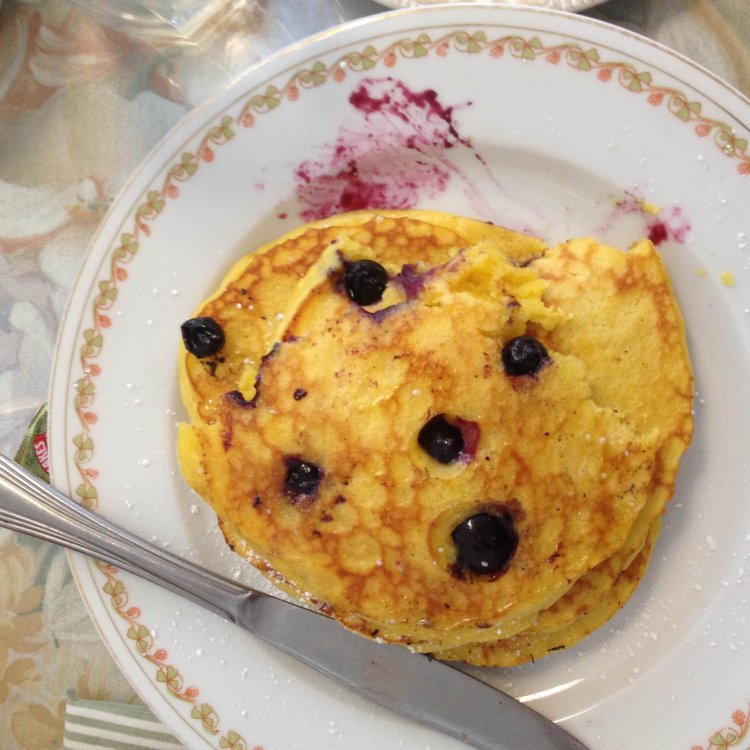
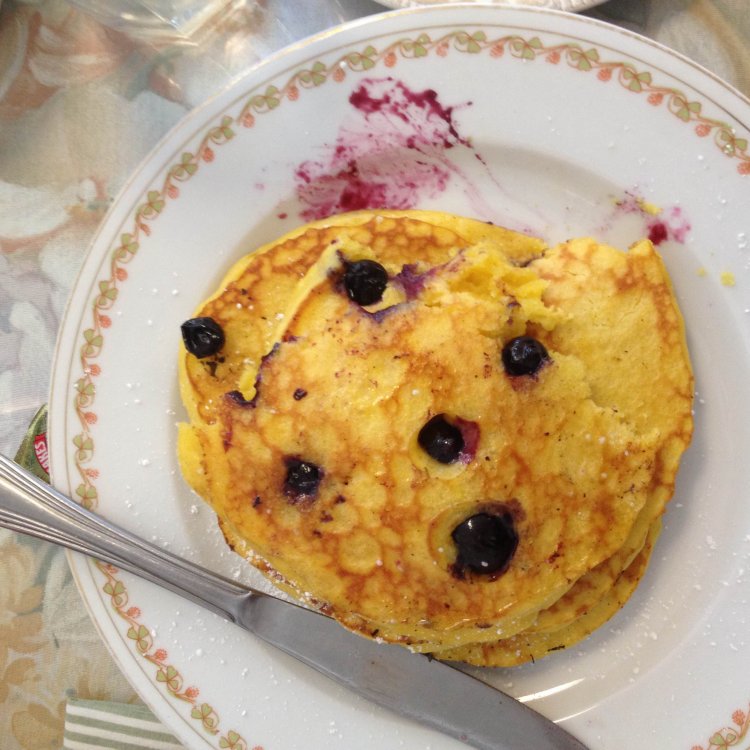
Happy Birthday, enjoy!!!

Happy Birthday, that looks delicious!

Tealael, like the old spiritual "Get On Board Little Children, There's for Many A-more"?
  • Author
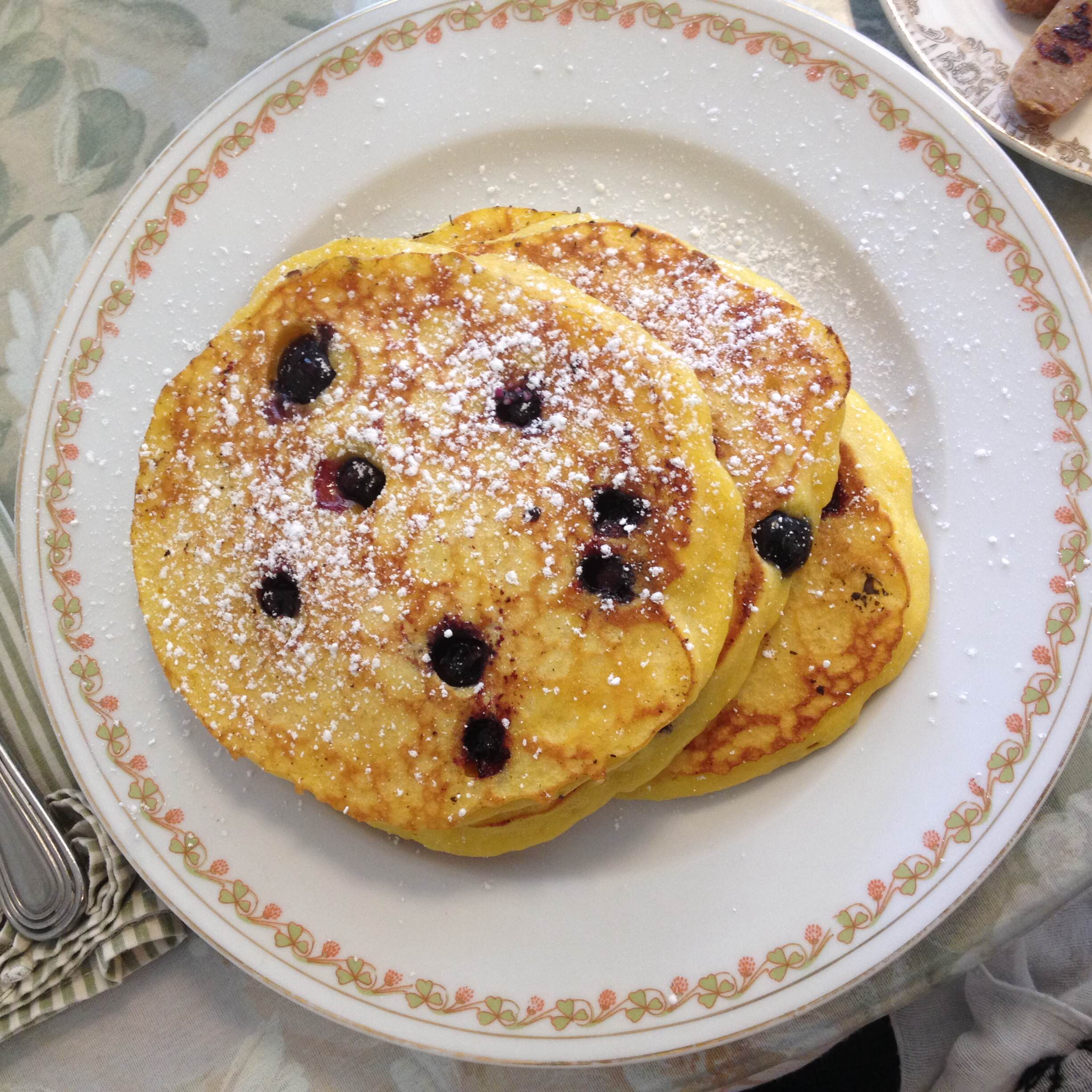
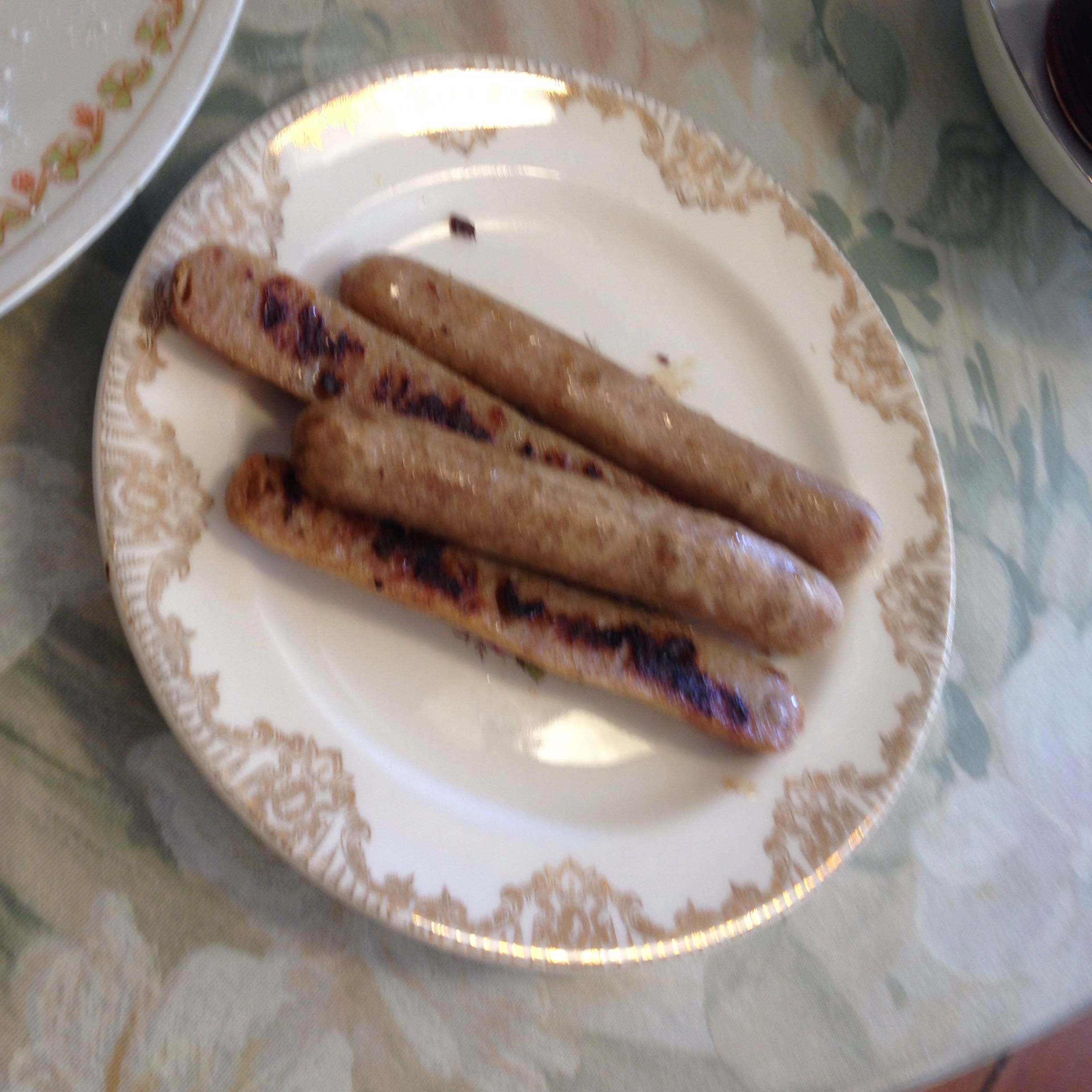
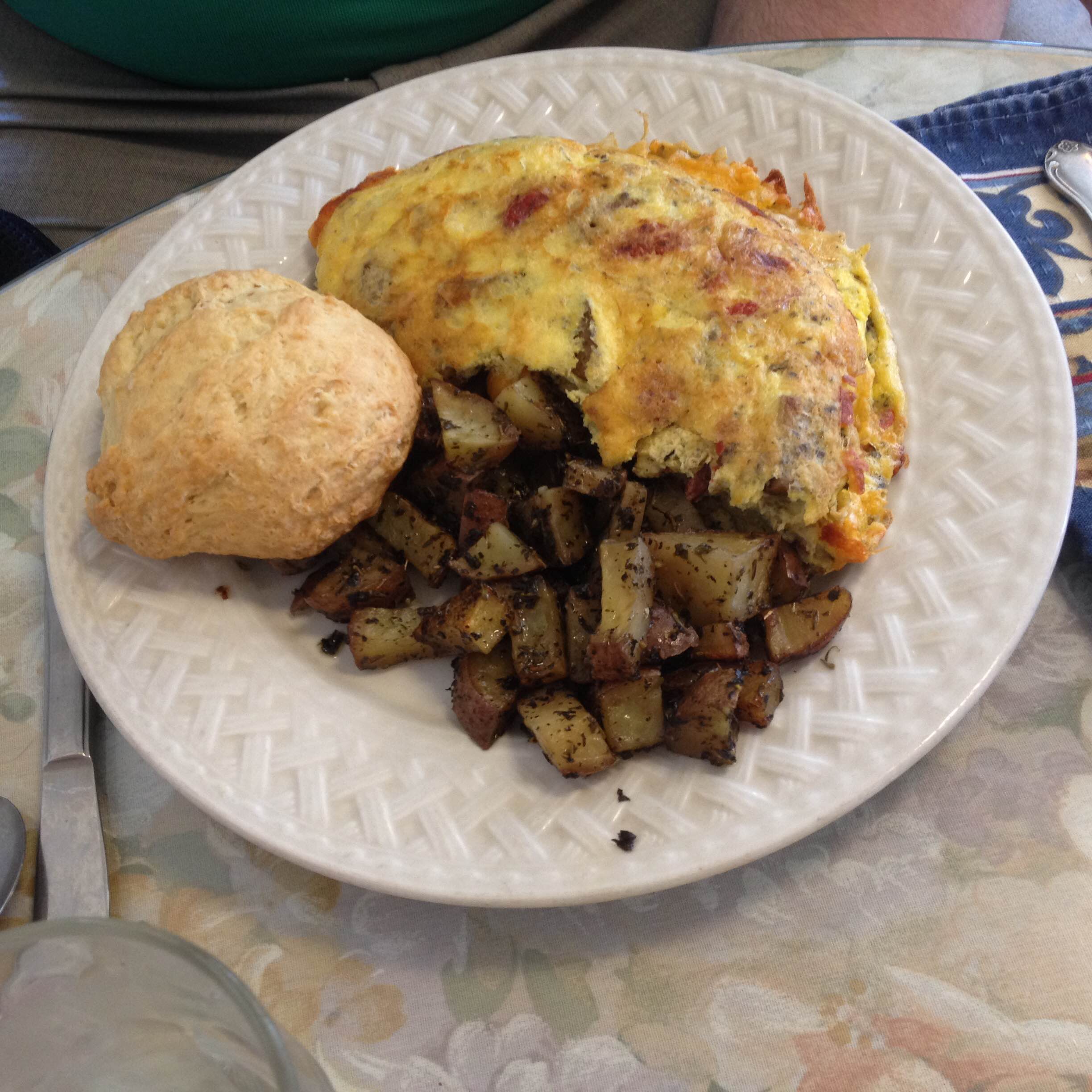
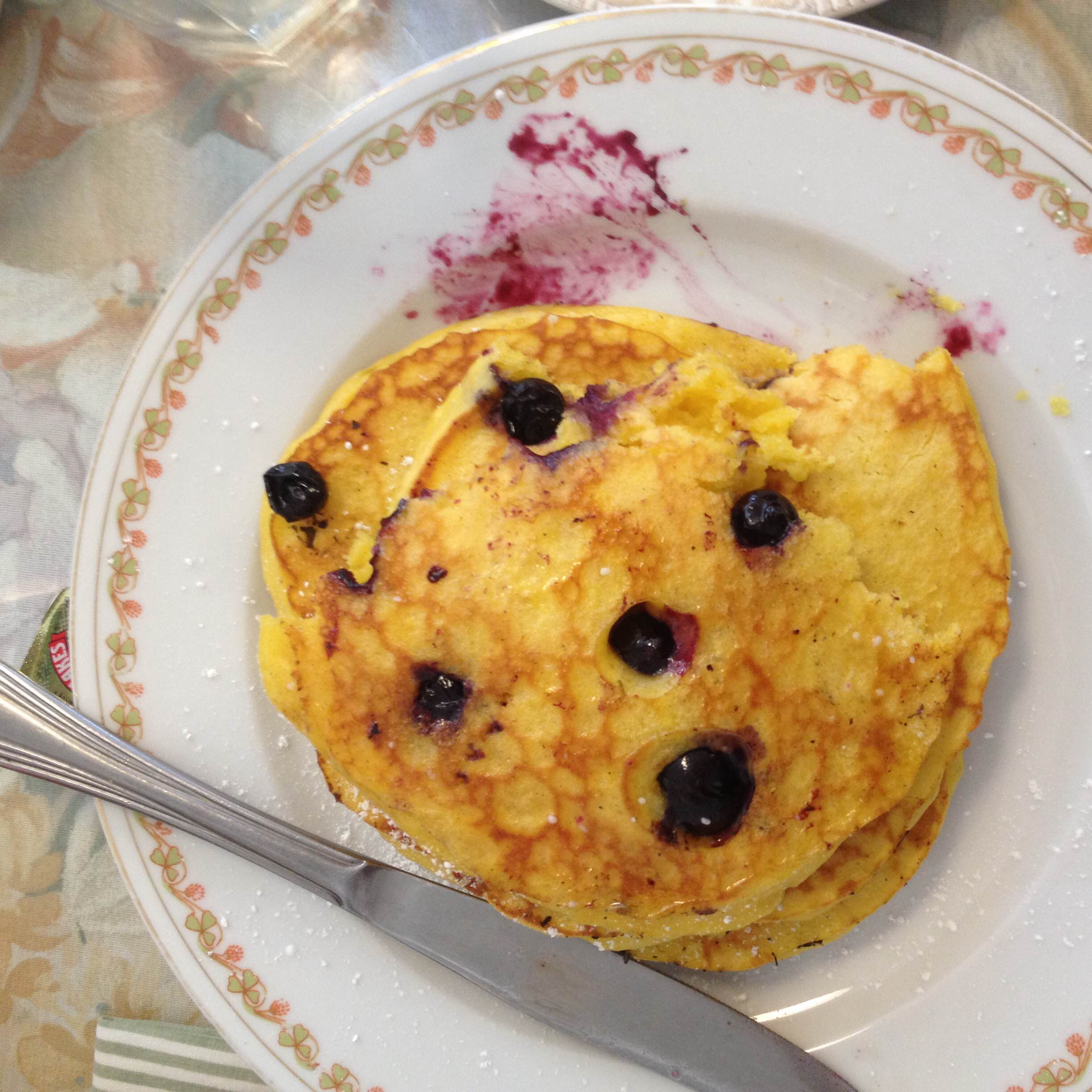
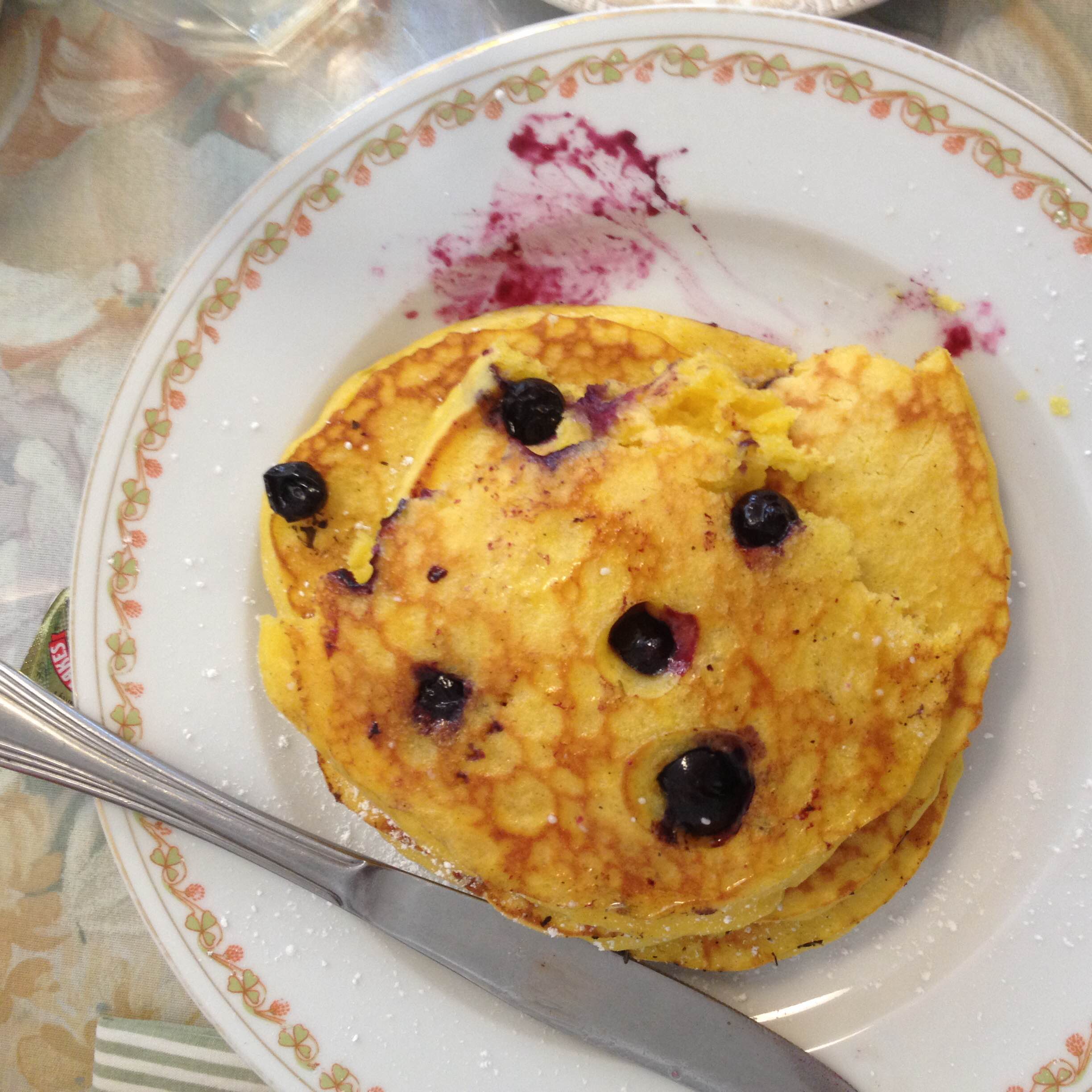
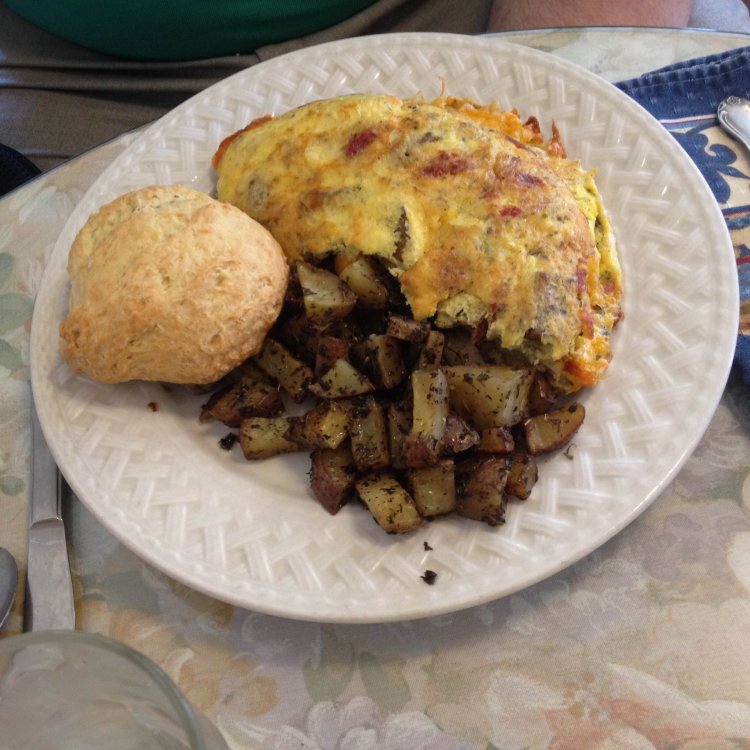
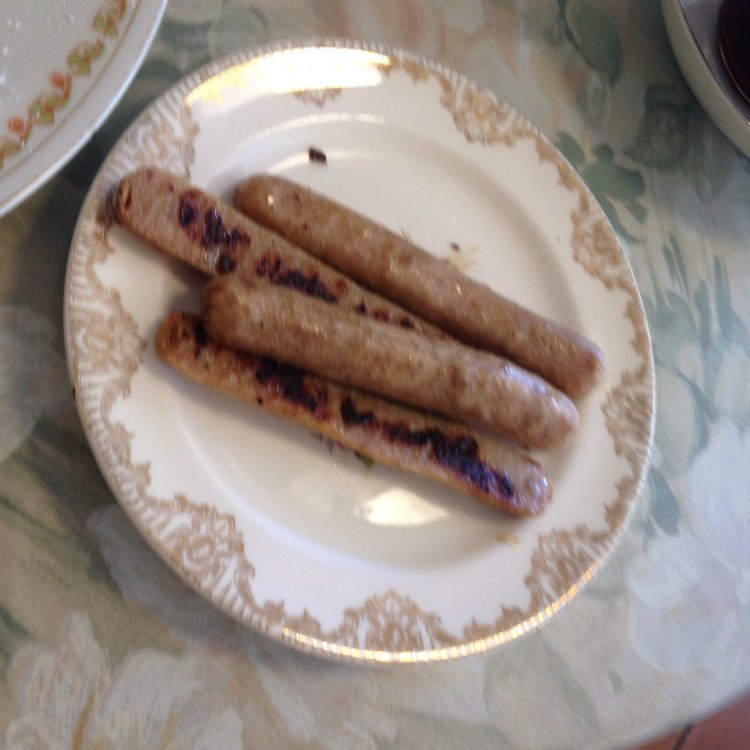
I ate all of the chicken sausage, three bites of eggs , three bites of pancake, a bite of the scone and a piece of potato
YAY VSG
1 hour ago, Tealael said:

Get in the bus!

Sent from my Coolpad 3622A using BariatricPal mobile app
Is it a magic bus by any chance?

Happy Birthday Tealeal:) :455_rosette::455_rosette::455_rosette:

Happy birthday! :399_birthday:

Happily counting down the days to my birthday so I can have a well deserved bagel!!

Archived

This topic is now archived and is closed to further replies.

Trending Products

PatchAid Vitamin Patches

Account

Navigation

Search

Search

Configure browser push notifications

Chrome (Android)
  1. Tap the lock icon next to the address bar.
  2. Tap Permissions → Notifications.
  3. Adjust your preference.
Chrome (Desktop)
  1. Click the padlock icon in the address bar.
  2. Select Site settings.
  3. Find Notifications and adjust your preference.