Start here
Where are you in your journey?
Choose the path that fits today. We’ll take you to the most useful discussions.
- GLP-1 medication Zepbound, Wegovy, access, side effects, progress, and support.
- Before surgery Compare procedures, plan ahead, and get honest pre-op answers.
- Post-op Recovery, food stages, symptoms, and support.
- Long-term Regain, labs, habits, and life after the honeymoon.
- Revision Explore revision options, complications, and next steps.
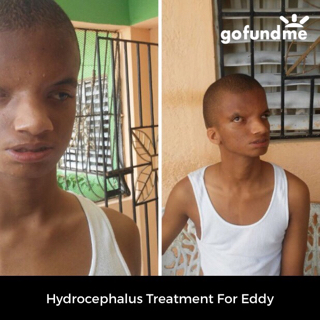
Had to pospone surgery to help my brother with his Hydrocephalus treatment back in the Dominican Republic.
- Views 373
- Created
- Last Reply
Featured Replies
Archived
This topic is now archived and is closed to further replies.
I was ready for surgery but my insurance just covert half of the surgery and I need to paid the rest. One week before my surgery my brother that lives in the Dominican Republic has Hydrocephalus and he needed to continue with his treatment but the financial needs and resources are so limited that I had to send part of the money to his treatment. This is a little bit about my brother story. Please read it and shared. God bless. https://www.gofundme.com/engel-soriano-treatment