Start here
Where are you in your journey?
Choose the path that fits today. We’ll take you to the most useful discussions.
- GLP-1 medication Zepbound, Wegovy, access, side effects, progress, and support.
- Before surgery Compare procedures, plan ahead, and get honest pre-op answers.
- Post-op Recovery, food stages, symptoms, and support.
- Long-term Regain, labs, habits, and life after the honeymoon.
- Revision Explore revision options, complications, and next steps.


Alex Brecher
Founder
-
Joined
-
Last visited
Everything posted by Alex Brecher
-
Are you experiencing this issue with new comments or only ones you've left previously please ? We're looking in to this now.
-
Your info isn't lost. You'll see your wls journey info, surgery info, as well as other missing features back online within a week or so. Sorry for the inconvenience while we undergo a little face lift.
-
We've updated the rss url's. Please see the rss feeds available in the top right corner of the site. If you'd like to see other feeds or more posts at once, please provide some feedback here.
-
The apostrophe issue has been resolved. Please contact me via PM if you need your account merged.
-
We're still working on tweaking things. Please let me know if things get better or worse.
-
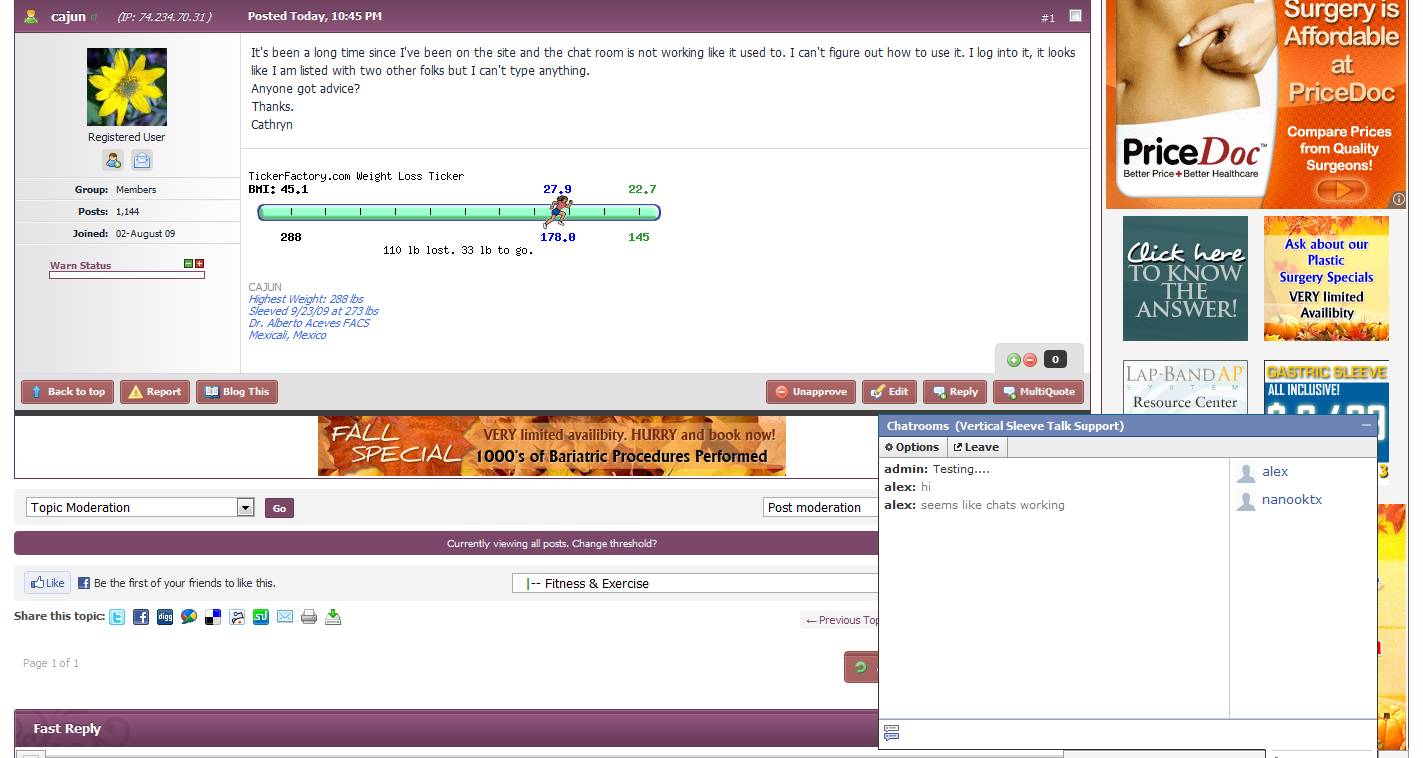
Chat is back http://www.lapbandtalk.com/index.php?app=123flashchat
-
Please PM me with your previous account info. We've come across an issue where members that had usernames containing an apostrophe can no longer log in with their username. We're working on a fix for this issue. In the interim, members with apostrophes in their usernames can log in with their EMAIL ADDRESS instead of their usernames.
-
What issues are you having ?
-
We're currently having issues with delivery of email to AOL members. We were told by AOL that this should be resolved, however it isn't. We've got a open ticket with them regarding this issue, and we're doing our best to get it resolved ASAP. Are you positive that you lost friends since we changed the layout ?
-
We're having issues with delivery of email to AOL members. We were told by AOL that this should be resolved, however it isn't. We've got a open ticket with them regarding this issue, and we're doing our best to get it resolved ASAP.
-
Please see http://www.verticalsleevetalk.com/index.php?app=core&module=usercp&tab=members&area=aboutme
-
I understand that ads (in general) are quite annoying. I personally hate them as much as you guys and gals. Our monthly cost to run, develop and maintain the web site is quite staggering. I'm going to work with our development team over the next few weeks to come up with a solution so the ads aren't as obtrusive as they currently are. The changes you currently see are only the foundation for a new LBT. We plan on rolling out many useful features and options over the next few months. Stay tuned.....
-
It's much better now....see screenshot. The site changes aren't complete. We're listening to member comments and feedback and will adjust accordingly.
-
This feature should be back (a bit improved) by the end of next week.
-
Now you can catch up with LapBandTalk even when you're on the go, with the new iPhone/iPad application. Quick access to your favorite communities Add your favorite communities to the application home screen, for quick access and automatic login. Update your status across the net The app allows you to update your status within the community, as well as Twitter & Facebook - all at once. Push notifications NEW Get notified of new topics, personal conversations and much more via Push notifications. Upload photos to Gallery Snap photos with the camera, or select others you've taken, then upload them right into your albums within Gallery. Streamlined forum view The app displays forums using our great mobile skin - specially designed for mobile devices - so you can see content quickly and easily. Easy sharing On any page in the community, you can hit the Share button to email a link to your friends and family. Plus MANY other features. We hope to have our own LBT app shortly. This one is AMAZINg and I use it myself on my iPad. GET IT HERE FREE!
-
Please see http://www.lapbandtalk.com/index.php?app=core&module=help .
-
Please PM me with your old and new info. I'll merge your accounts.
-
Allergan, the makers of Lap-Band are asking as many of the 70,000 Australians that already have a Lap-Band to tell us about their experiences with the Lap-Band. The research findings will be used to tell other Australians about the benefits of Lap-Band from an Australian consumer point of view, as well as for Allergan to learn how to improve patient outcomes. The survey will take just 15 minutes. Please click here to launch the survey.
-
Thought I share these links, it’s hot news across all media channels in Australia. Obese people pin hopes on surgery | Herald Sun Australians turning to the knife for weight loss - ABC News (Australian Broadcasting Corporation) Our new fad diet: Weight-loss surgery | Perth Now Australians turn to surgery for weight loss | Adelaide Now Weight-loss surgery ballooning: report Weight list grows for gastric banding Weight-loss surgery expanding - report | The Australian World News Australia - Weight-loss surgery ballooning: report Weight-loss surgery ballooning | Ipswich Health | Fitness and Medical News in Ipswich | Ipswich Queensland Times
-
Hi Dave, We hope to have something implemented by next week which should address the issues above. Stay tuned....
-
I just logged in and tested chat, seemed to work fine for me.

-
We were able to replicate the issue and are working to resolve it.
-
We were able to replicate the issue and are working to resolve it.
-
You can use our mobile skin on your net book.
-
Do you know what resolution your screen is set to ? Is it 800x600 ? It must be really low....we're going to fix either way.