Skip to content
View in the app

A better way to browse. Learn more.

BariatricPal

A full-screen app on your home screen with push notifications, badges and more.

To install this app on iOS and iPadOS
  1. Tap the Share icon in Safari
  2. Scroll the menu and tap Add to Home Screen.
  3. Tap Add in the top-right corner.
To install this app on Android
  1. Tap the 3-dot menu (⋮) in the top-right corner of the browser.
  2. Tap Add to Home screen or Install app.
  3. Confirm by tapping Install.

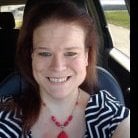
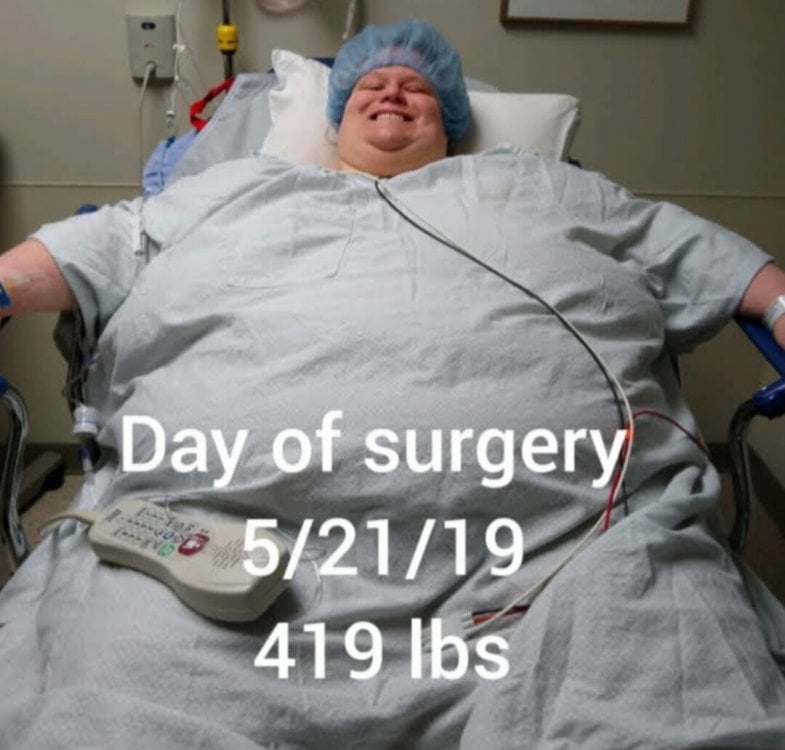
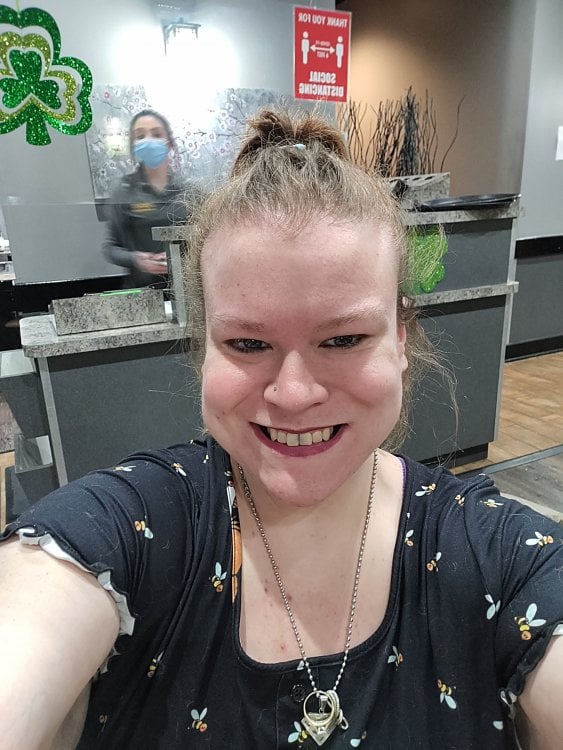
Before vs now

  • Replies 18
  • Views 5.3k
  • Created
  • Last Reply

Top Posters In This Topic

Most Popular Posts

  • victoriaciminelli111
    victoriaciminelli111

    Thank you so much it's been a long road. That's for sure

  • victoriaciminelli111
    victoriaciminelli111

    Thank you so much. I'm stagnant right now at 195 but I'm not trying... ? Eating anything and everything

Posted Images
Featured Replies

Wow! Nice work!

Awesome!!!!!

Absolutely fabulous. Amazing progress.

  • 3 weeks later...

That’s amazing. Keep up the good work.

You are such an inspiration! Amazing!
On 3/16/2021 at 9:48 AM, victoriaciminelli111 said:

Down 238 pounds. How are you all doing on your journey?

Lumii_20210221_102432940.jpg

IMG_20210313_185402.jpg

I’m so proud of you! I’m two weeks post surgery and feeling like I should be down to my goal weight... but losing very slowly. I appreciate your post. It’s a reminder to stay the course. Great job!!!

Join the conversation

You can post now and register later. If you have an account, sign in now to post with your account.

Guest
Reply to this topic...

Trending Products

PatchAid Vitamin Patches

Account

Navigation

Search

Search

Configure browser push notifications

Chrome (Android)
  1. Tap the lock icon next to the address bar.
  2. Tap Permissions → Notifications.
  3. Adjust your preference.
Chrome (Desktop)
  1. Click the padlock icon in the address bar.
  2. Select Site settings.
  3. Find Notifications and adjust your preference.