Skip to content
View in the app

A better way to browse. Learn more.

BariatricPal

A full-screen app on your home screen with push notifications, badges and more.

To install this app on iOS and iPadOS
  1. Tap the Share icon in Safari
  2. Scroll the menu and tap Add to Home Screen.
  3. Tap Add in the top-right corner.
To install this app on Android
  1. Tap the 3-dot menu (⋮) in the top-right corner of the browser.
  2. Tap Add to Home screen or Install app.
  3. Confirm by tapping Install.

Before And Continuing!!!

  • Replies 11
  • Views 1.7k
  • Created
  • Last Reply

Top Posters In This Topic

Most Popular Posts

  • Giving God praises for you Congratulations Sent from my SM-G950U using BariatricPal mobile app

  • Wow very impressive results. Congratulations on your success!

  • You are doing great! Sent from my SAMSUNG-SM-G935A using BariatricPal mobile app

Posted Images

Featured Replies

Nice work, you don't look like the same person, what a great transformation. Congratulations!!!

Wow!!!! Congratulations and well done!!!![emoji122][emoji122][emoji122]

Sent from my SM-N960U using BariatricPal mobile app

Congratulations on all your hard work! You look great! And it's refreshing to see someone praise God for their blessings [emoji120]

  • 2 months later...
On ‎9‎/‎24‎/‎2019 at 10:45 PM, RaeSlayVSG said:

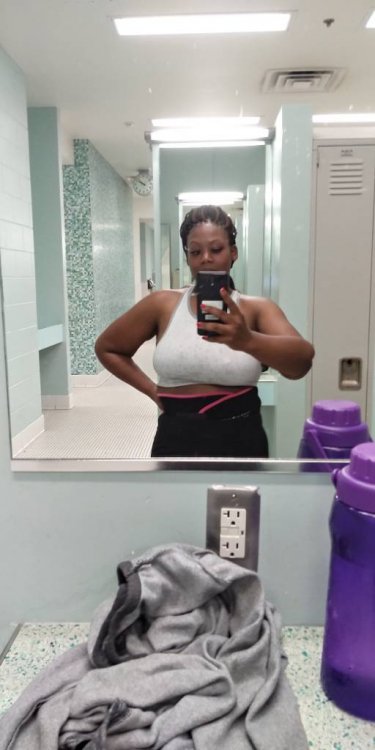
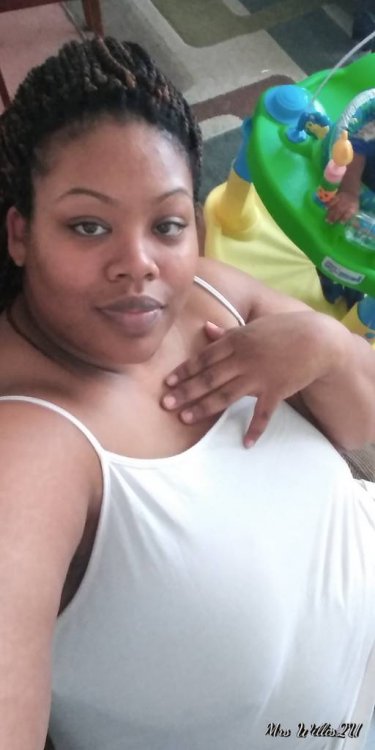
Just have to stop by and Give Glory to God for what he has brought me from and has been faithful to never leave me where I've been, Can I testify!!!20190213_095616.jpeg 20190213_151128.jpeg 20190907_182011.jpeg 20190923_140826_HDR.jpeg

Sent from my LM-Q710(FGN) using BariatricPal mobile app

yesss girl Give Him the Glory...With his AWESOME self..TGBTG

Join the conversation

You can post now and register later. If you have an account, sign in now to post with your account.

Guest
Reply to this topic...

Trending Products

PatchAid Vitamin Patches

Account

Navigation

Search

Search

Configure browser push notifications

Chrome (Android)
  1. Tap the lock icon next to the address bar.
  2. Tap Permissions → Notifications.
  3. Adjust your preference.
Chrome (Desktop)
  1. Click the padlock icon in the address bar.
  2. Select Site settings.
  3. Find Notifications and adjust your preference.