Skip to content
View in the app

A better way to browse. Learn more.

BariatricPal

A full-screen app on your home screen with push notifications, badges and more.

To install this app on iOS and iPadOS
  1. Tap the Share icon in Safari
  2. Scroll the menu and tap Add to Home Screen.
  3. Tap Add in the top-right corner.
To install this app on Android
  1. Tap the 3-dot menu (⋮) in the top-right corner of the browser.
  2. Tap Add to Home screen or Install app.
  3. Confirm by tapping Install.

Entering a new weight decade

  • Replies 10
  • Views 2.5k
  • Created
  • Last Reply

Top Posters In This Topic

Most Popular Posts

  • Orchids&Dragons
    Orchids&Dragons

    Awesome! I've never been there, but I hear it's nice this time of year ??

  • ProudGrammy
    ProudGrammy

    @MassMom life is not only good right now - its marrrrrrvelous☺️ you've lost over 100 lbs - i'm sure you are feeling healthier and happier keep up the great job - i know you will!!

  • Great Job, that's quite an accomplishment! ?

Posted Images

Featured Replies

  • Popular Post

Awesome! I've never been there, but I hear it's nice this time of year ??

Congratulations!!![emoji322][emoji322] Must feel enormously satisfying!!![emoji126][emoji122]

Sent from my SM-N960U using BariatricPal mobile app

2 hours ago, MassMom said:

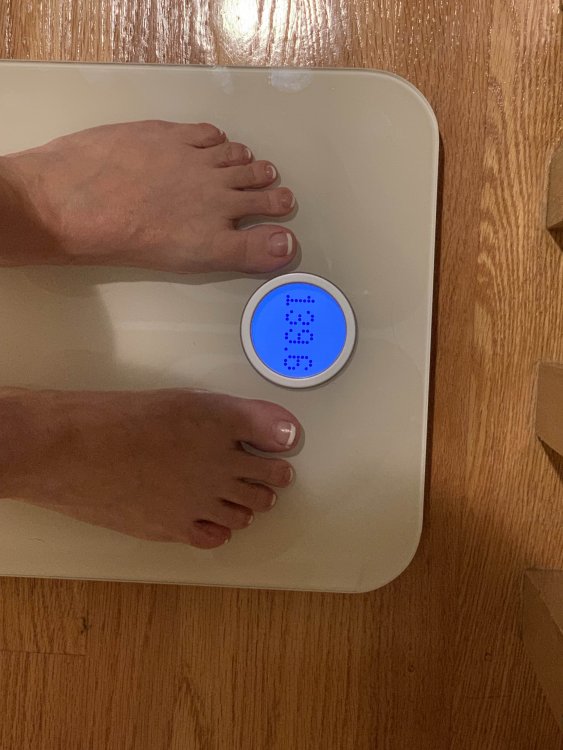
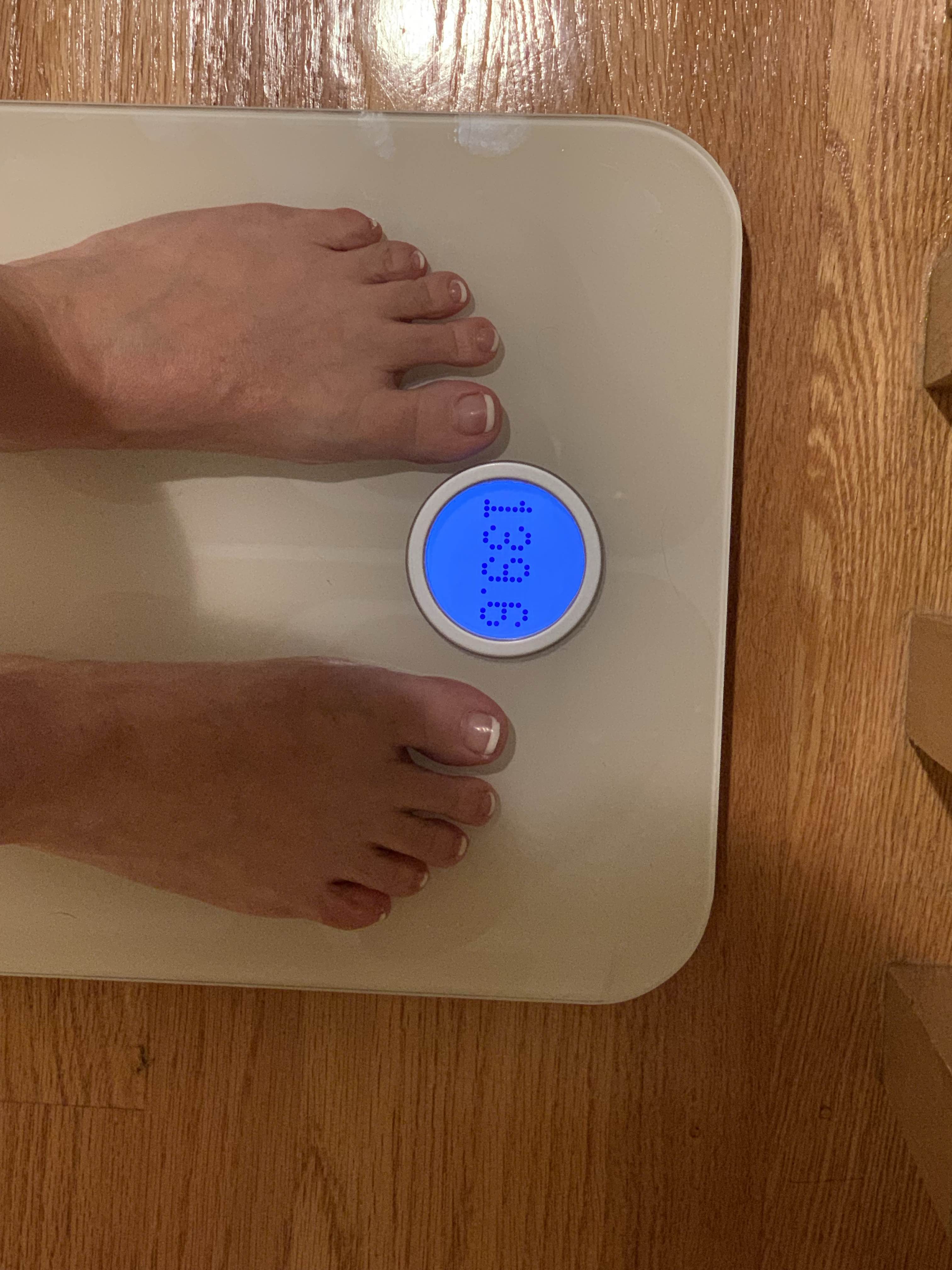
From 248 to 139.6! Still going but life is good.
@MassMom

life is not only good right now - its marrrrrrvelous☺️

you've lost over 100 lbs - i'm sure you are feeling healthier and happier

keep up the great job - i know you will!!

kathy

congrats

FABULOUS!!!??

Terrific, Life indeed is good

Congrats!!! :D❤️

Join the conversation

You can post now and register later. If you have an account, sign in now to post with your account.

Guest
Reply to this topic...

Trending Products

PatchAid Vitamin Patches

Account

Navigation

Search

Search

Configure browser push notifications

Chrome (Android)
  1. Tap the lock icon next to the address bar.
  2. Tap Permissions → Notifications.
  3. Adjust your preference.
Chrome (Desktop)
  1. Click the padlock icon in the address bar.
  2. Select Site settings.
  3. Find Notifications and adjust your preference.