



My favorite Breakfast
- Replies 1
- Views 468
- Created
- Last Reply
Top Posters In This Topic
-
Creekimp13 1 post

A better way to browse. Learn more.
A full-screen app on your home screen with push notifications, badges and more.
Join BariatricPal free
Find support for your bariatric or GLP-1 journey. Save helpful conversations and take part when you are ready.
Choose your email preferences on the registration form.
Already a member? Sign in
For over a month...it was oatmeal for breakfast. Loved my oatmeal. Still love it, but have changed gears.
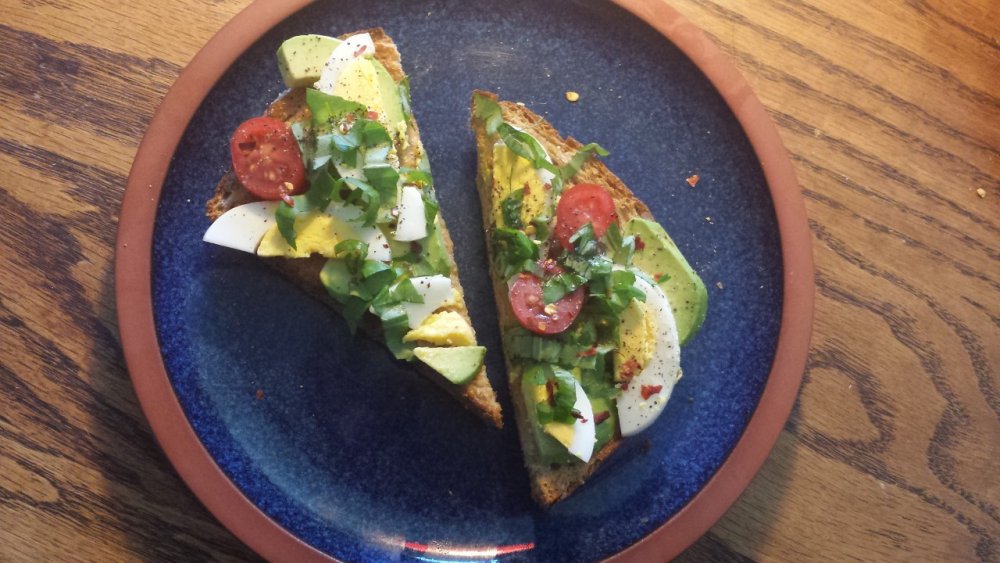
Here's my new favorite breakfast:) Avocado toast. Can be made so many ways. Sometimes I do just smashed avocado, a drizzle of olive oil, black pepper, red pepper flakes and a few sunflower seeds. Some people like a little bit of chicken, corn and black beans and taco seasoning. Any kind of avocado toast is my new thing. The bread is Brownberry Nutty Bread. Good eats!