




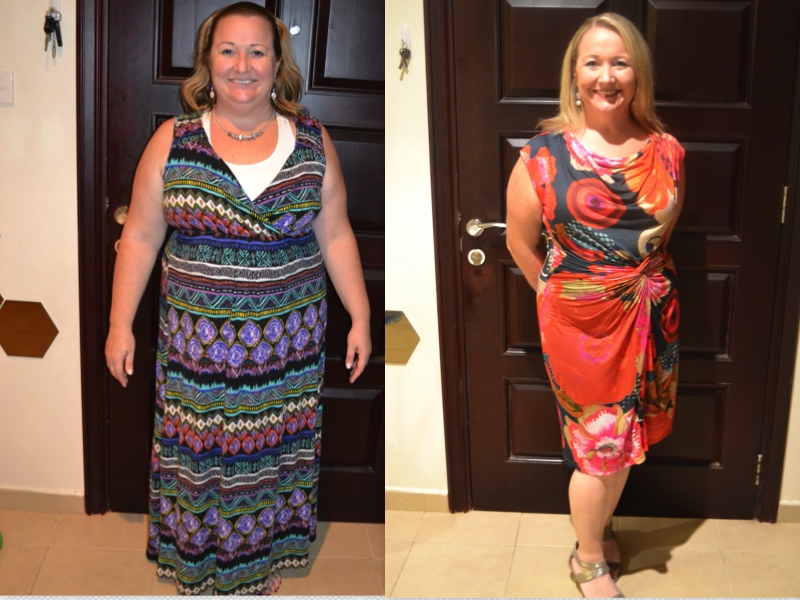
 I'm and three and half months post op and my life has changed dramatically. I'm so happy with the healthy new me. Here is my before & after pic so far (before taken the night before surgery). It is amazing how quickly things can change
three & a half months before/after pic
I'm and three and half months post op and my life has changed dramatically. I'm so happy with the healthy new me. Here is my before & after pic so far (before taken the night before surgery). It is amazing how quickly things can change
- Replies 25
- Views 2.4k
- Created
- Last Reply
Top Posters In This Topic
-
LipstickLady 4 posts
-
Madam Reverie 3 posts
-
Sassygirl06 1 post
-
StaceyG 1 post




Popular Days
Most Popular Posts
-
In American English, it is NOT NICE to call someone a twit, you barmpot.
-
Purse your lips together lady and blow! All together now.. t'wit.. t'woooooo!
Posted Images

Featured Replies
Join the conversation
You can post as a guest; create a free account to track replies, follow topics, and be part of the largest weight loss surgery community.