Start here
Where are you in your journey?
Choose the path that fits today. We’ll take you to the most useful discussions.
- GLP-1 medication Zepbound, Wegovy, access, side effects, progress, and support.
- Before surgery Compare procedures, plan ahead, and get honest pre-op answers.
- Post-op Recovery, food stages, symptoms, and support.
- Long-term Regain, labs, habits, and life after the honeymoon.
- Revision Explore revision options, complications, and next steps.
Lisa LoVuolo
Pre Op
-
Joined
-
Last visited
Everything posted by Lisa LoVuolo
-
I was diagnosed with high bad cholesterol due to my cardiologist appointment last week. Do we go l I had 2 surgeries at birth to save myself from dying.
-
I finally found Celebrate sleep with magnesium and melatonin
-
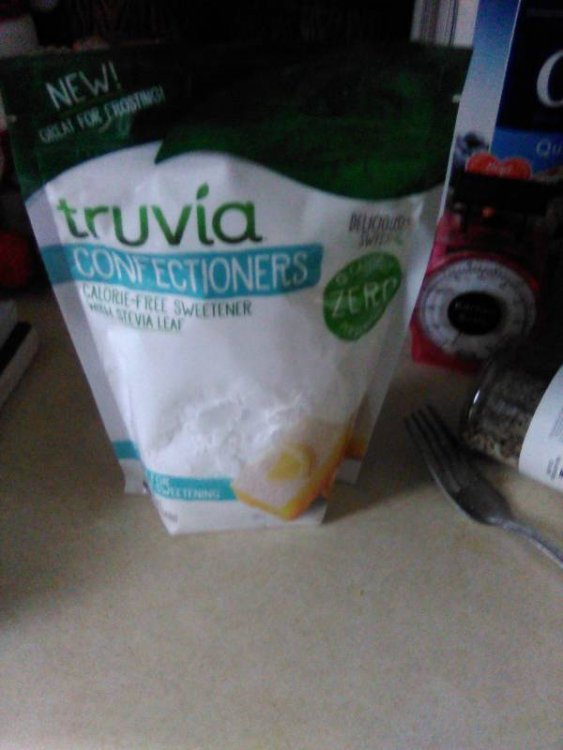
Anyone use truvia confectioner frosting
-
They are painful
-
I just found out I have kidney stones again.
-
I have kidney stones and they are very painful
-
Zofran helps me and walking helps me also.
-
I have an air frier oven
-
I still have gerd and acid reflux
-
Zofran helps me with nausea
-
Try sugar substitute for deserts
-
Who takes melatonin for sleep
-
I do protein 2o Bariatric unflavored protein powder
-
I started menopause last year.
-
We have to follow Jesus and walk walk I have plantar fascist on both feet
-
I am cold all the time but not when I am walking with my dog
-
I got mine from Walmart online
-
Thank you for the info. I tried sleepy tea caffeine free
-
What does everyone take for sleep
-
I drink sleepy tea caffeine free
-
I eat Turkey chicken green beans salads, ground beef & I burp a lot. And have lots of gas
-
My starting weight was 320lbs Currently weight 203 I limit my carbs to 2 tbsp the good carbs
-
I am following up with a nutritionist
-
I am 3 years out since March 15, 2017
-
Yes I mean after surgery