




'big' night tonight- well for me anyway

· 759 views
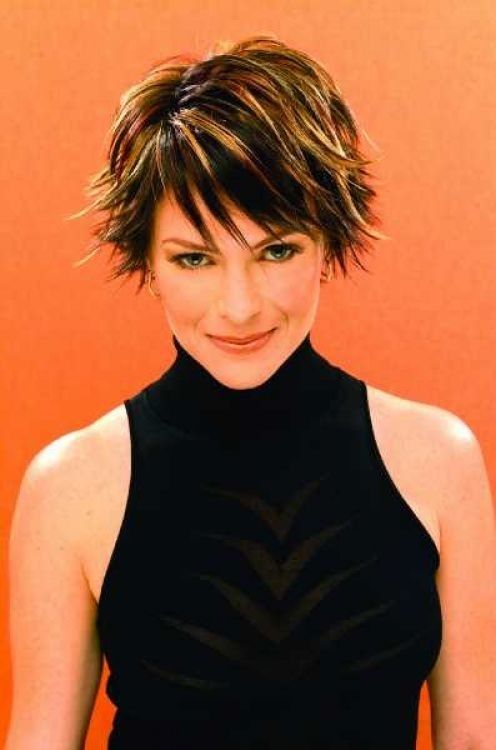 So tonight is somewhat of a big night for me. Due to my weight, I've always kept my hair long. I guess I felt I could 'hide' behind it..HAHA imagine? I kept it down to my waist. A few years ago, I got 'brave' and cut it to my shoulders. Mainly because my hair is super thick and heavy. Well I've ALWAYS wanted to have short hair. In my opinion, the less the better. Of course I'm struggling with my g/f about the length. I know it's not HER decision, but we all know we refrain from doing certain things due to our significant others. So her and I spent a couple of hours the other night going over hairstyles. We finally came up with one. So I'm doing.. i'm finally shedding some of this hair. I know to some this may not seem like a big deal, for me it's HUGE. To expose my neck, my cheeks, my face, my back. YIKES! But guess what, back fat is gone, the hump on the back of my neck I had started getting, GONE. my cheeks (they were my signature chubby cheeks) gone.. so it's safe now.. I think this is by far the 'biggest' thing i've done since surgery. The next big thing will be the tattoo I want across my back...
so here is what I came up with for hair...  i'm SOO Excited. And pray my stylist does it just right!!

Recommended Comments