Skip to content
View in the app

A better way to browse. Learn more.

BariatricPal

A full-screen app on your home screen with push notifications, badges and more.

To install this app on iOS and iPadOS
  1. Tap the Share icon in Safari
  2. Scroll the menu and tap Add to Home Screen.
  3. Tap Add in the top-right corner.
To install this app on Android
  1. Tap the 3-dot menu (⋮) in the top-right corner of the browser.
  2. Tap Add to Home screen or Install app.
  3. Confirm by tapping Install.

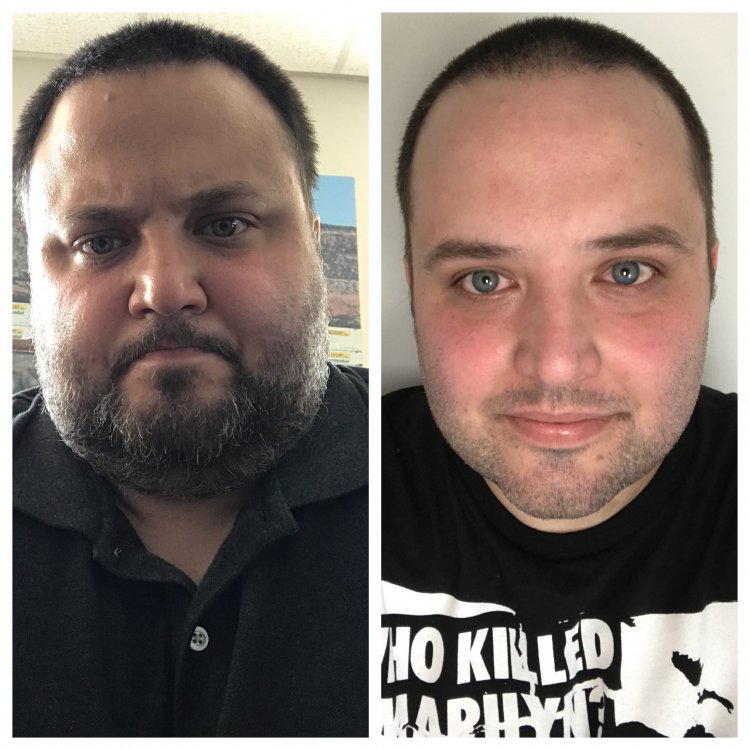
Face 2 Face Friday (ok Thursday)

Starting Weight: 333

Current Weight: 253

Surgery Date: 2/22/18

Mood: Awesome

D8061E5E-5DDF-40E6-9894-DFED24E2A173.jpeg

  • Replies 12
  • Views 1.1k
  • Created
  • Last Reply

Featured Replies

13 minutes ago, FatGuy5000 said:

Starting Weight: 333 Current Weight: 253 Mood: Awesome

@FatGuy5000

looking and feeling good:rolleyes:

can't get much better than that

keep up the good job

kathy

congrats

@FatGuy5000Your eyes are amazing! Don’t you think they stand out even more? I meant to start doing what you’re doing with weekly face pics. Did it once and it fell by the wayside. Anyway, your skin is also looking very good. I’d swear you had a facial! Keep up the grind bc you’re getting it done! FatGuy no more, now you’re ThinGuy. ?

You look ten years younger and super healthy:) Good work!

SW:316

CW:240

surgery date: 2/6/18

Edited by sstacie707

7F86F50D-54E4-457E-8AD0-26F3583B12D3.jpeg

IMG_4779.JPG

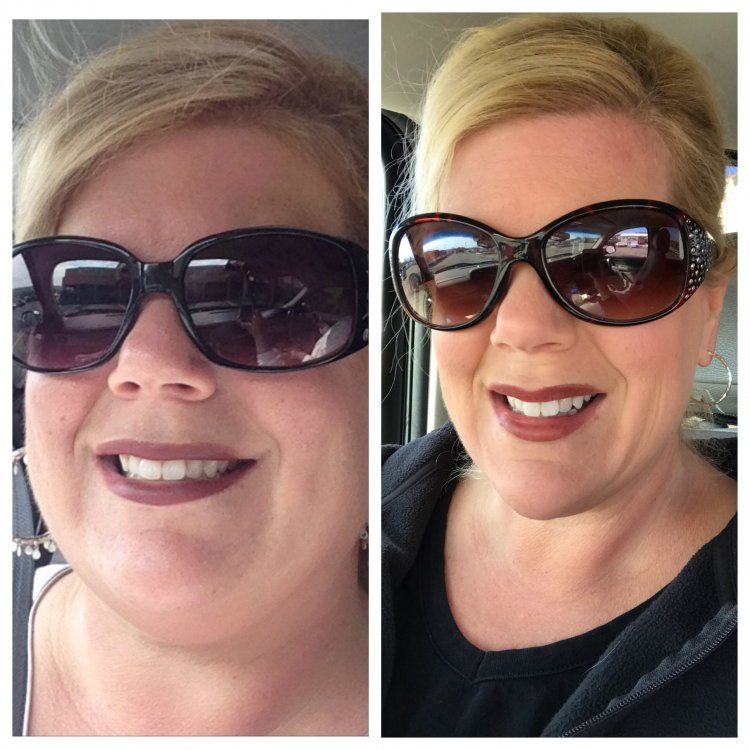
Picture on the left is the morning of surgery- 256.4 lbs- picture on the right is from a few minutes ago- 166.6 lbs


HW: 282.2 lbs
SW: 256.4 lbs
CW: 166.6 lbs

You all look amazeballs!!!! Congrats everyone!!

IMG_7169.JPGIMG_7309.JPG by


First one around 4/2/18. 292.9
Surgery day 4/17/18
SW: 282
Second picture 5/2/18 -15 days post op
CW: 268


Archived

This topic is now archived and is closed to further replies.

Trending Products

PatchAid Vitamin Patches

Account

Navigation

Search

Search

Configure browser push notifications

Chrome (Android)
  1. Tap the lock icon next to the address bar.
  2. Tap Permissions → Notifications.
  3. Adjust your preference.
Chrome (Desktop)
  1. Click the padlock icon in the address bar.
  2. Select Site settings.
  3. Find Notifications and adjust your preference.