Start here
Where are you in your journey?
Choose the path that fits today. We’ll take you to the most useful discussions.
- GLP-1 medication Zepbound, Wegovy, access, side effects, progress, and support.
- Before surgery Compare procedures, plan ahead, and get honest pre-op answers.
- Post-op Recovery, food stages, symptoms, and support.
- Long-term Regain, labs, habits, and life after the honeymoon.
- Revision Explore revision options, complications, and next steps.

PissiChrissi
Gastric Sleeve Patients
-
Joined
-
Last visited
-
-
-
-
-
-
-
-
-
-
-
-
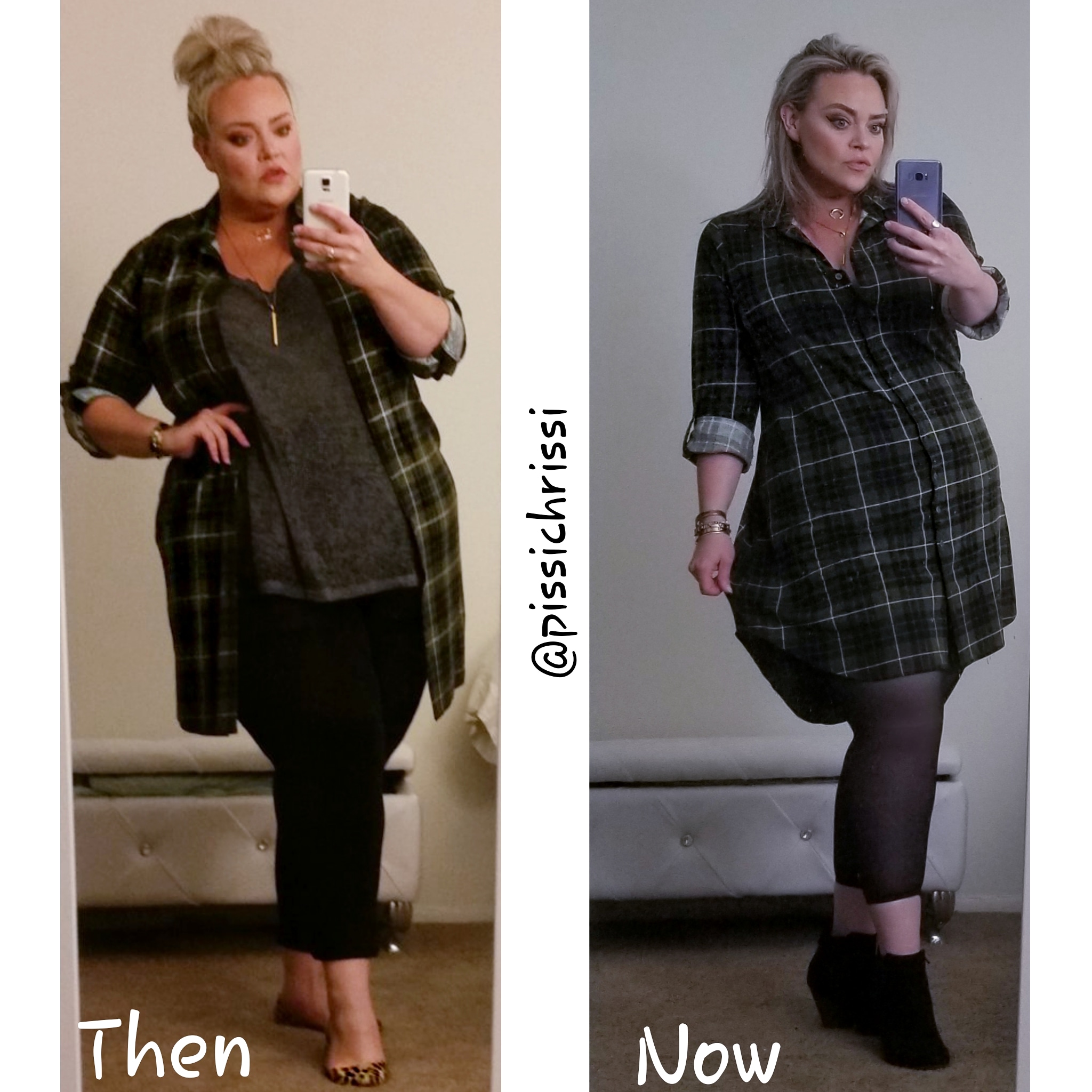
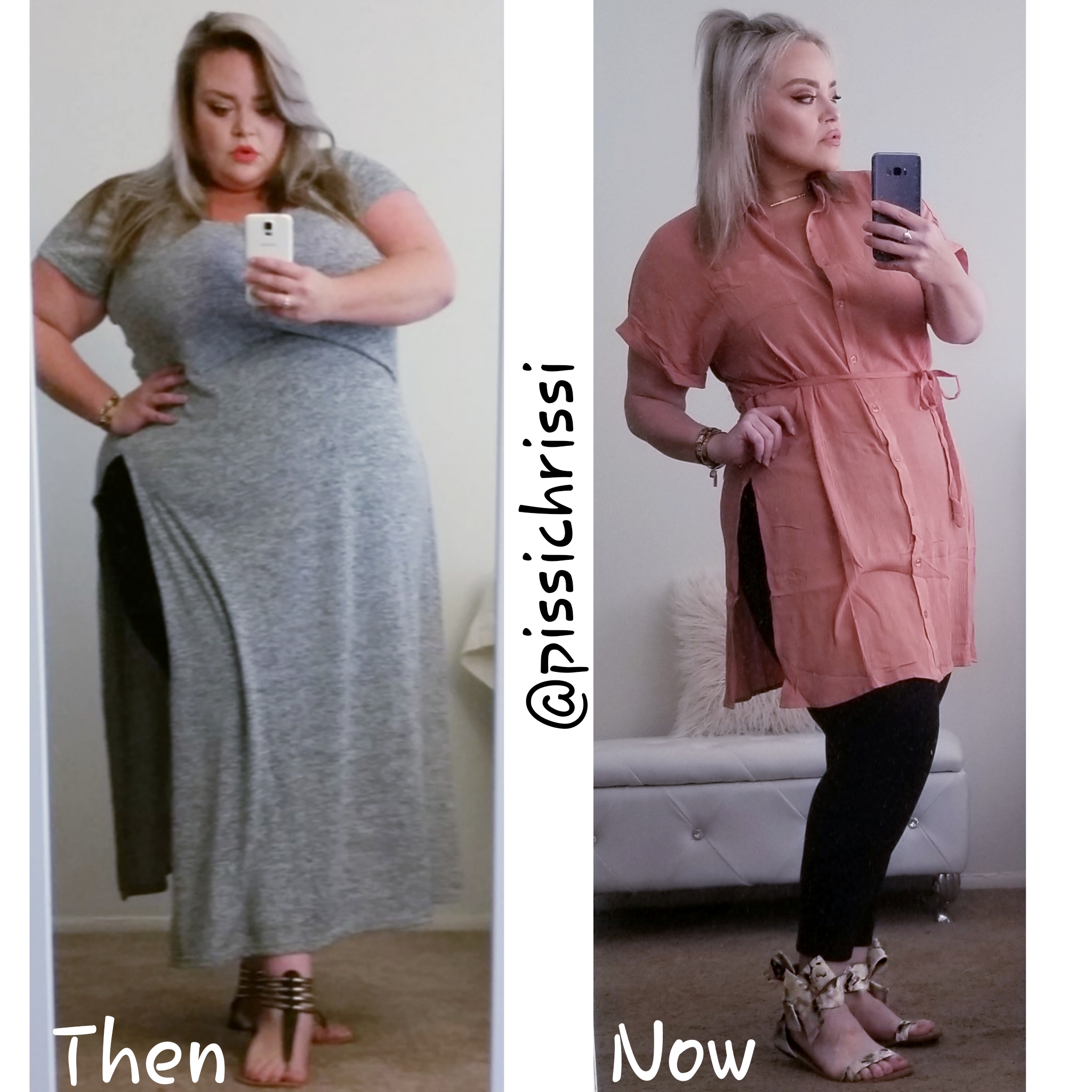
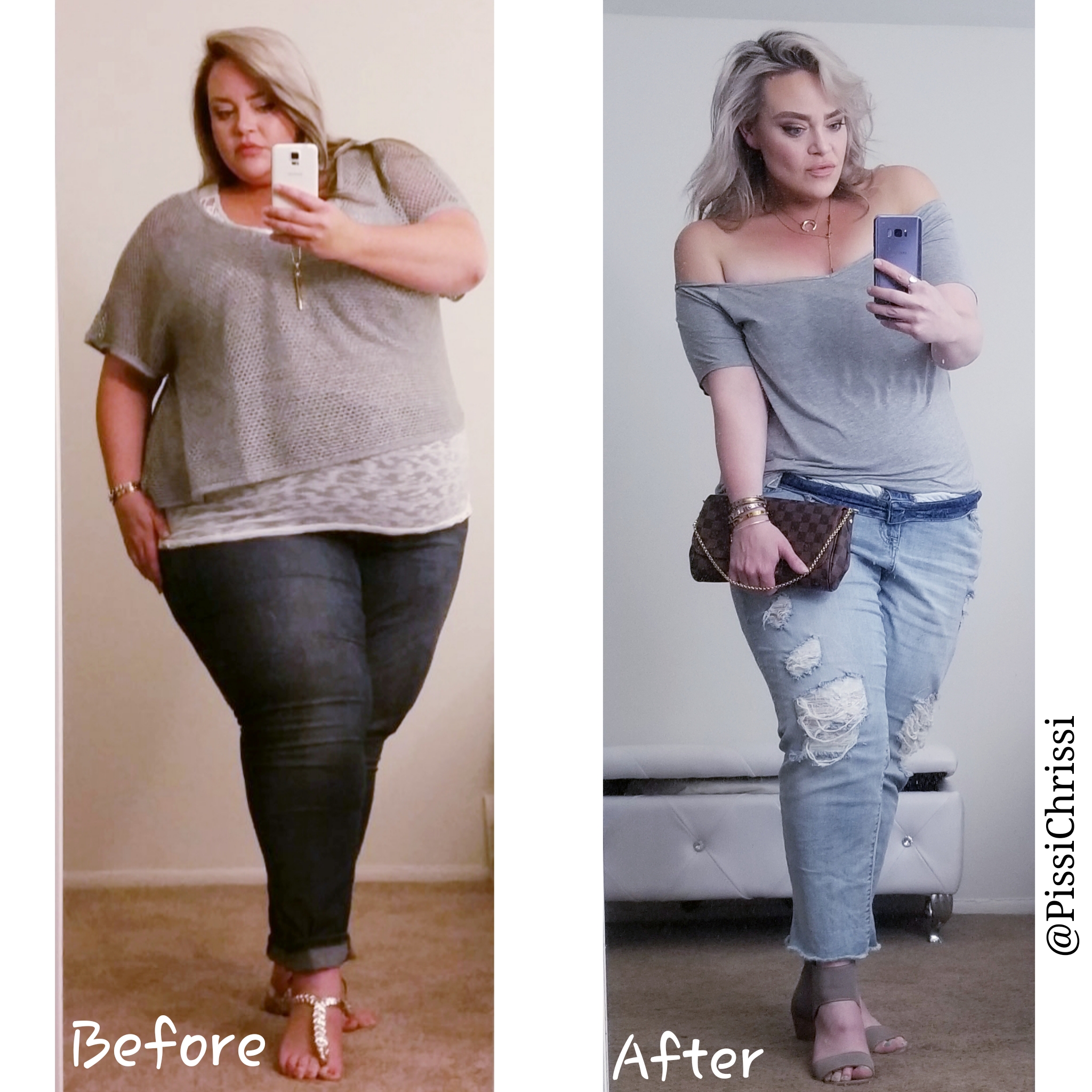
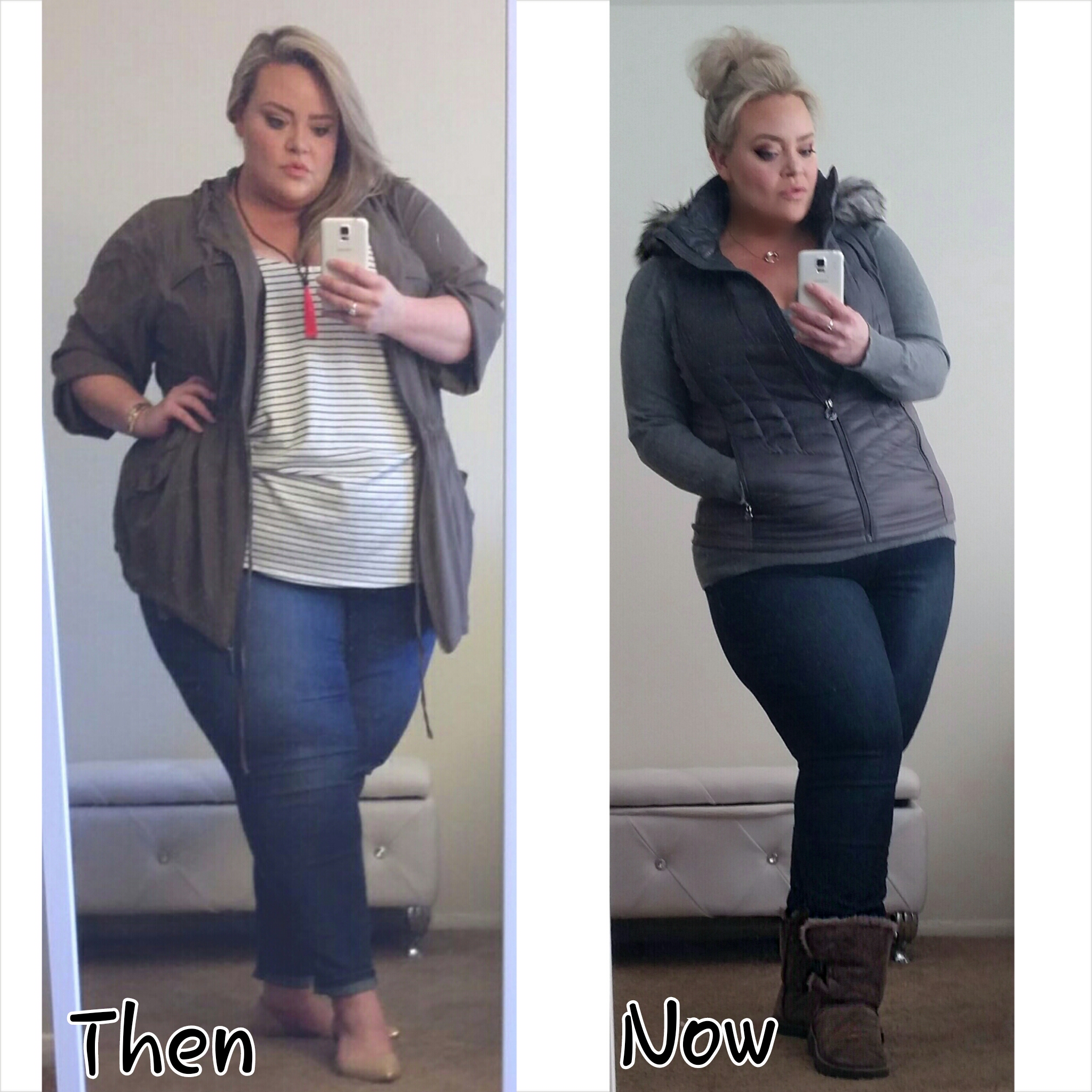
Can you guys tell this is my favorite thread [emoji13] [emoji11]Haha, thank you!!Thank you so much!!PissiChrissi changed their profile photoThank you soo much! So do you! [emoji9] [emoji4]Sorry to post more, but I love it! [emoji13] [emoji11] [emoji1]Got some new ones A couple weeks shy of 1 year post opp



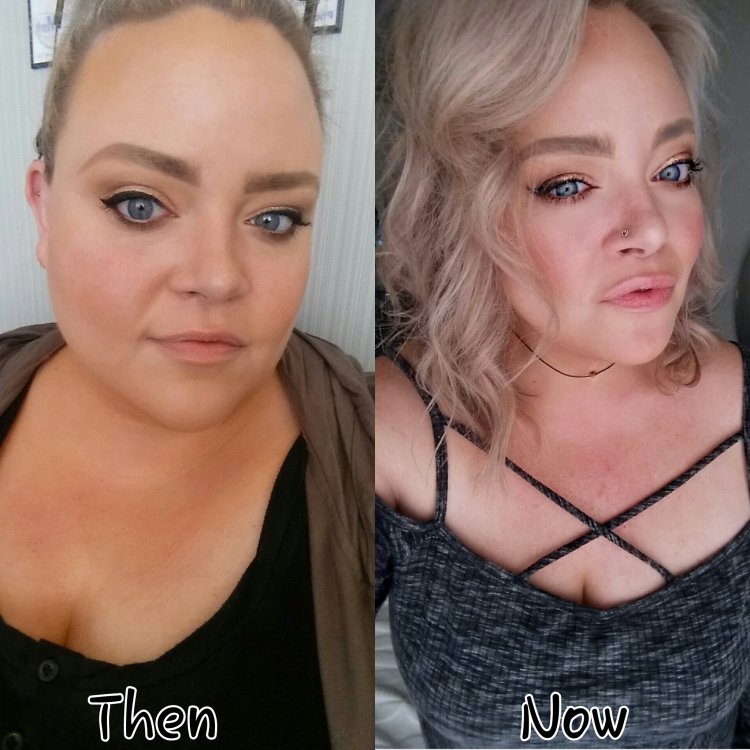 Thanks so much! How exciting for you both! Best of luck on your journeys!Thanks so much! [emoji8]style blog on insta ????9 months post opp



 I have more because I love these too much. Feel free to tell me to stop posting any time
 ????????????Lol thank you! Torrid, Lane Bryant, and Nordstrom are my go-to.Thank you so much! ????