Start here
Where are you in your journey?
Choose the path that fits today. We’ll take you to the most useful discussions.
- GLP-1 medication Zepbound, Wegovy, access, side effects, progress, and support.
- Before surgery Compare procedures, plan ahead, and get honest pre-op answers.
- Post-op Recovery, food stages, symptoms, and support.
- Long-term Regain, labs, habits, and life after the honeymoon.
- Revision Explore revision options, complications, and next steps.

Countrygrrl
Gastric Sleeve Patients
-
Joined
-
Last visited
-
Countrygrrl changed their profile photo
-
-
-
-
-
It's been 11 months 8 days.

-
-
Me and this journey
-
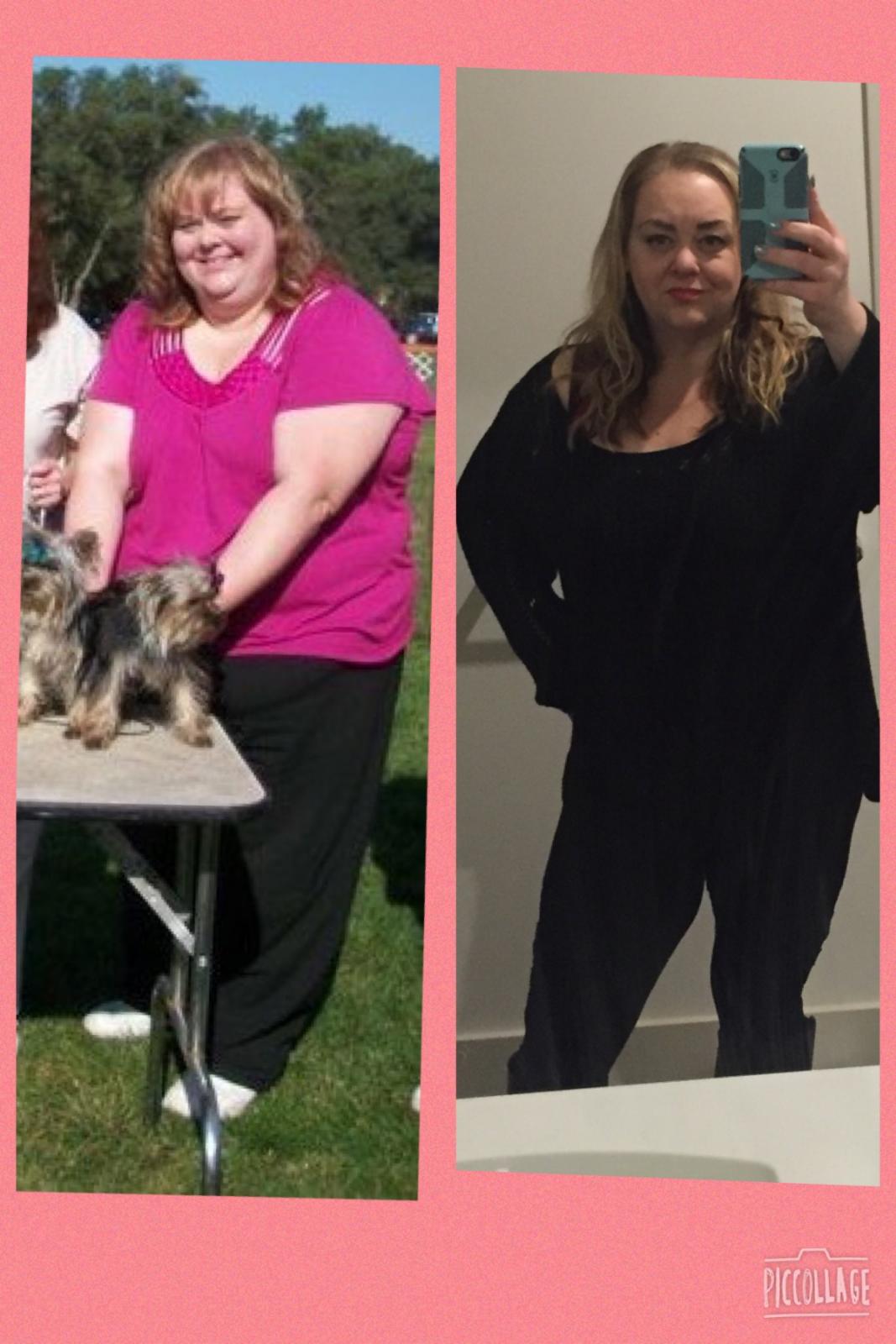
360+ lbs in 2010 314 DOS 234 lbs today It's been 7 months and I now have faith that I will see ONEderland


-
ha I'm not the only one doing dressing room pics! You look great!
-
-
-
Big mama!! You look great!!
-
ignore the dirty mirror I took a full body shot. In a friends mirror.

-
You look fabulous !! I'm right with you on some days I feel like I can eat more!!
-
my HW was over 360 lbs DOS I was 315 CW. 254 Surgery was New Year's Eve 2014


-
I show Yorkies I have way more pictures of my dogs than myself
-
I have no full body shots


-
Ok here is me at start 360+ and now at 254 halftime show ????


-
Big mama we seem to have the same time and goals. I was sleeved the 31st of December. How's it going? How much are you down. I was a size. 26 I just went a purchased a pair of 22s it felt great. I wish I was loosing more rapidly.
-
Wow what a good job!!