




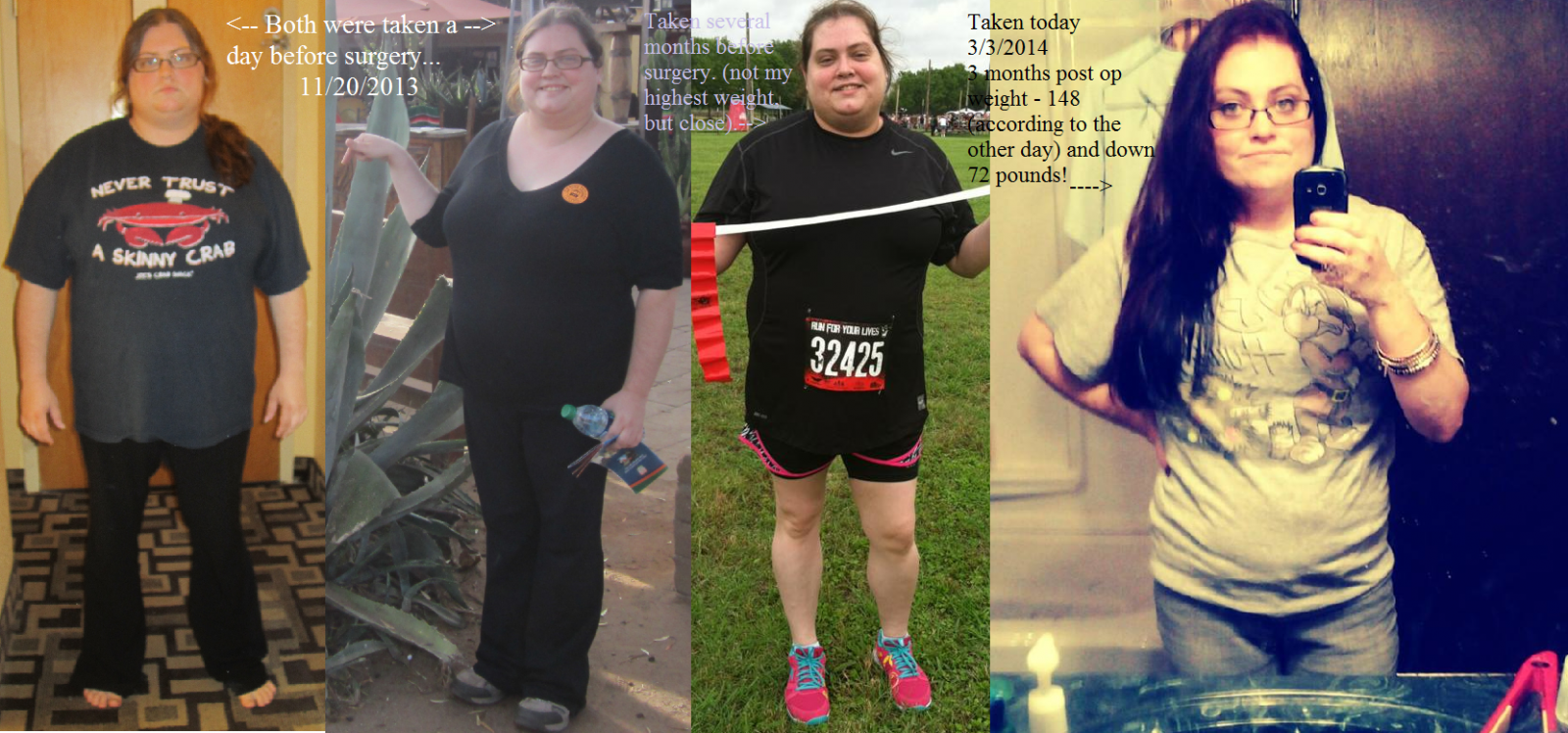





I know I know...another set of pics that you have seen, but I just love the side by sides...

By Chunky_Dunk
- 2,461 views
- View Chunky_Dunk's images
I know I know...another set of pics that you have already seen, but I just love the side by side pics...it helps me see my progress better. I hope it isn't getting annoying LOL But, before my surgery, I avoided cameras. Didn't want to "ruin" the pictures or have proof that I was the size that I was. So, it is a little hard sometimes to find pictures...especially of me at my heaviest before my surger date.
Recommended Comments
Join the conversation
You can post now and register later. If you have an account, sign in now to post with your account.